
Published: April 29, 2023 · Last updated: June 5, 2026
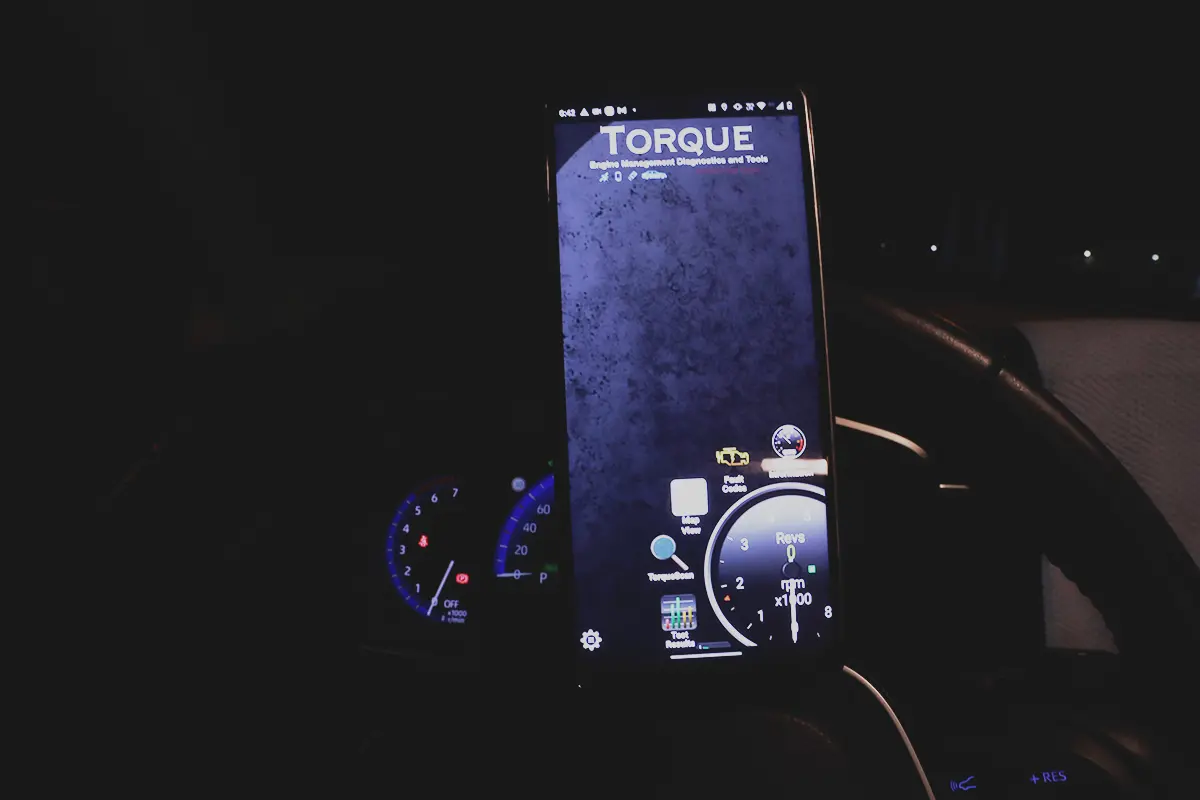
Torque Pro was the first OBD2 app I ever used, paired with a cheap adapter on an old Fiat Punto. It’s one of the most famous OBD2 apps, costs under $5 in the Play Store, and turns any ELM327 adapter into a phone-based diagnostic tool. Paired with a cheap adapter like a Veepeak, the whole setup runs about $25, which makes it one of the cheapest ways into OBD2. The catch: it’s Android only and engine-only. Read on.
I earn from qualifying purchases and sometimes get tools for free (full disclosure). It never affects my scoring.
Torque APP
The Torque APP is a popular and affordable app for basic OBD2 diagnostics.

- Customizable dashboard
- Extensive plugin support
- Affordable price
- Limited advanced diagnostics
- Requires compatible adapter
Scores
Specs
| Tool type | Standalone device |
| User level | Beginner friendly |
| Vehicle focus | All makes |
| Free updates | Lifetime |
| Subscription | Not required |
Support & resources
| Need help with tool? | Open tool support page ↗ |
| Supported languages |  |
Addons & accessories
What it’s actually good at
It’s a cheap, capable entry into phone diagnostics, and that’s its whole appeal. For under $5 plus any ELM327 adapter, you can read and clear engine codes (including resetting the check engine light), read live data and display it as graphs, with a web-lookup that searches code descriptions and fixes online. For someone starting out, a $25 total setup that does real diagnostics is hard to beat.
A couple of features stand out beyond the basics. It shows test results with the minimum and maximum acceptable values for each sensor, useful because optimal values differ car to car, so you can tell if a sensor is reading in range. It also has fully customizable performance dashboards (pick the gauges, layout and colours) and saves your driving history to integrated maps, so you can review trips, speeds and routes. The live-data graphing is the most useful part for actually diagnosing faults, watching an air-fuel ratio settle back to 14.7 after throttle, for example, tells you the oxygen sensor is working.
Where it falls short
It’s Android only, which rules out iPhone users entirely. There’s no iOS version, so if you’re on an iPhone, this isn’t an option (a Car Scanner or similar would be the route there).
Watching multiple live-data values at once is awkward, the interface makes it harder than it should be to monitor several parameters together. And it’s engine-only: it reads only the engine module, so no ABS, airbag or other systems, no bidirectional, no coding or service functions. It works like a basic engine code reader with extras. As I found, the Car Scanner app does several things better for similar money.
Who should buy this
Yes, buy it if:
- You’re on Android and want the cheapest real entry into OBD2 (app plus adapter ~$25)
- You want engine code reading, live-data graphs and a customizable dashboard for under $5
- You like the driving-history maps and per-sensor optimal-value readouts
No, look elsewhere if:
- You’re on iPhone, Torque doesn’t run on iOS
- You want the best app experience, Car Scanner does some things better
- You want full-system, bidirectional or coding, this is engine-only
Torque APP
 Car Scanner ELm OBD2 app
Torque APP
Car Scanner ELm OBD2 app
Torque APP
 Carista APP
Torque APP
Carista APP
Torque APP
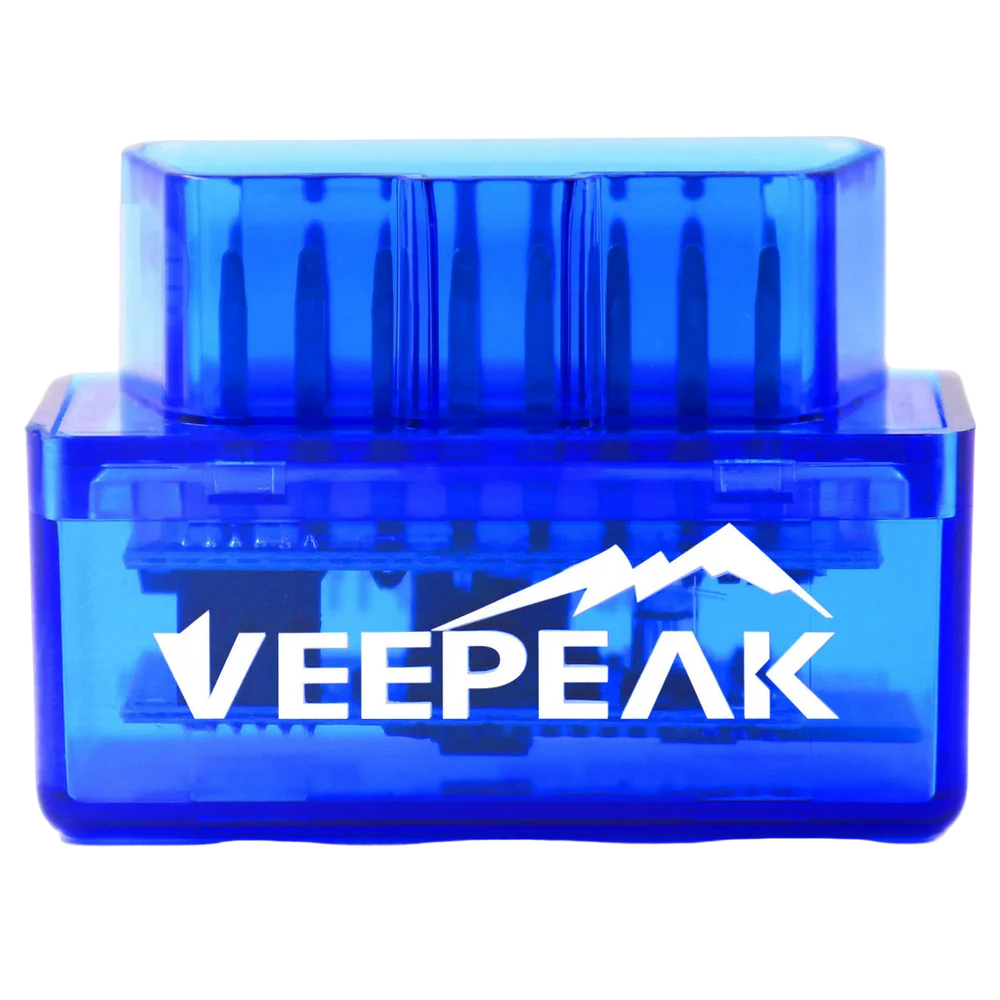 Veepeak Android
Final word
Torque Pro is a famous, cheap and capable OBD2 app: for under $5 plus an adapter it reads and clears codes, graphs live data, shows per-sensor optimal values, and maps your drives, a great first step into diagnostics for around $25 all in. The real limits are that it’s Android only, fiddly with multiple live values at once, and engine-only, and the Car Scanner app does some things better. If you’re on Android and want a low-cost way to learn OBD2, it’s a solid pick. For the best app experience or coding, look at Car Scanner or Carista.
Most popular OBD2 guides







I'm Juraj Lukacko and I work as an auto electrician. On this site I share what I learn from real work on real cars, to help you pick the right tools for diagnostics, programming and tuning and get the job done.
More about me →