Most people think an OBD2 scanner is just for reading fault codes.
That’s only a small part of what it can actually do.
Modern scanners can access multiple control modules, perform service procedures, run active tests, and even modify vehicle settings. But what you can do depends on both the scanner and the car.
In this guide, you’ll learn exactly what OBD2 scanners can do — from basic functions to advanced features used in real diagnostics.
This content is for members only.
Core OBD2 Scanner Functions
Reading Fault Codes
Reading fault codes is the most basic and most used function of any OBD2 scanner.
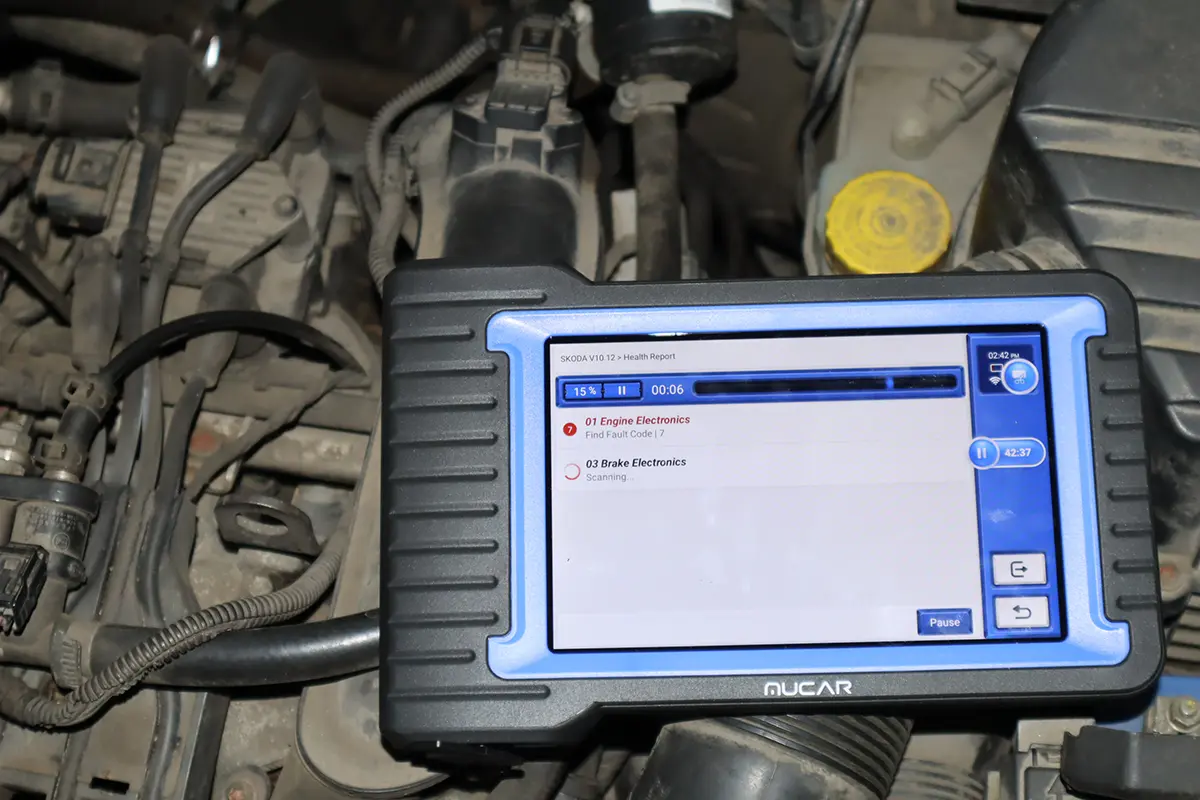
An OBD2 scanner reads stored fault codes from control modules. It does not diagnose the problem – it only tells you what the system detected.
Basic scanners → engine codes only
Advanced scanners → multiple modules
If you want to understand how to properly interpret reading fault codes, see OBD2 fault codes guide.
Clearing Fault Codes
Clearing fault codes removes stored errors and turns off the check engine light.
Basic scanners → clear engine codes
Full system scanners → clear codes from all modules
Important:
Clearing fault codes does not fix the problem — it only resets the system.
Live Data (Most Important Feature)
Live data shows real-time values from sensors and control modules.
This is one of the most powerful features for diagnostics.
Examples:
- engine RPM
- fuel trims
- sensor voltages
- air intake data
With proper understanding of live data, you can diagnose many issues without replacing parts.
If you want to learn how to use live data properly, continue with OBD2 live data guide.
Freeze Frame Data
Freeze frame data is a snapshot of vehicle data at the moment a fault code was triggered.
It may include:
engine speed
vehicle speed
load
temperature
Not all fault codes store freeze frame data, but when available, freeze frame data helps identify when the issue occurred.
Data Logging
Data logging allows you to record live data while driving.
This is useful because:
you cannot safely watch live data while driving
problems often occur under load
With data logging, you can review the data after the test drive and identify abnormal behavior.
Readiness Monitors
Readiness monitors check if emission-related systems are functioning correctly.
They monitor systems like:
- catalytic converter
- oxygen sensors
- fuel system
- misfires
If all readiness monitors are OK, the car is generally in good condition from an emissions standpoint.
This is especially useful when:
- buying a used car
- checking if faults were recently cleared
Full System Diagnostics
Full system diagnostics allows you to scan all control modules in the vehicle, not just the engine.
- Basic scanner → engine only
- 4-system scanner → engine, ABS, airbag, transmission
- Full system scanner → all modules
With full system diagnostics, you can read faults from every module, check hidden issues, and verify vehicle condition.
If you are not sure which tool supports full system diagnostics, check best OBD2 scanners guide.
Bidirectional Testing (Active Tests)
Bidirectional testing allows you to control components directly from the scanner.
Examples:
turn on cooling fan
activate fuel pump
test lights or relays
Important:
Bidirectional testing depends on the car, not just the scanner.
Even expensive tools cannot run tests that the car does not support.
ECU Coding
ECU coding allows you to change vehicle settings.
Examples:
- enable hidden features
- disable warnings
- customize behavior
With ECU coding, you are selecting from predefined options inside the car.
ECU Programming
ECU programming is advanced functionality.
It allows you to:
read ECU data
write new files
update software
With ECU programming, you can modify control module software, perform updates, or do advanced operations like chiptuning.
Service Functions
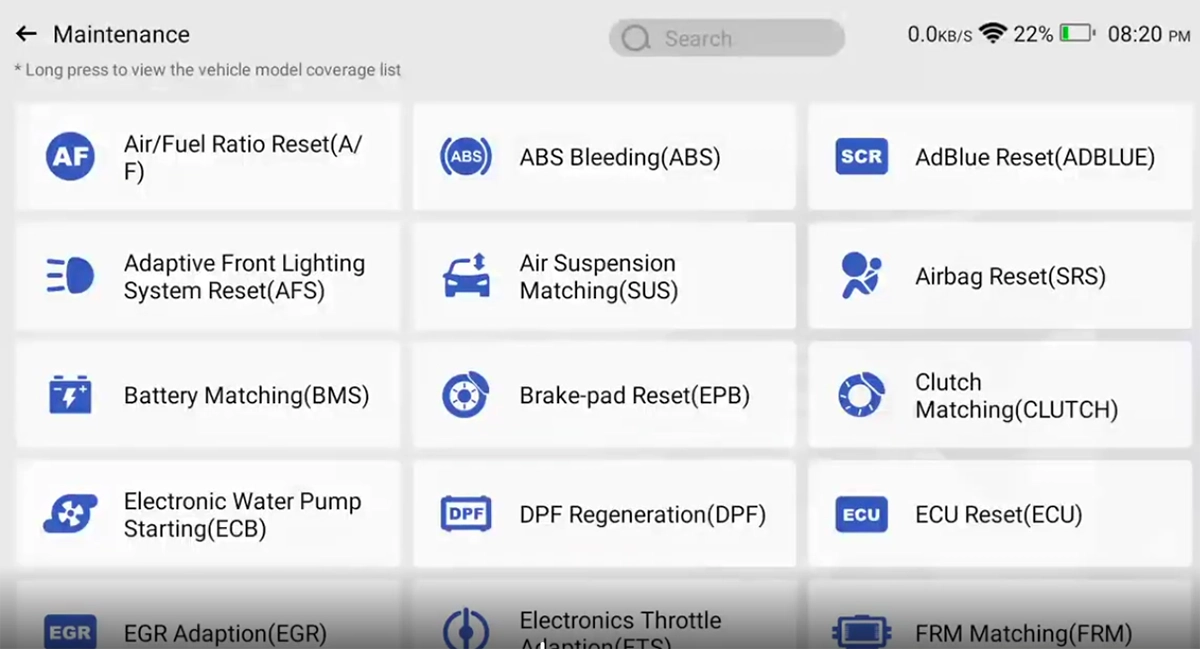
Service functions are required for many basic maintenance tasks on modern cars.
Common service functions:
- oil reset
- EPB (electronic brake) service mode
- battery registration
- DPF regeneration
With service functions, you can complete jobs that are not possible without a scanner.
To understand how service functions work in practice, see OBD2 service functions explained.
Most popular OBD2 guides