
Why disable the seatbelt warning?
Many vehicles use an audible seatbelt warning chime that activates when the driver or passenger seatbelt is not fastened. While this feature improves safety, some drivers prefer to disable the warning in specific situations such as off-road driving, diagnostics, or testing vehicle systems.
The correct way to disable the seatbelt warning is by modifying the setting in the instrument cluster or body control module using an OBD2 diagnostic scanner.
Using diagnostic coding is safer than installing a seatbelt silencer, which can trick the car into thinking the seatbelt is fastened and may interfere with airbag deployment logic.
Where is the seatbelt warning controlled?
In most vehicles the seatbelt warning system is managed by one of these control modules:
- Instrument cluster (dashboard module)
- Body control module (BCM)
- Airbag control module
The exact location depends on the vehicle brand and model.
For example:
- Volkswagen / Audi – Instrument cluster (module 17)
- BMW – KOMBI instrument cluster
- Mercedes – Instrument cluster adaptations
- Toyota – Body ECU / Customize settings
Tools required
To disable the seatbelt warning through coding you will need a diagnostic scanner that supports:
- ECU coding
- adaptations
- instrument cluster access
Popular tools include:
Vehicle specific guides
Below you can find step-by-step procedures for disabling the seatbelt warning on specific vehicles.
 Mazda CX-7 2008 Seat Belt Warning Disable with OBD2 scanner
 How to disable seatbelt warning in Toyota Corolla Hybrid 2022
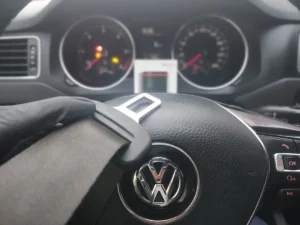 How to disable seatbelt warning in VW/Audi/Skoda/Seat
Important compatibility notes
Not all vehicles allow disabling the seatbelt warning through coding. The availability of this feature depends on:
- instrument cluster software version
- regional safety regulations
- vehicle equipment level
If the option is not available in coding or adaptations, the vehicle may not support disabling the warning.
