
XTool A30M vs Thinkdiag2: one codes hidden features, the other has no subscription

Published: July 3, 2026 · Last updated: July 3, 2026
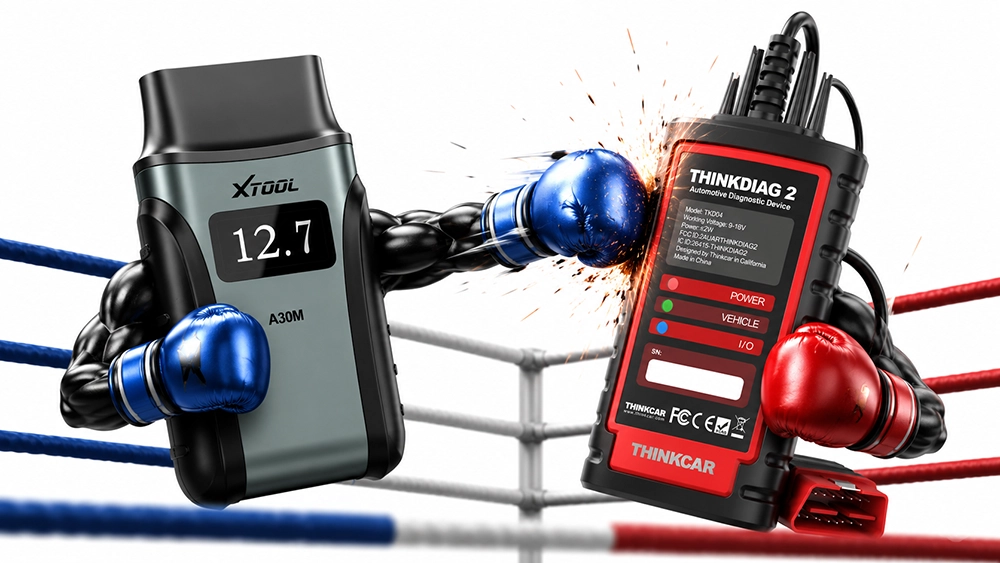
Two phone-based scanners at roughly the same price, and on paper they look like the same buy. Both do full-system diagnostics, real bidirectional tests and full live data in every module.
Neither is a tablet. Both run off your phone through a Bluetooth dongle. On the everyday diagnostic work most people actually need, they land in the same place.
The split is two things. The Thinkdiag2 does ECU coding, so it unlocks hidden features across a lot of brands, which the A30M cannot do at all. The XTool A30M carries more service functions and comes with free lifetime updates, while the Thinkdiag2 charges you a yearly subscription after the first year.
So the real decision is coding versus a longer service list and no ongoing fee.
I earn from qualifying purchases and sometimes get tools for free (full disclosure). It never affects my scoring.


The diagnostics are a tie
I’ve run both across a good number of cars and there’s nothing between them on the core work. Both connect, read and clear codes across every module, stream live data and fire bidirectional tests.
The Thinkdiag2 reached all six modules on an Alfa Romeo 147 where cheaper tools saw only the engine, and the A30M behaves the same way on awkward cars. On a used-car check or a fault chase, either one does the job.
Coverage per car can differ, and I can’t call that honestly without running both on the same hundreds of cars. What I can say is neither let me down on the cars I put them on. Treat coverage as car-dependent, not one tool beating the other.
Where the A30M pulls ahead
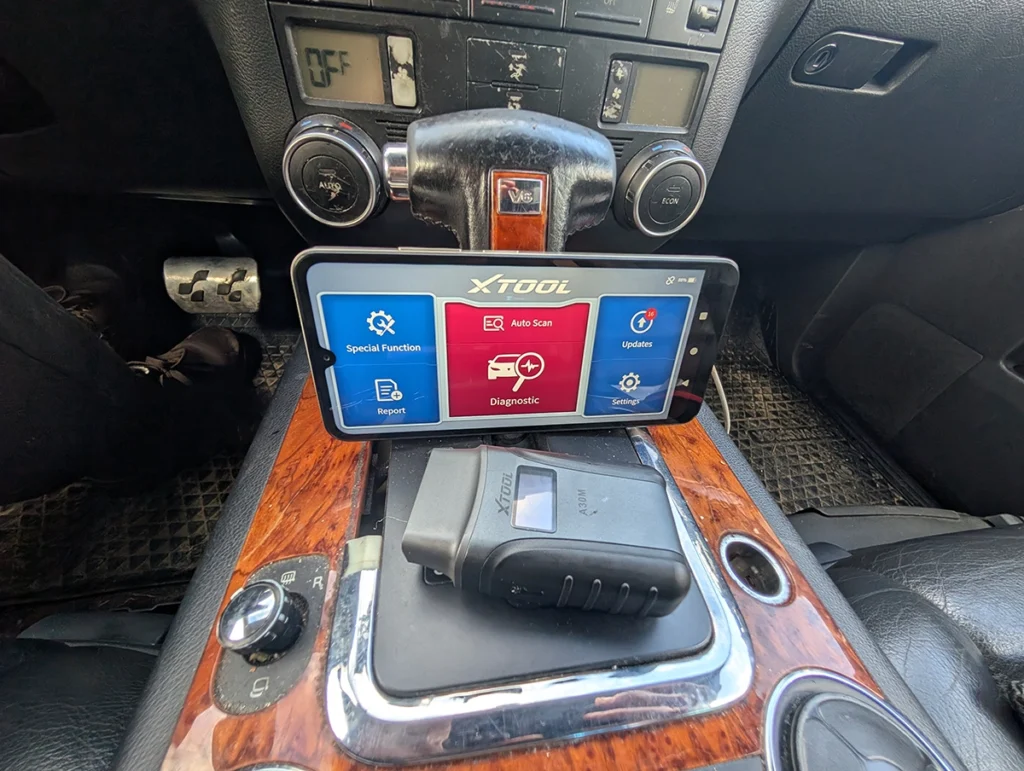
Service functions are the first gap. The A30M carries around 22 to the Thinkdiag2’s 15 or so. The overlap covers everything you touch weekly: oil, EPB, SAS, battery, throttle, ABS, DPF, gearbox, TPMS.
The extra ones are where the A30M earns its keep. A/C, GPF regeneration, headlights, suspension, tire reset, transport mode, electric water pump, crankshaft relearn and the instrument cluster function. The cluster work with mileage correction is the one I actually reach for, and having it on a dongle this cheap still surprises me.
The bigger deal is the update policy. The A30M ships with free lifetime updates and no subscription. I’ve had mine for years, it still updates over WiFi, and I’ve never paid a cent past the purchase.
That matters more than the service count for most people.
Where the Thinkdiag2 makes its case
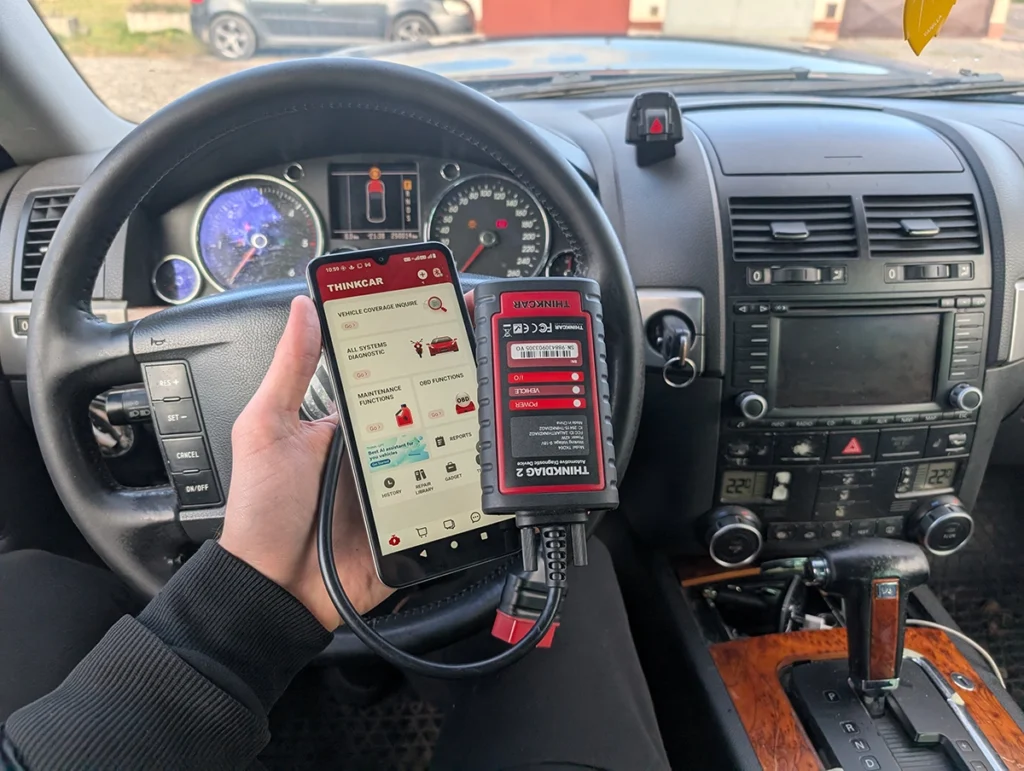
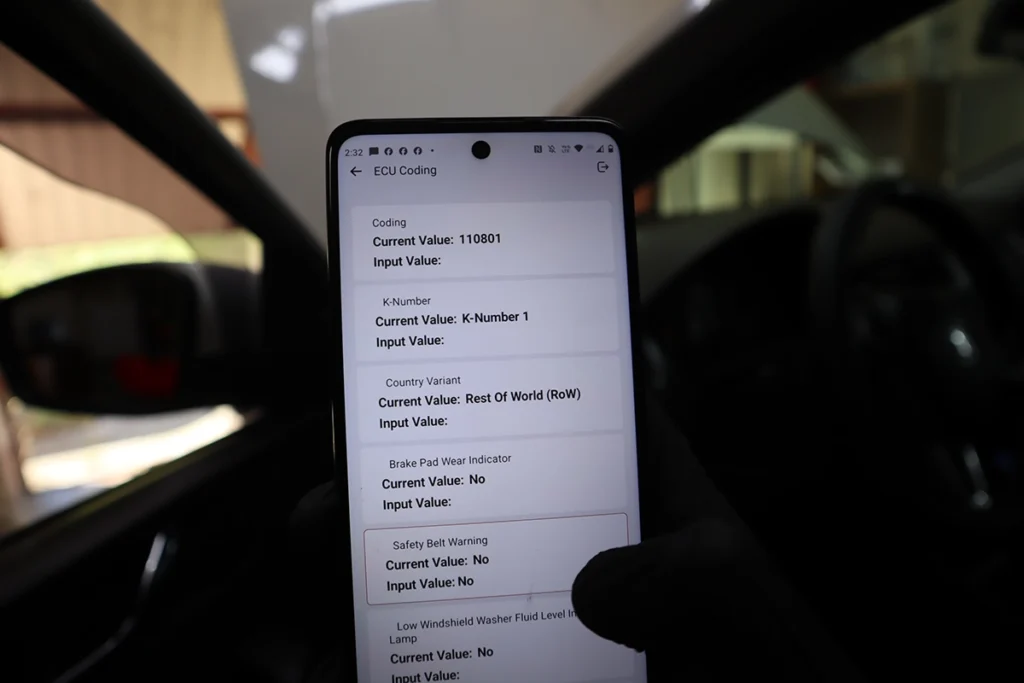
Coding is the whole reason to pick the Thinkdiag2, and it’s a real one. The A30M can diagnose, reset and run bidirectional tests all day, but it cannot recode a module or unlock a hidden feature. The Thinkdiag2 can.
On VAG cars you get long coding that feels close to VCDS. Across other brands you can get into module coding and OEM-style menus where the car allows it. I’ve changed comfort blink counts, unlocked settings and dug through adaptation channels with it on cars the A30M simply can’t touch that way.
If your interest is customizing the car, disabling annoying warnings, or enabling features the factory left off, the Thinkdiag2 is the tool between these two. The A30M isn’t in that conversation.
The subscription is the catch
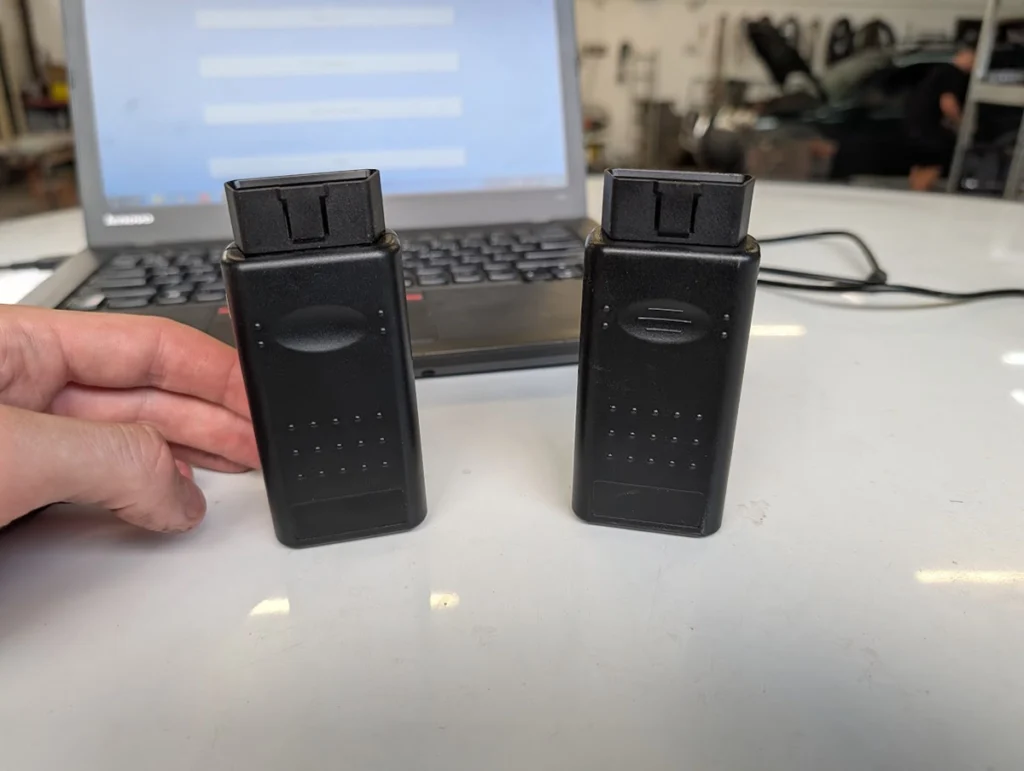
Here’s the honest cost picture. The Thinkdiag2 is around $170 and that includes the first year of software. After year one it’s roughly $100 a year to keep the full functions.
Stop paying and it drops back to basic engine work, reading and clearing engine codes and some engine data. So the real price of the Thinkdiag2 isn’t the sticker, it’s the sticker plus a hundred a year for as long as you want the coding.
The A30M is around $130 once, and that’s the end of the spending.
Which one to buy
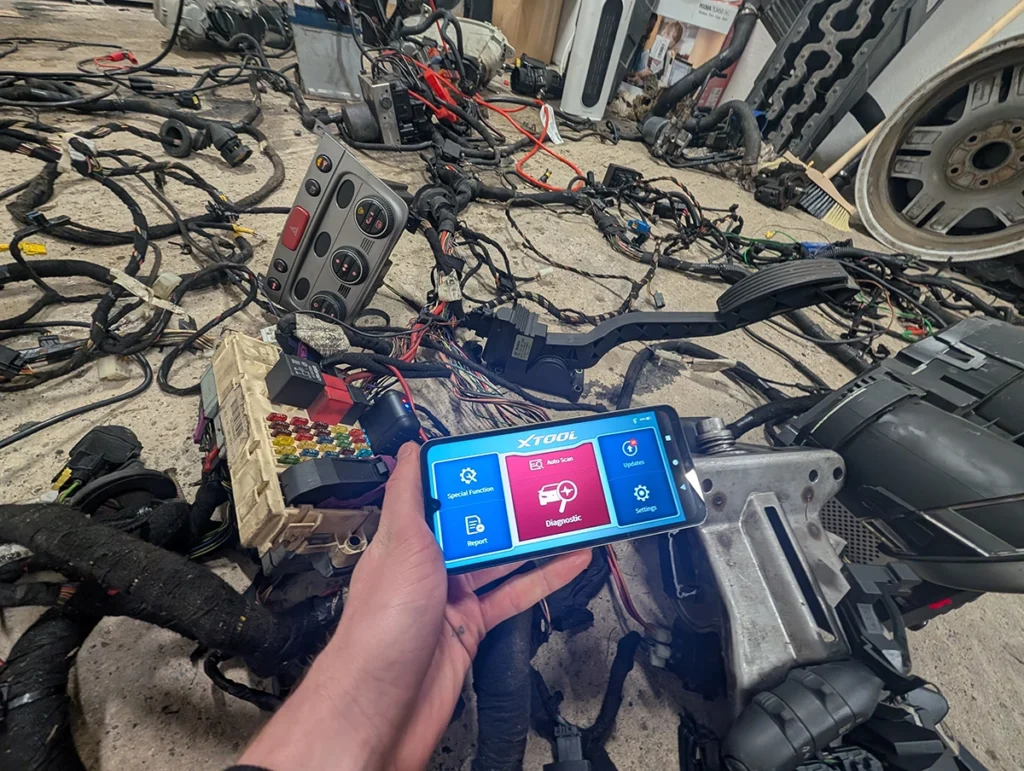
Get the XTool A30M if you don’t need coding and you hate subscriptions. You get the longer service list, the cluster and odometer work, and lifetime updates with no fee ever. For pure diagnostics and service resets on your phone, it’s one of my own go-to tools and the easier one to live with long term.
Get the Thinkdiag2 if you specifically want coding and unlocking hidden features across brands, and you’re fine paying yearly for it.
My honest advice: buy it, use the first free year hard, and find out whether you actually use the coding. If you do, after that year I’d move up to a tablet with lifetime updates that also codes, rather than paying the Thinkdiag2 subscription forever. If you get to the end of the year and realise you never really needed coding, that’s your answer too, and the A30M is the tool you should have bought.
Check more in individual reviews
→ Read full review of XTool A30M, if you lean toward the A30M and want the full breakdown of the service list and where the cluster work does and doesn’t reach.
→ Read full review of Thinkdiag2, if you lean toward the Thinkdiag2 and want the detail on coding depth and the subscription.
Final word
The A30M and the Thinkdiag2 share a diagnostic core, so this isn’t about which reads faults better. The Thinkdiag2 wins on coding, the one thing the A30M can’t do, but it locks that behind a yearly fee.
The A30M wins on service functions and lifetime updates with nothing to pay again. Coding with a subscription against more resets and no subscription, that’s the whole decision.
Most popular OBD2 guides









Responses