
Published: October 22, 2026 · Last updated: October 22, 2026
VAG EEPROM Programmer is a small, cheap Windows program that does something you normally need a bench programmer for: it reads and writes the EEPROM of older VAG control modules straight through the OBD socket. Engine ECU, instrument cluster, airbag, immobox.
No soldering, no chip clip, no module on the desk. It also reads and clears fault codes in those modules, but nobody buys it for that. The EEPROM side covers PIN codes for key programming, mileage after a cluster swap, crash data after an airbag deployment and immo work, on K-line VW, Audi, Skoda and SEAT from roughly 1996 to 2004. Which module answers depends on who made it, and that is the whole game.
I earn from qualifying purchases and sometimes get tools for free (full disclosure). It never affects my scoring.
VAG EEPROM Programmer
The VAG EEPROM Programmer is cheap Windows software that reads and writes EEPROM of older K-line VAG modules (ECU, cluster, airbag, immobox) through the OBD socket with a KKL-type cable, no soldering; which module answers depends on its manufacturer.

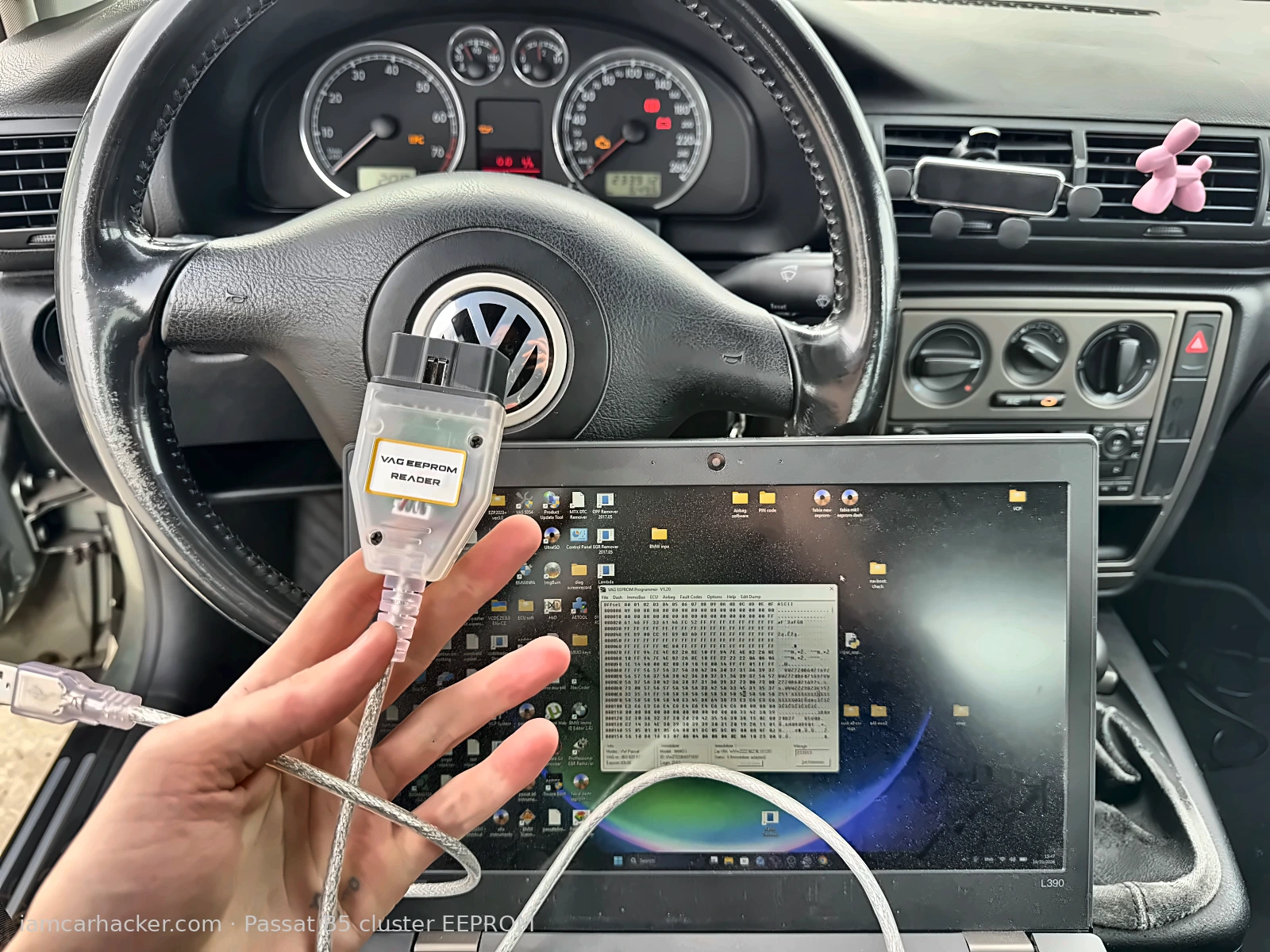
- Passat B5 cluster read and decoded in under a minute: login PIN
- Immo data
- Mileage
- No cluster removal
- K-line VAG only (roughly 1996 to 2004)
- Support depends on module brand: Bosch ECUs and clusters
- VDO clusters
- Siemens airbag are the known good cases
- Siemens and Magneti Marelli ECUs may or may not answer
Marketing vs reality
Checked in my workshopGood to know before you buy
- Works only on K-line VAG modules, CAN cars (Golf 5, Passat B6 and newer) are not supported
- Decoding is a bonus, on some modules the software only saves a raw dump
- A raw dump can still be decoded by an online service such as Dumphacker
- Mileage change does not need a decoded file, the value is typed into the software and written back
- Needs a K-line cable: I use a dedicated white AliExpress cable labelled for VAG EEPROM, users also report it working with FTDI-based KKL VAG-COM cables
- Windows only
Service functions (5+)
Scores
Specs
| Tool type | Standalone device |
| User level | Professional |
| Vehicle focus | vw, audi, skoda, seat around 1996-2004 |
| System focus | immo, cluster, ecu, airbag |
| Free updates | Not included |
| Subscription | Not required |
| App & platforms | VAG EEPROM Programmer · Windows |
Support & resources
| Supported languages |     |
What it’s actually good at
The whole point is skipping the chip. To get a PIN or correct mileage on an old VW cluster you normally pull the cluster, open it, find the EEPROM and read it on the bench. Here the module stays in the car, the program talks to it over the K-line and you get the same binary file.
What you do with that file is up to you. For a supported module the program decodes the useful parts on its own: login PIN, immobilizer data, mileage, VIN. For a module it reads but can’t decode, you still have the dump, and a dump is the hard part. I upload those to Dumphacker and get the PIN back. For a mileage change I don’t even need the decode, I type the new value into the program and write it back.
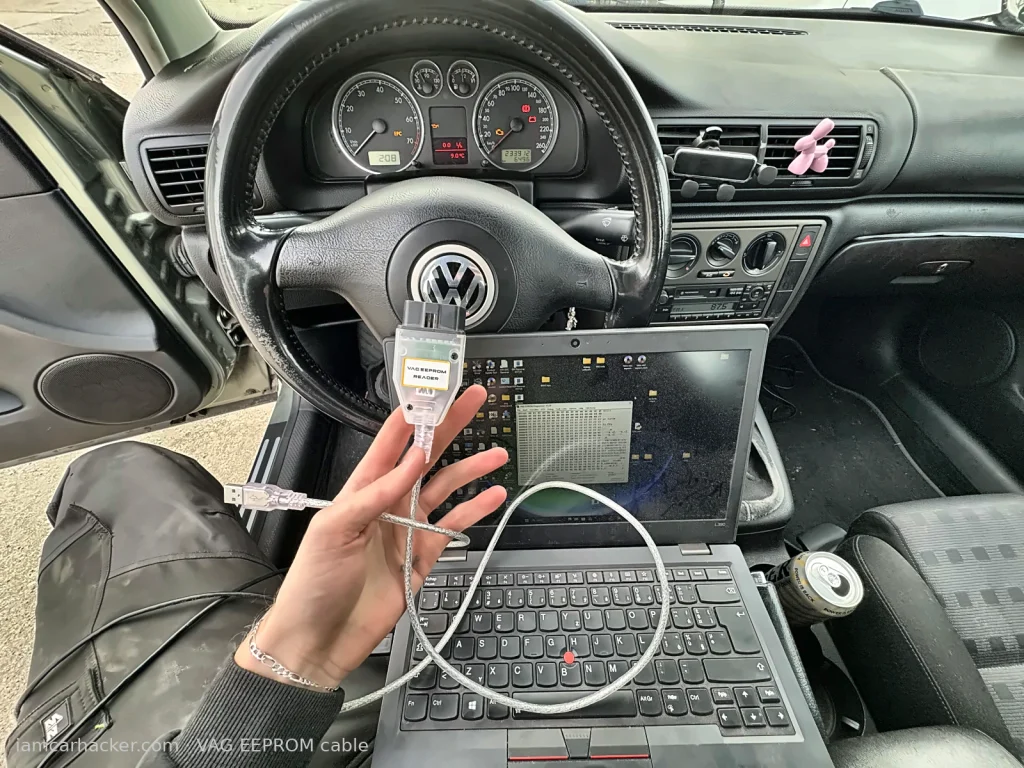
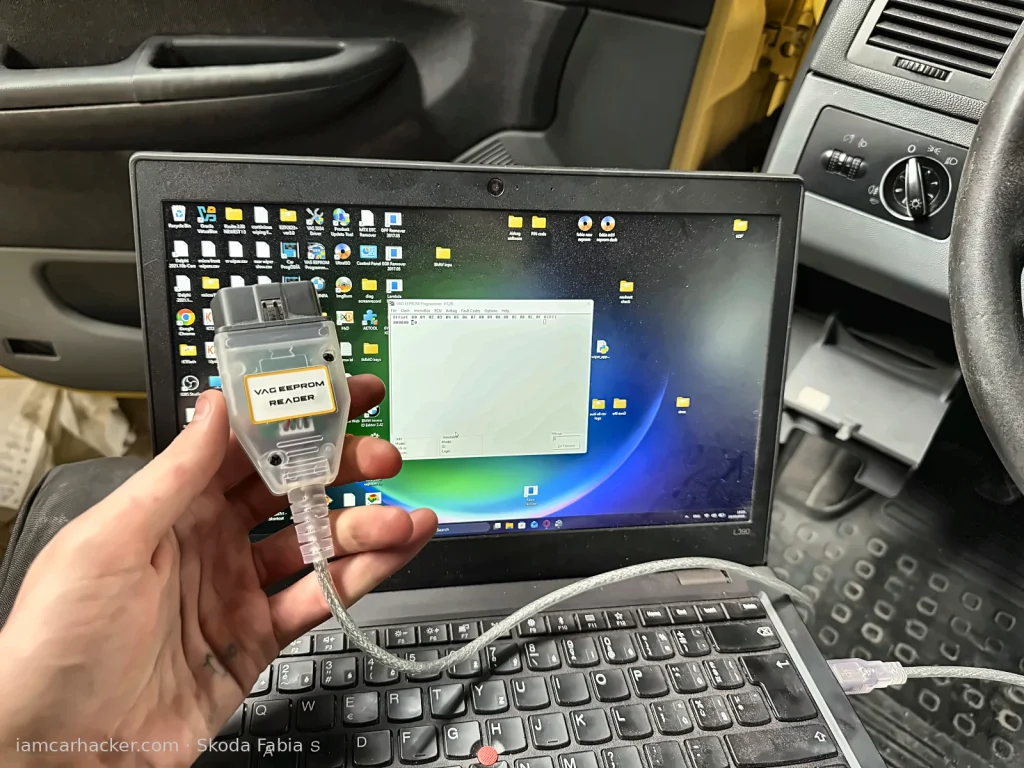
My Passat B5 cluster was the textbook case. Read, decoded, login code and mileage on screen in under a minute, cluster never left the dash. That is the full key or mileage job done from the driver’s seat. On a Skoda Fabia cluster the read worked but the decode didn’t, so that one went the Dumphacker route.
The list of modules the program targets is long: Bosch engine ECUs including the EDC15 diesels, which alone is a huge number of cars, Bosch and VDO clusters, Siemens airbag modules, immoboxes. I have tried a small fraction of that list, so take my cases as examples, not as the map.
Where it falls short
Module brand matters more than the car badge. The same Passat B5 can have a Bosch ECU that reads fine or a Siemens ECU that doesn’t. Both my test cars, the Passat and the Fabia, are petrol with Siemens ECUs, and the program got nowhere on either. A few other modules I tried ended in “no ECU found” or an RX error. For Siemens and Magneti Marelli ECUs and less common cluster brands, the honest answer is: maybe it works, maybe it doesn’t, and the forums say the same.
⚠️ Writing is the risky half. A failed read costs nothing. A failed write on a cluster or ECU can leave you with a module that no longer starts the car. If the program can’t decode a module, I only write back a file that Dumphacker or another service has already checked.
It is K-line only. Golf 5, Passat B6 and anything newer on CAN is out of reach, and no cable will change that. The usable range is roughly 1996 to 2004: Golf 4, Passat B5, older Polo, Sharan, Touareg, Octavia 1, Fabia 1.
Which cable to use
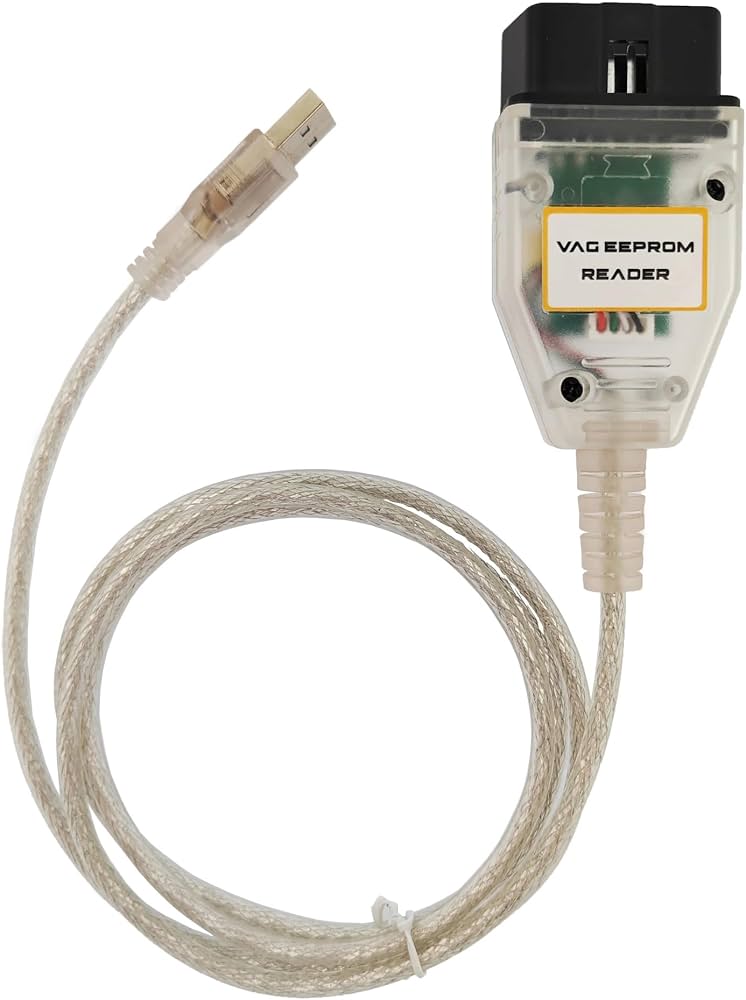
The software costs a few euros, the cable is the other half of the purchase. I use a white cable from AliExpress sold specifically as a VAG EEPROM cable and it has worked on everything the program itself supported. Ordinary KKL VAG-COM cables are reported to work too, FTDI-based ones being the usual recommendation. I haven’t tested a generic KKL with it myself, so if you already own one, try it before ordering anything.
💡 The cable is not the bottleneck. When a module answers “no ECU found”, it is almost always the module brand or the protocol, not the cable.
Who should buy this
Yes, use it if:
- You work on K-line VAG cars and need a PIN, immo data, mileage or crash data without pulling the module
- You already have a bench programmer and want a faster in-car route for the modules this program supports
- You are learning EEPROM work and want the cheapest possible first contact with real dumps
No, look elsewhere if:
- Your cars are CAN-based VAG, roughly 2005 and newer
- Your target module is Siemens or Magneti Marelli and you need a sure result, not a maybe
- You need one tool that covers diagnostics, coding and immo work, this does none of the first two
What I’d consider instead
The Siemens ECU in my Passat B5 is the example. I wanted the EEPROM out of it without opening it, and VAG EEPROM Programmer could not talk to it. My VCP read it through the same OBD socket without complaint. VCP is a full VAG diagnostic interface in a different price class, so it is a different purchase, but when the cheap program says no, that is the next step over OBD.
For modules that won’t answer over OBD at all, or anything outside VAG, I go to the bench.
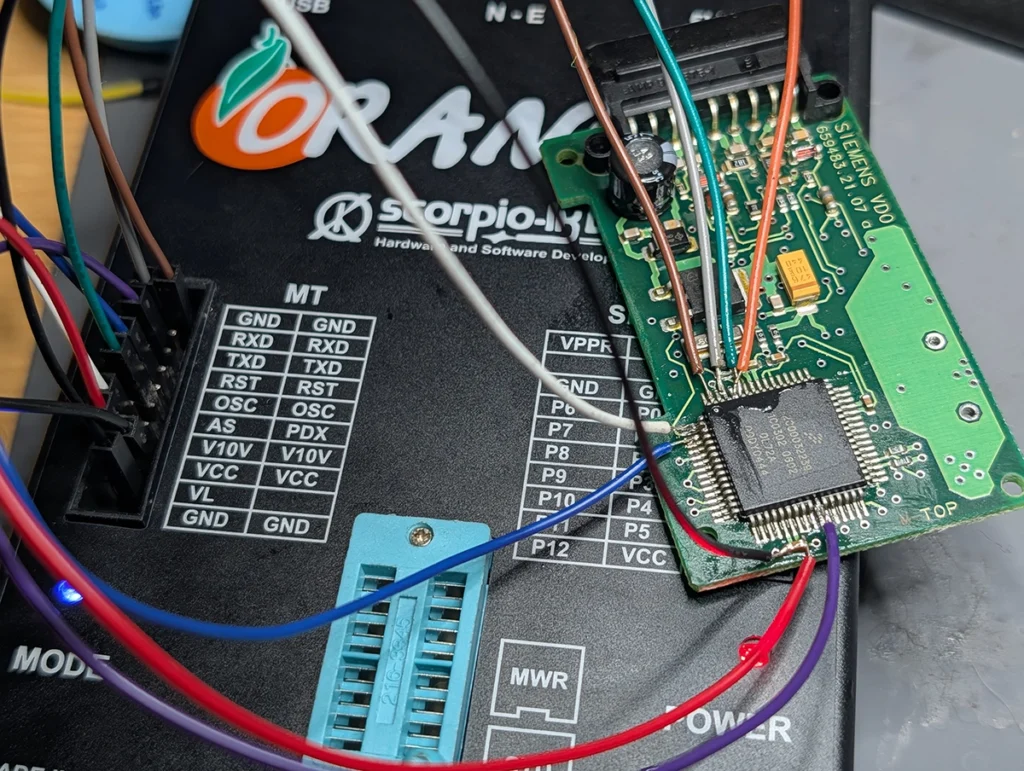
→ Orange 5 (clone), if you are fine pulling the module and wiring the EEPROM directly. Slower, but it does not care which brand made the ECU.
If you are shopping for a bench programmer rather than cheap software and a cable, my roundup of EEPROM and ECU chip programmers covers the ones I actually own and what each one refused to read.
Final word
For the price of a cheap cable plus a cheap licence, VAG EEPROM Programmer gives you bench-level access to cluster, ECU and airbag EEPROMs on a whole generation of K-line VAG cars, without taking anything apart. Whether your particular module answers comes down to its manufacturer, and you find out in thirty seconds with a read that costs nothing. Install it, try the read, and keep VCP or the bench for the modules that stay silent.

I'm Juraj Lukacko and I work as an auto electrician. On this site I share what I learn from real work on real cars, to help you pick the right tools for diagnostics, programming and tuning and get the job done.
More about me →