

By Juraj · Last updated: April 2, 2026
Published: April 2, 2026 · Last updated: April 2, 2026
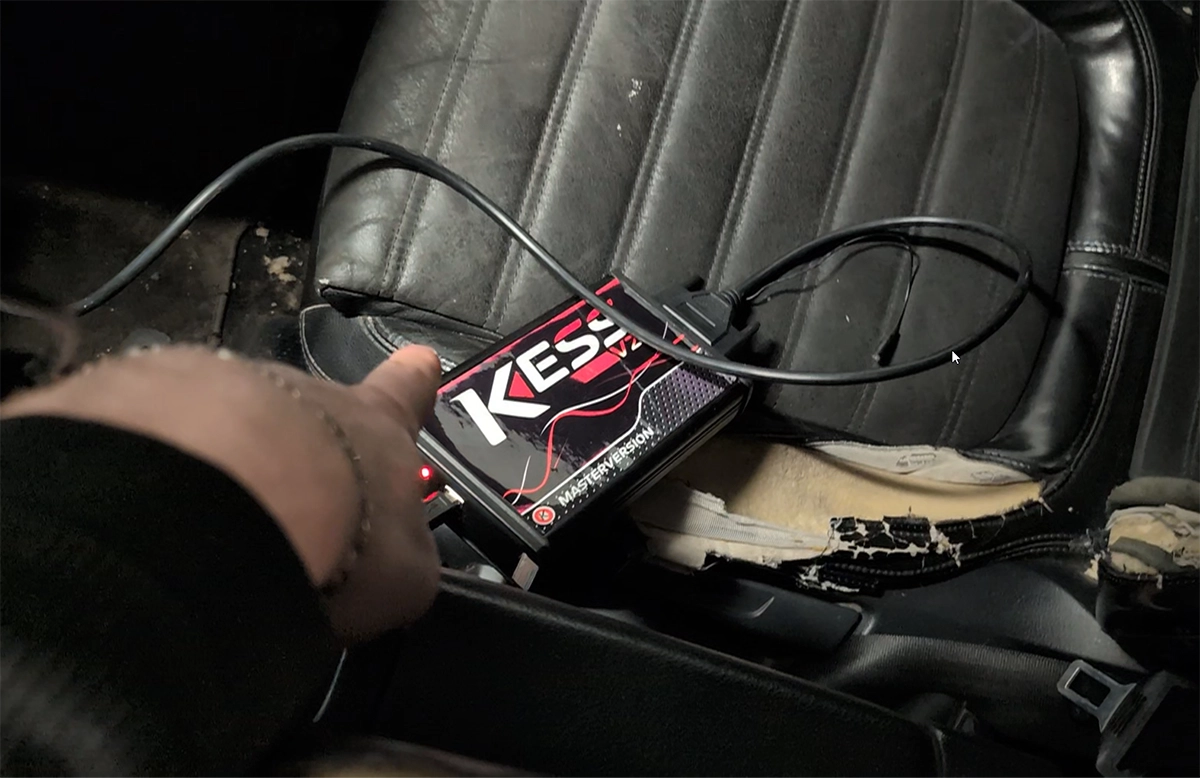
The KESS clone programmer is used to read and write ECU data via OBD or bench connection. It’s commonly used for basic ECU tuning, cloning, or backup purposes.
This quick guide covers the basic workflow so you can safely start using it.
What You Need
- KESS clone tool
- Laptop with KESS software installed
- Stable 12V power supply (very important)
- Vehicle with accessible OBD port
Step 1: Connect the Tool
- Plug KESS into your laptop via USB
- Connect KESS to the car’s OBD port
- Turn ignition ON (engine OFF)
Step 2: Select Vehicle & ECU
- Open KESS software
- Select:
- Car brand
- Model
- Engine
- ECU type
- Confirm protocol (OBD / Bench if needed)
Step 3: Read ECU current file
- Click READ
- Wait until the process completes
- Save the file
Step 4: Write ECU new File
- Click WRITE
- Select modified or original file
- Start writing process
- Do NOT disconnect anything during this step
Step 5: Finish
- Wait for confirmation
- Turn ignition OFF → ON when prompted
- Start the engine and verify operation
When to Use KESS Clone
- Basic ECU tuning (stage 1 files)
- Reading ECU for analysis
- Simple ECU cloning (supported units only)
Most popular OBD2 guides
My personal favourites

Best Overall
Most Popular

Bluetooth
Best Value

Free lifietime updates

Most versatile

Bi-Directional Scan tools (+mobile)



Juraj
Hi, I am Juraj Lukacko. I got frustrated by unhelpful and scammy mechanics, so I decided to learn everything about car diagnostics myself. I test dozens of new car diagnostic tools every month along with learning new strategies to fix and customize cars.
