

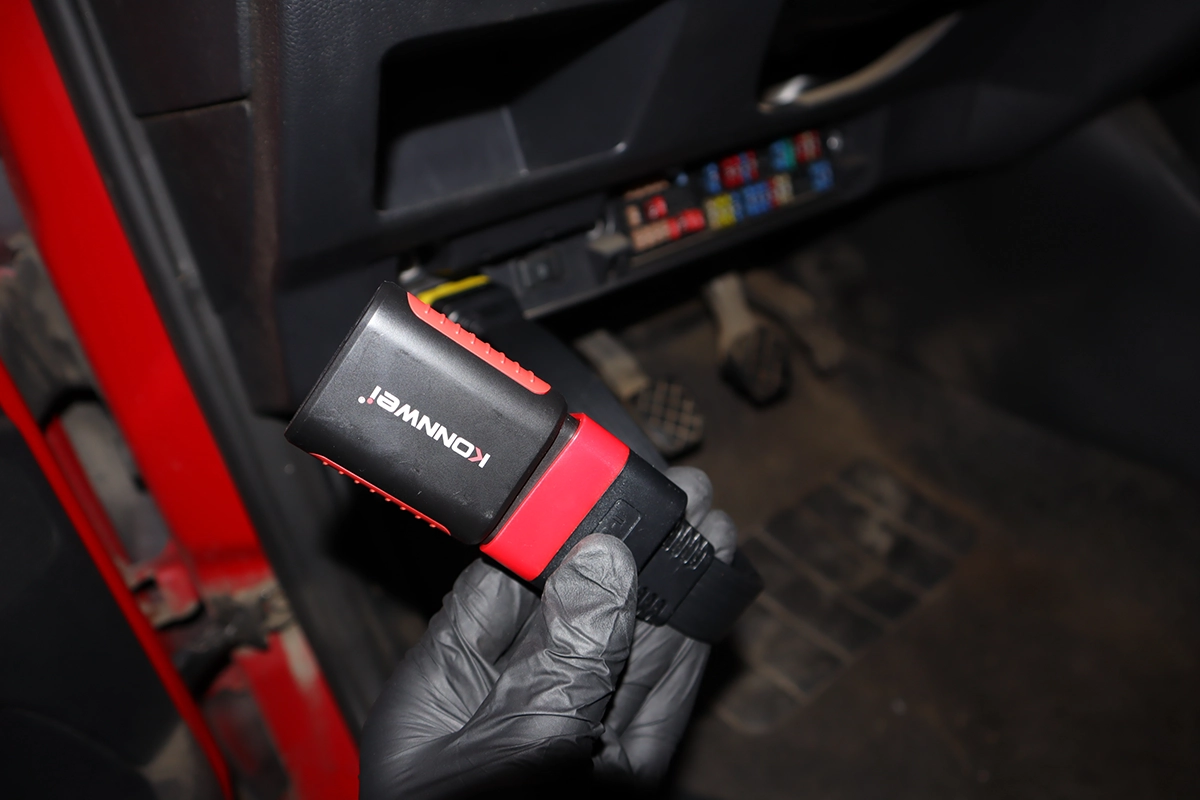
Connecting an OBD2 scanner might seem simple, but there are a few important details that can save you a lot of time and frustration.
In this guide, you will learn where to find the OBD2 port, how to properly connect different types of scanners, and what to do if your scanner is not communicating with the car.
This is a critical step – if you don’t connect correctly, nothing else in diagnostics will work.
How to Connect an OBD2 Scanner
Finding the OBD2 Port
The OBD2 port is a 16-pin connector usually located under the dashboard on the driver’s side. In some vehicles, it may be hidden behind a plastic cover, inside the fuse box, or in the center console.
If you cannot find it, you can search online or use tools that show exact locations for your car model. Understanding where the OBD2 port is located is the first step before any diagnostics.
Connecting a Basic Scanner
Basic scanners like engine code readers or ELM327 adapters are very simple to use. You plug them into the OBD2 port and they power on automatically from the car.
To communicate with the vehicle, you must turn the ignition ON (engine off is recommended). Without ignition, the scanner will not connect to control modules.
Connecting an ELM327 Adapter
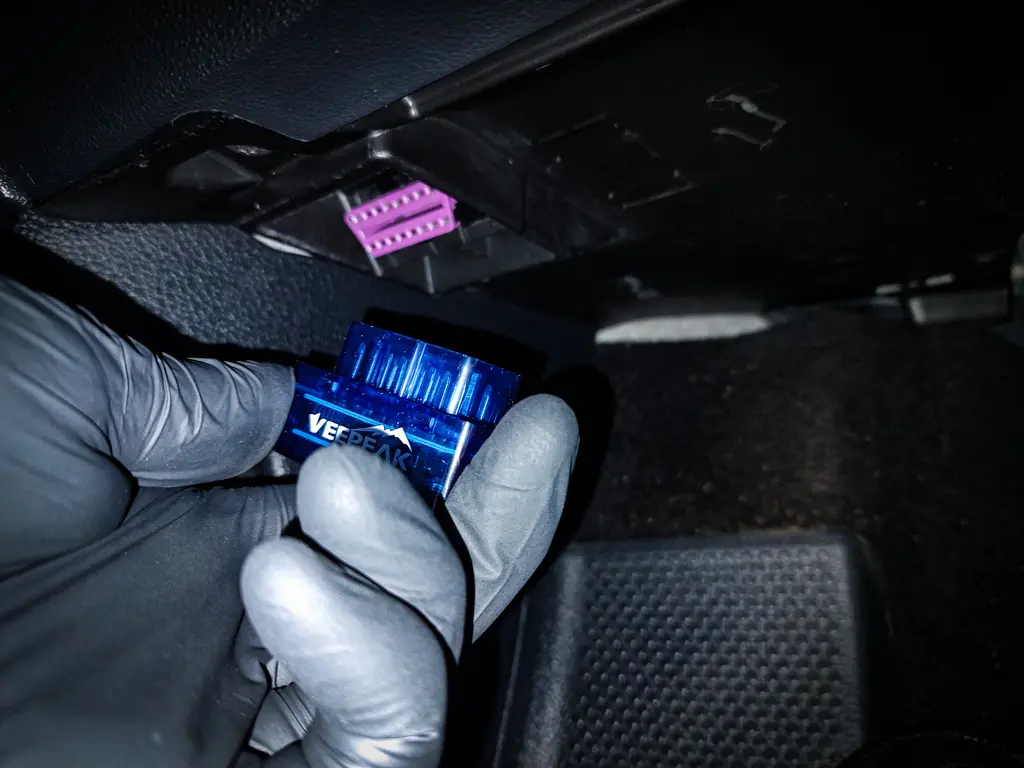
When using an ELM327 adapter, you need to pair it with your phone via Bluetooth. Some adapters connect automatically, while others require manual pairing using a PIN such as 0000 or 1234.
If you are using an app, make sure the correct adapter is selected in settings. For reliable results, use a good app like Car Scanner.
Connecting a Full System Scanner
Full system scanners usually offer automatic vehicle detection (auto scan). This feature can identify your car and load the correct diagnostic software.
If auto scan does not work, you can manually select your car brand, model, engine type, and configuration. This is common for older vehicles or less supported models.
Using Global OBD Mode
Global OBD mode allows you to access standardized engine data across all vehicles. It works like a built-in engine code reader inside your scanner.
This is useful when you want to quickly check basic parameters like fuel trims or oxygen sensor data without navigating complex manufacturer-specific menus.
What to Do If Scanner Won’t Connect
If your scanner is not connecting, first test it on another car. This helps determine whether the issue is with the scanner or the vehicle. If the scanner works on another car, check the OBD2 fuse in your vehicle. A blown fuse can prevent communication.
If the scanner does not work on any car, inspect the connector pins and consider contacting support or replacing the tool. Check out the full guide to solve OBD2 scanner connection issues for step-by-step troubleshooting.
Most popular OBD2 guides







Hi, I am Juraj Lukacko. I got frustrated by unhelpful and scammy mechanics, so I decided to learn everything about car diagnostics myself. I test dozens of new car diagnostic tools every month along with learning new strategies to fix and customize cars.
