OBDeleven NextGen TESTED – Honest Owner’s Review (VAG Focus)
I’ve been using OBDeleven 2 / NextGen (the black adapter) on VAG cars for a few years now – mainly Audi A3, A6, A8, Škoda Rapid, Škoda Fabia and a bunch of VW/Škoda friends’ cars.
In this review I’ll focus only on what matters before you buy: what it really does, what it doesn’t, how the plans and credits work, and whether it makes more sense than other VAG tools like VCDS, Carista, Carly or generic Bluetooth scanners.
Affiliate Disclosure: iamcarhacker.com is an Amazon and other affiliate programs Associate. As an Amazon Associate, I earn from qualifying purchases. Full Affiliate disclosure.
OBDeleven 2 (nextGEN)
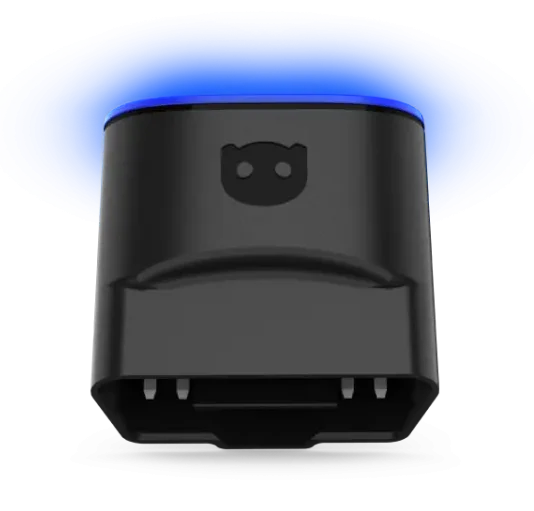
OBDeleven 2 (NextGen, black adapter) is a Bluetooth phone dongle + app that gives you dealer-level style diagnostics, coding and customizations on VAG cars (VW, Audi, Škoda, SEAT, plus Bentley/Lambo).
It also supports BMW Group and Toyota Group to a point, and basic engine OBD2 on other brands.
(This review is for OBDeleven 2 / NextGen adapter. OBDeleven 3 will have its own review.)
Check for best price
Here are multiple stores where can you get OBDeleven devices. Check them out to get the best deal possible.
Who tested product & wrote this review?

Tester & Editor for this review: Juraj Lukacko
Hello, I am Juraj (Yuri) and I tested this product to help you decide if it is something you would want to buy, and if yes, show you how to use it.
I make honest reviews based on personal testing in my own garage and If I see the product is bad, I will make it very clear in review.
Read more about how I do reviews on Iamcarhacker.com in my review policy.
My own OBDeleven 2 Review + How to use video
OBDeleven 2 (nextGen) detailed review
- The real difference between Free, PRO and Ultimate plans — and which one actually saves money.
- Whether OBDeleven 2 can replace VCDS or Soloscan for normal VAG owners.
- How strong OBDeleven really is on VW/Audi/Škoda/SEAT compared to Kingbolen/Mucar/Thinkcar tools with VAG coding.
- The truth about the credit system and how fast it burns your wallet if you’re not careful.
- Why OBDeleven is powerful enough to catch rolled-back odometers on some VAG models.
- What fails, what works perfectly, and what you absolutely should not expect from the adapter.
- Whether iPhone users should avoid it and why Android works better.
- If OBDeleven is still worth buying with new 2024+ VAG SFD2 cars entering the market.
What This Tool Actually Is (Simple explanation)

OBDeleven 2 / NextGen (black adapter) is a VAG-focused Bluetooth scanner that lives on your phone. You plug the dongle into the OBD2 port, connect your Android or iOS device, and the app gives you access to VAG-style dealer functions on VW, Audi, Škoda, SEAT, Bentley, Lamborghini.
On these cars it does proper full-system diagnostics, live data in each module, output tests, and with PRO/Ultimate it also gives you coding, long coding and adaptations. Think of it as a “pocket VCDS” running on a smartphone rather than a laptop.
It can also talk to BMW/MINI/Rolls-Royce and Toyota/Lexus, but here I treat it more as a bonus. You get advanced diagnostics and One-Click Apps on supported models and regions, but the real power is still on VAG. For other brands, OBDeleven behaves like a normal engine code reader: read and clear engine codes, basic OBD2 live data, no magic coding.
Test Results on Real Cars

I’ve used the black NextGen adapter for a few years on real cars, not just on a bench. Main test cars:
- Audi A3 8P (2008)
- Audi A6 / A8 (2010+ with many modules)
- Škoda Rapid (2015)
- Škoda Fabia (newer, well equipped)
- plus a bunch of Golfs, Octavias and other VAG cars from friends.
On smaller cars like A3 or Rapid, full-system scans were quick enough. A few minutes, then I had a clear list of all modules with green and red markers. On big Audis with 30–50 control units, scans got long. Doing a “scan → clear → test drive → rescan” cycle while buying a used A6/A8 took real time. At home it’s fine. When the seller is impatient, it can be annoying.

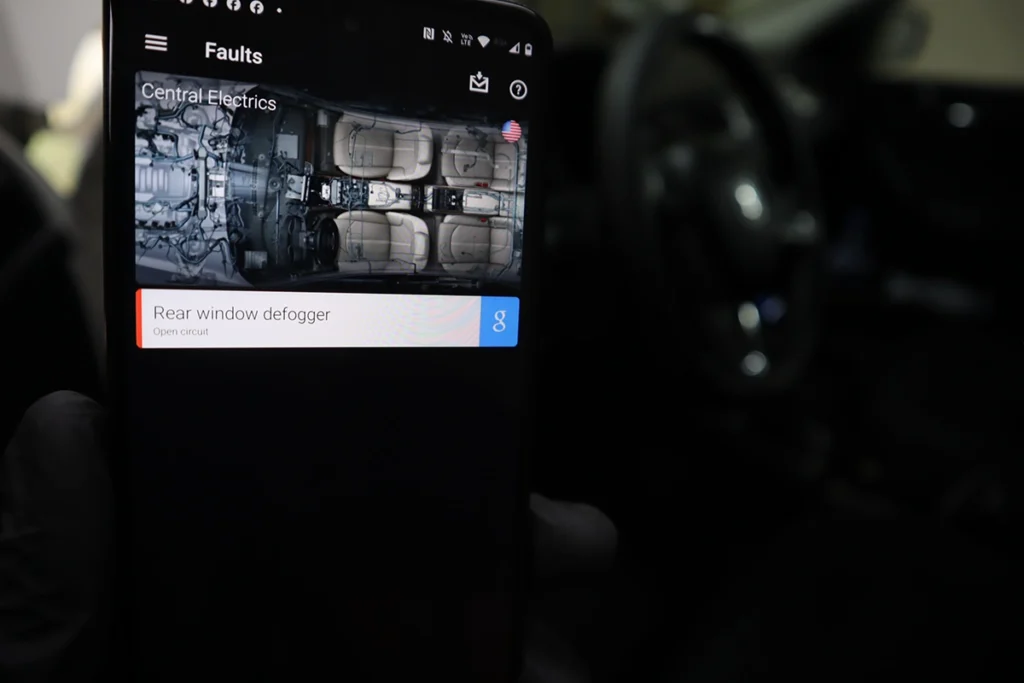
Faults are presented well. Each control unit has a fault list with code, description, and freeze-frame style data from the moment the fault was stored. You can see RPM, speed and some other parameters from that moment. Static faults refuse to clear until the problem is fixed, intermittent faults usually clear fine. The Google shortcut on each code is a simple but very useful touch.
Live data is where OBDeleven shines on VAG. It pulls much more than a cheap OBD dongle. You can graph fuel pressure, turbo boost, misfires, lambda and a lot more. I used this to:
- compare requested vs actual turbo pressure during a road test
- watch fuel pressure under load
- log data, save it, and inspect it later as graphs
- check odometer fraud by reading mileage stored in ECU and ABS and comparing it with the dashboard value on several Škodas and VWs.
Bi-directional tests (output tests) worked well on most VAG cars I tried. Engine fans, wipers, turn signals, cluster gauges and various lamps reacted as commanded. For a €60 adapter, that is serious value. And the important part: these tests are available even on the Free plan.
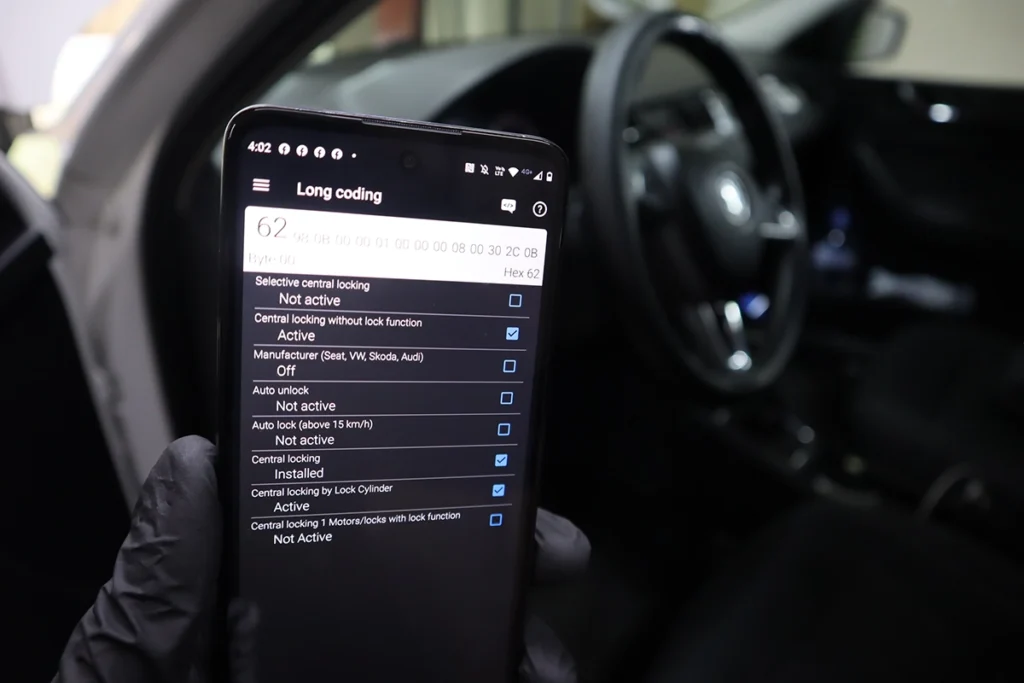
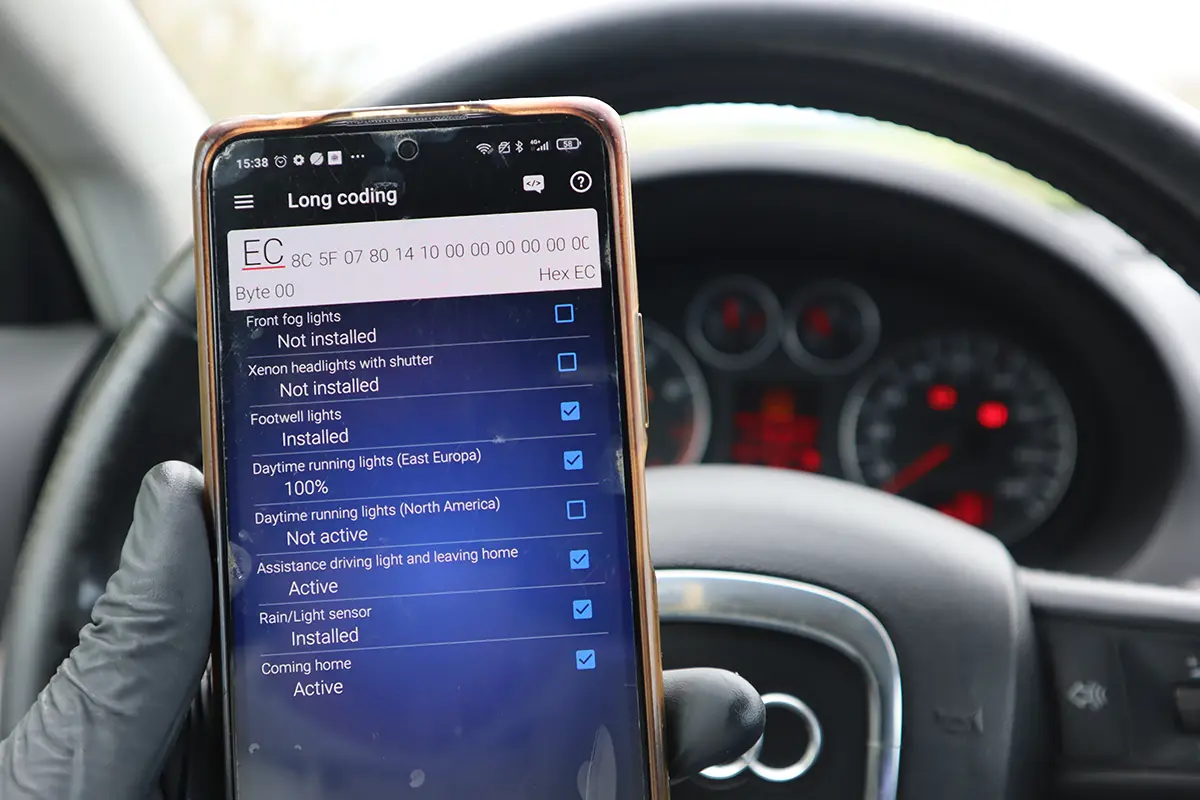
Coding and customizations on VAG are strong, especially with PRO/Ultimate. I used long coding and adaptations for:
- needle sweep on startup
- seatbelt warning off
- auto door lock over ~15 km/h
- turn signals as permanent DRL
- various comfort tweaks on better-equipped Fabias and Octavias

One nice safety feature is the coding history. Every change logs old value and new value. If you break something or simply change your mind, you can just copy the old value back into the module and undo everything. This is a big difference compared to simple “magic” apps that don’t show you what they actually changed.
It’s not all perfect. Full scans can be slow, some apps allow you to spend credits on features your car physically cannot support, and outside the VAG world it quickly falls back to “just another OBD dongle”.
Manufacturer Specs vs Real Testing
| Area | What OBDeleven promises | What I actually saw |
|---|---|---|
| VAG diagnostics | “Advanced diagnostics” with access to all modules, codes, live data, output tests | On VW/Audi/Škoda/SEAT this is very close to a proper workshop tool. Full-system scans, clear module list, live data in each ECU, output tests that actually move things. |
| BMW/Toyota support | Advanced diagnostics and One-Click Apps on supported models and regions | It works, but I still see it as “extra”. OBDeleven is nowhere near as deep on BMW/Toyota as it is on VAG, and availability depends on where you live. |
| Other brands | Basic OBD2 only | Confirmed. Engine codes and generic live data, nothing more. On a non-VAG car I would never buy OBDeleven as my main tool. |
| Live data | Real-time values from control units | Strong point. Good enough for serious sensor diagnostics and even turbo/fuel tests while logging and replaying data. Also useful to catch mileage tampering on some VAG cars. |
| Output tests | VAG-only output test feature | Works like a proper bi-directional scanner. Fans, lamps, wipers, cluster, etc. On supported cars it turns the adapter into a budget pro tool. |
| One-Click Apps | Simple way to unlock features with Credits | They do work, but they burn money fast. If you play a lot, PRO/Ultimate is the only logical choice. Some apps still charge credits even if your car lacks the required hardware. |
| Platform support | Android 8.0+, iOS 16.6+, Harmony OS | Android is smoother in my experience. iOS is supported but I’ve seen more weird issues reported by users. If you can pick, pick Android. |
| Newer VAG security | Note about 2024+ SFD2 cars not yet supported | Important detail. Newest VAG models with SFD2 security will have diagnostics, but coding/customizations can be blocked or limited for now. |
Hardware / Software / Subscription / Updates / Internet Dependency
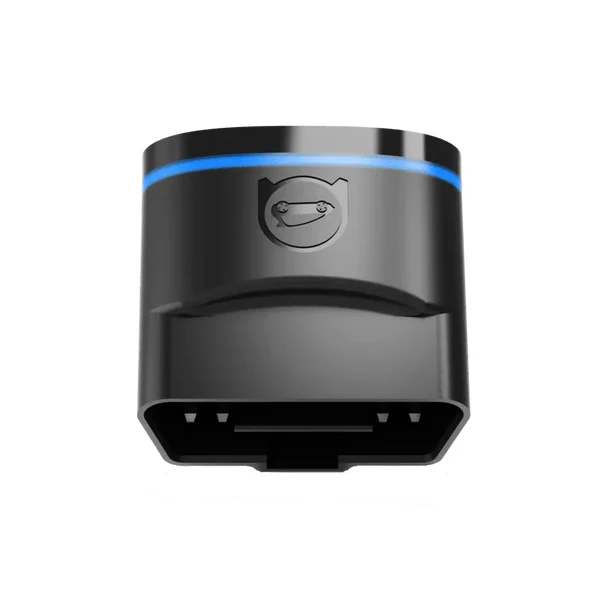
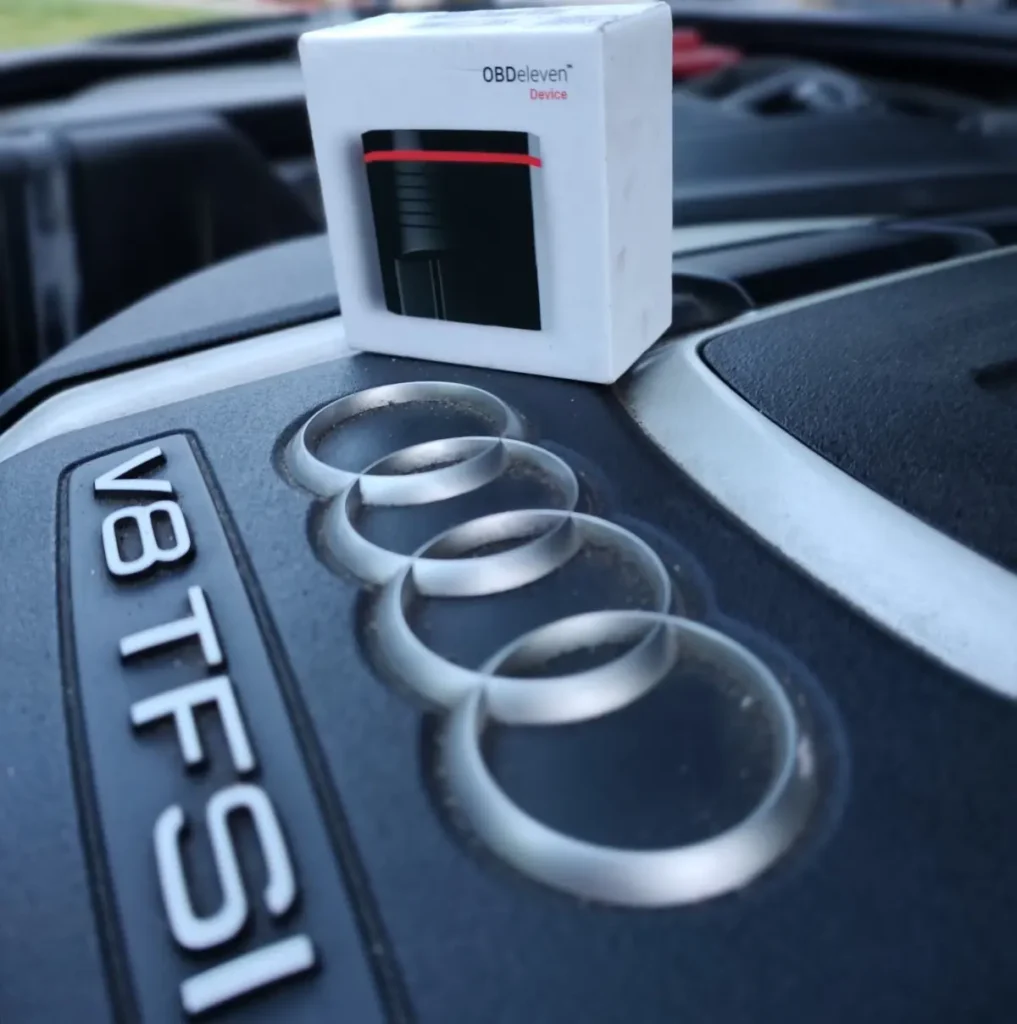
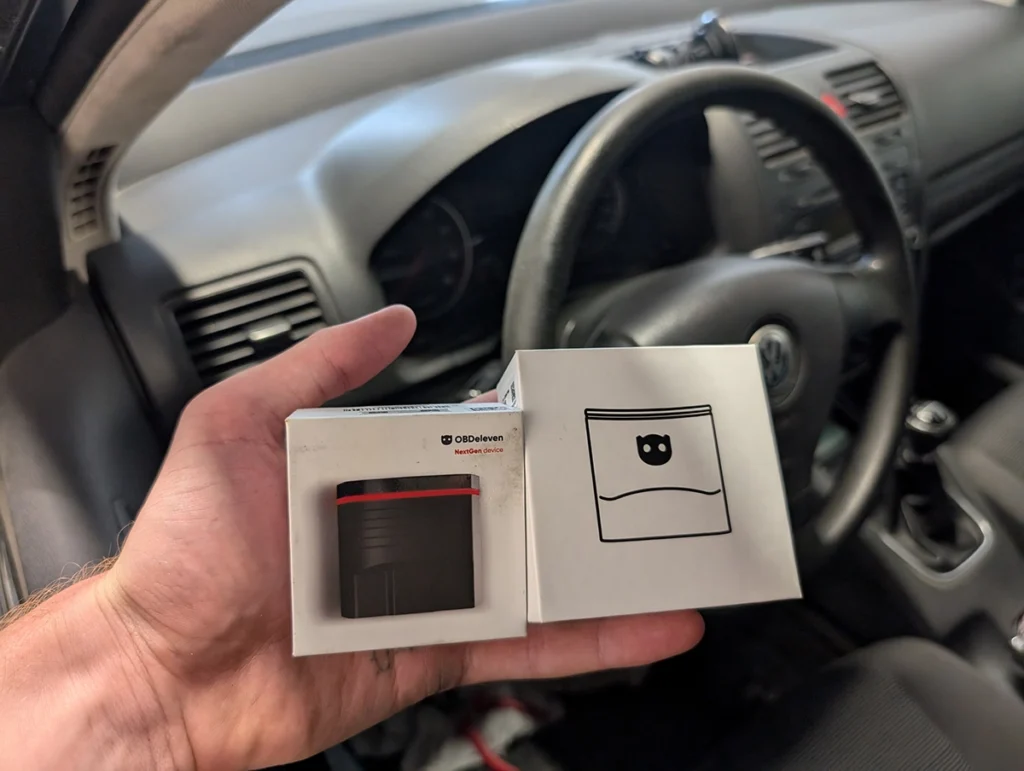
The hardware is simple. One small black Bluetooth dongle with OBDeleven logo, powered by the car. No cables, no screen, no battery. You plug it into the OBD2 port, a red LED lights up, and that’s it. All user interface lives on your phone.
Software is split into their apps: one focused on VAG, the other for all cars. You install it from Google Play, App Store or AppGallery, log in, pair the adapter, and your car profile appears with model, VIN, engine code and battery voltage. From there you open control units, run scans, use apps, or open coding.
Plans and money is where you must think a bit:
- Free plan comes with the adapter. You get full-system diagnostics on VAG and supported BMW/Toyota, live data everywhere on those cars, output tests on VAG and basic OBD2 engine diagnostics on everything else. You can also use One-Click Apps, but you pay Credits for each change.
- PRO plan adds access to coding, long coding and adaptations on VAG. This is the important upgrade if you want to stop buying credits and start doing the same changes manually.
- Ultimate plan gives you everything from PRO, plus unlimited credits for One-Click Apps and the ability to build your own apps on their website.
You activate PRO/Ultimate via a code on OBDeleven’s website, not in the app itself.
As for updates and internet: this is not a fully offline tool. The adapter firmware is stable, but the app and backend want a network connection for account login, synchronising credits and downloading data for specific cars. I treat OBDeleven as an online-first tool. It’s not the best choice if you often work in places with no signal.
Supported Service Resets
Example: I did battery adaptation for my Jetta using long coding/adaptations (PRO needed)
Service functions change a lot between car models and years, so I won’t promise exact menus for specific cars here. Instead I’ll keep it realistic.
On VAG cars, OBDeleven can handle the usual oil and inspection service resets, either via One-Click Apps or via basic settings / adaptations if you know where to go. On cars with electronic parking brakes, you also see EPB open/close functions so you can change rear pads without fighting the motor. There are also various small workshop functions like flap calibrations and “after retrofit” activations when you install new hardware and need to tell the car it now exists.
On BMW and Toyota, their official text talks about advanced diagnostics and One-Click Apps for service tasks on supported models and regions. That means basic service resets and some comfort tweaks, but I would not replace a proper brand-specific workshop setup with OBDeleven alone on these brands.
On other brands, OBDeleven is just an engine tool. No ABS bleeding, no EPB calibration, no fancy service menu. Only normal OBD2.
If you need heavy service work and coding across many brands, tools like Soloscan, Kingbolen K7, Mucar VO7 or some Thinkcar tablets are better choices. They are built as full-system workshop scanners with coding, not as VAG-first phone dongles.
Supported Language
OBDeleven supports multiple interface languages. I mainly used English. Translations are good enough for real work. The app also lets you look up fault codes and show descriptions in different languages. If you are not comfortable in English, you can still work with it, but I’d expect the English version to be the most up to date.
For error code understanding, I honestly end up mixing the built-in description with Google or forum posts anyway. That is normal with any scanner.
OBDeleven compared to other scanners I tested

This is where OBDeleven sits compared to other tools people usually consider for VAG.
OBDeleven vs VCDS

OBDeleven and VCDS both cover full VAG diagnostics, coding and service tasks, but they fit two different types of users. OBDeleven lives on your phone, connects by Bluetooth, and is always in your glovebox. VCDS uses a USB cable and laptop, so the connection is faster and more stable, but far less portable. If you help friends often or want something you can keep in the car, OBDeleven is much easier to use on the spot. If you diagnose cars often or buy used vehicles for business, VCDS feels more “workshop-grade.”
The price structure is also different. VCDS Unlimited VIN is a one-time ~€450–500 purchase. OBDeleven costs ~€60 for the adapter plus a ~€50/year PRO subscription if you want manual coding. If you only need diagnostics, OBDeleven can run on the Free plan, so its long-term cost can be much lower.
For diagnostics, OBDeleven already does a lot: all modules, freeze-frame data, and even bi-directional tests. VCDS, however, handles live data better. Being able to graph fuel pressure, boost, misfires and timing values makes diagnosing real mechanical issues much easier. That alone makes VCDS a better fit for anyone who diagnoses cars regularly.
Coding and adaptations are available on both tools. VCDS is slightly safer thanks to its long-coding helper, but OBDeleven has the advantage of always being with you and has a built-in coding history to undo mistakes. Service tasks work on both tools as well, though VCDS sometimes shows deeper module data.
A final note: newer VAG models with SFD protection are currently easier to unlock with OBDeleven than VCDS, so if you plan to customize the newest Golf/Octavia/Audi models, OBDeleven may actually work better.
Here is the quick summary:
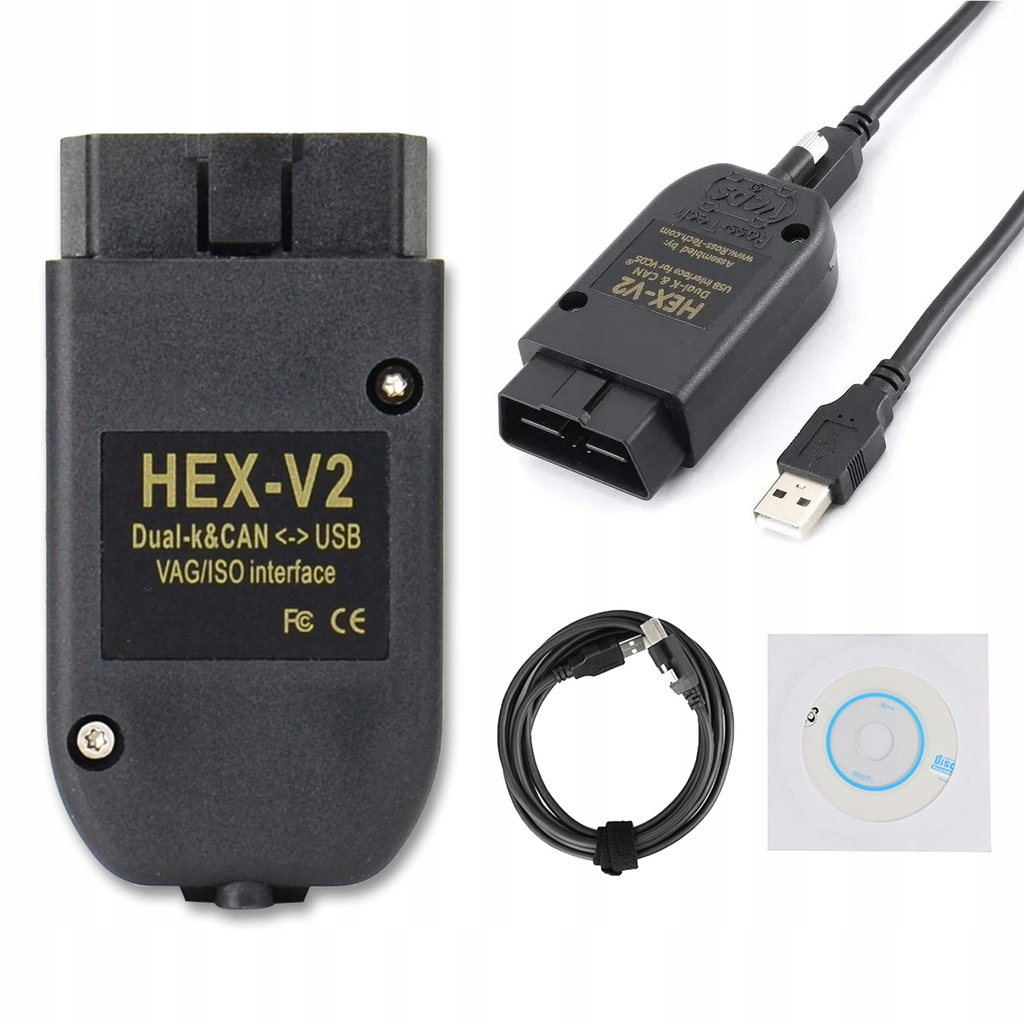
| Feature | OBDeleven | VCDS (HEX-V2) |
|---|---|---|
| How it connects | Phone + Bluetooth | Laptop + USB cable |
| Portability | Excellent, fits in glovebox | Poor, need to carry laptop |
| Scan speed | Slower | Faster, more stable |
| Live data | Strong, text-based | Best, real graphs |
| Coding depth | High | Slightly higher + safer |
| Service functions | Good for DIY | More professional |
| Price | Cheap to start, subscription needed for coding | Expensive one-time, no subscription |
| New VAG (SFD) | Easier unlock support today | Support improving but slower |
Kingbolen Soloscan is interesting alternative

Soloscan VAG is an interesting alternative to OBDeleven. It can still do service resets, codings, adaptations and basic settings with no subscription, which makes it a good value option for DIY users.
But it has no One-Click Apps, so every change must be done manually, and it also cannot unlock SFD, which limits coding on newer VAG models. For older VAG cars it performs well, but for modern ones OBDeleven is simply more practical.
OBDeleven vs Kingbolen / Mucar / Thinkcar tools with strong VAG support

Tools like Kingbolen K7, Mucar VO7 and some Thinkcar tablets and dongles are multi-brand full-system scanners with VAG coding features. They are often sold as main workshop tools: tablet form, full-system on many brands, coding and bi-directional tests, sometimes topology maps.
On VAG, these tools can be very strong. Kingbolen K7 for example has fast full-system scans, bi-di, and solid VAG coding with lifetime updates. Mucar and Thinkcar tools share similar software and also do a good job.
Compared to them, OBDeleven trades broad coverage for a tighter VAG ecosystem. It feels more “VAG-native”, especially with the One-Click Apps, community manuals and phone-first workflow. But it does much less on non-VAG cars.
So the choice is simple:
- If you want one main scanner for many brands plus VAG coding → consider Kingbolen K7, Mucar VO7 or Thinkcar-based tablets.
- If your world is mostly VW/Audi/Škoda/SEAT and you like the idea of a small dongle and phone, OBDeleven makes more sense.
OBDeleven vs Carista and Carly

Carista and Carly are also phone-based tools with focus on easy coding and used-car checks. They push a lot of simple toggle options with friendly design.
I’m OK mentioning Carista as an option for people who only want a few basic tweaks and not much else. It’s simple and not very deep, but can be enough for light use.
With Carly I’m strongly against buying it. Their pricing model, aggressive marketing and real functional depth don’t line up well in my opinion. You pay a lot, the tool locks you into subscriptions, and you still don’t get the same level of control as proper VAG tools.
Compared to these two, OBDeleven sits in the middle: more technical than Carista, much more honest and powerful than Carly, but still easier to carry and use than a full laptop setup.
Final Verdict

OBDeleven 2 / NextGen is a serious VAG tool in a tiny package. On VW, Audi, Škoda and SEAT it gives you diagnostics, live data, output tests and real coding that honestly punch above its price, especially if you go for the PRO plan and stop paying for credits.
It is not a universal magic tool. On non-VAG cars it drops to basic OBD2. On BMW and Toyota it’s still catching up and locked behind regional licensing. On the newest 2024+ VAG models with SFD2 security, coding support is limited for now.
If your main car is a VAG car and you want a phone-based alternative to VCDS/Soloscan, OBDeleven is worth buying. If you need one scanner to handle many brands with strong coding, I’d start looking at Kingbolen K7, Mucar VO7 or a good Thinkcar tablet instead.
Full comparison of Best Vag OBD2 scanners.
How to save money on buying a plan & tips for use
Whenever you buy a subscription plan or credits for OBD11, the price is always the cheapest on their website. When you buy their digital content, they will send you a code which you then redeem.
Remember that code is redeemed on their website, not inside the app!

How to use OBDeleven
Everything I am talking about is more for people deciding on if they should buy this device and which adapter and plan to choose. But once you get your device, you will find my How to use OBDeleven Guide useful for a bunch of extra tips.
Does OBDeleven void the warranty?
No, using OBDeleven does not void the warranty. But…
If you just start playing with advanced stuff like long coding, you can definitely mess up one of your control modules and you will have to pay a few hundred bucks for repair.

You can check exact supported one-click apps for all models included in OBDeleven apps.
Popular OBD2 guides
See all guidesBest OBD2 scanners in 2025
I constantly test new OBD-II scanners to give you the best options possible. Here is a full list of the best tools in all categories currently.


Hello
Can I use the same obdeleven in both of my cars ???
VW and Porsche.
Thank’s
Hi, you can use OBDeleven on multiple vehicles there is no limitation. However, for the Porsche it will probably only scan engine codes (if it has canbus).