
Published: February 3, 2026 · Last updated: July 4, 2026
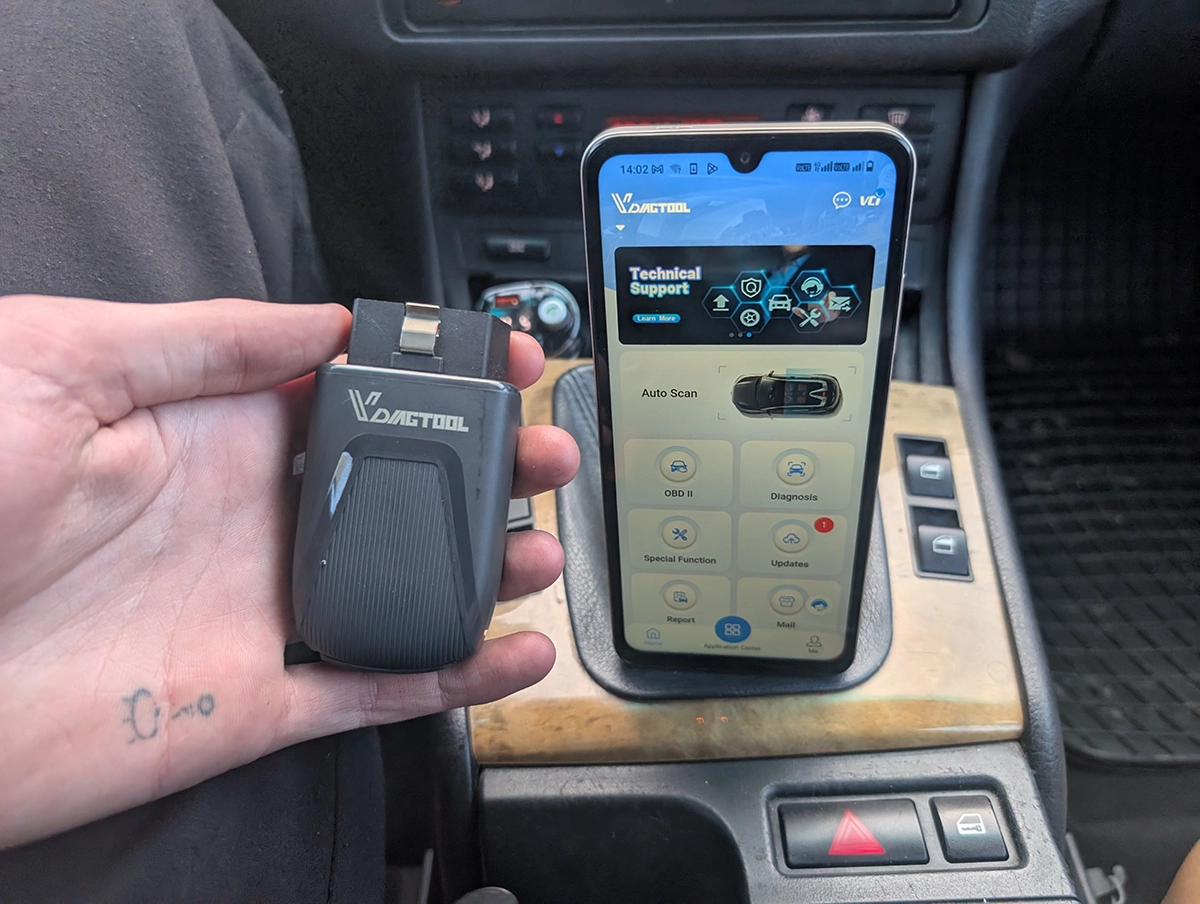
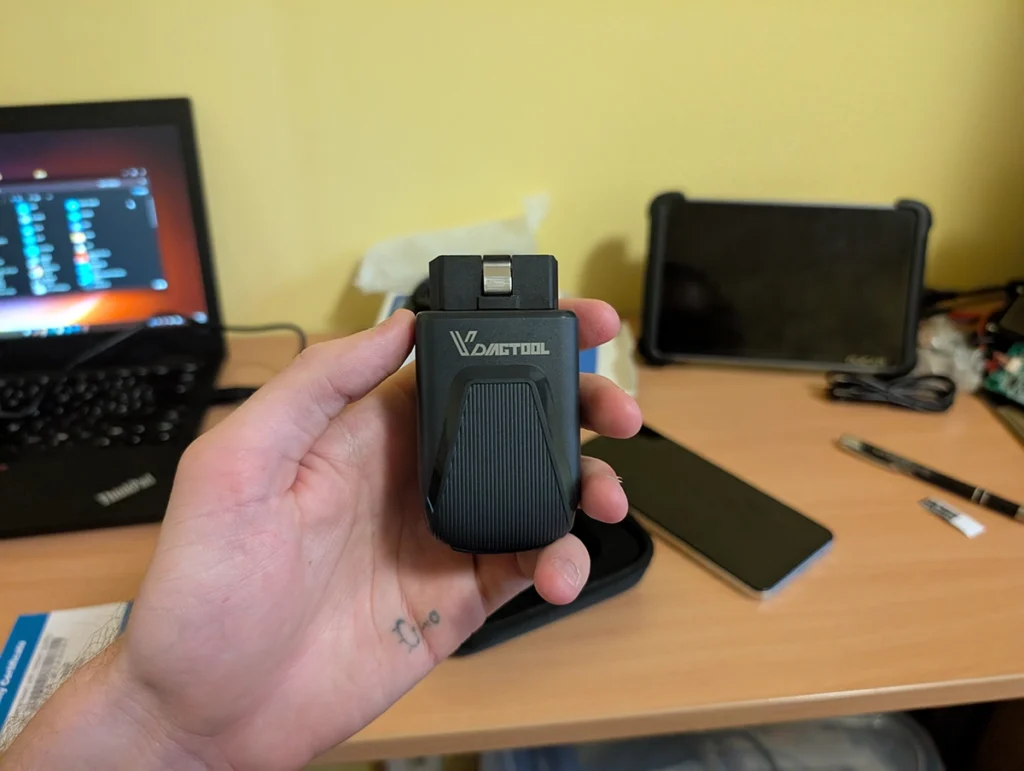
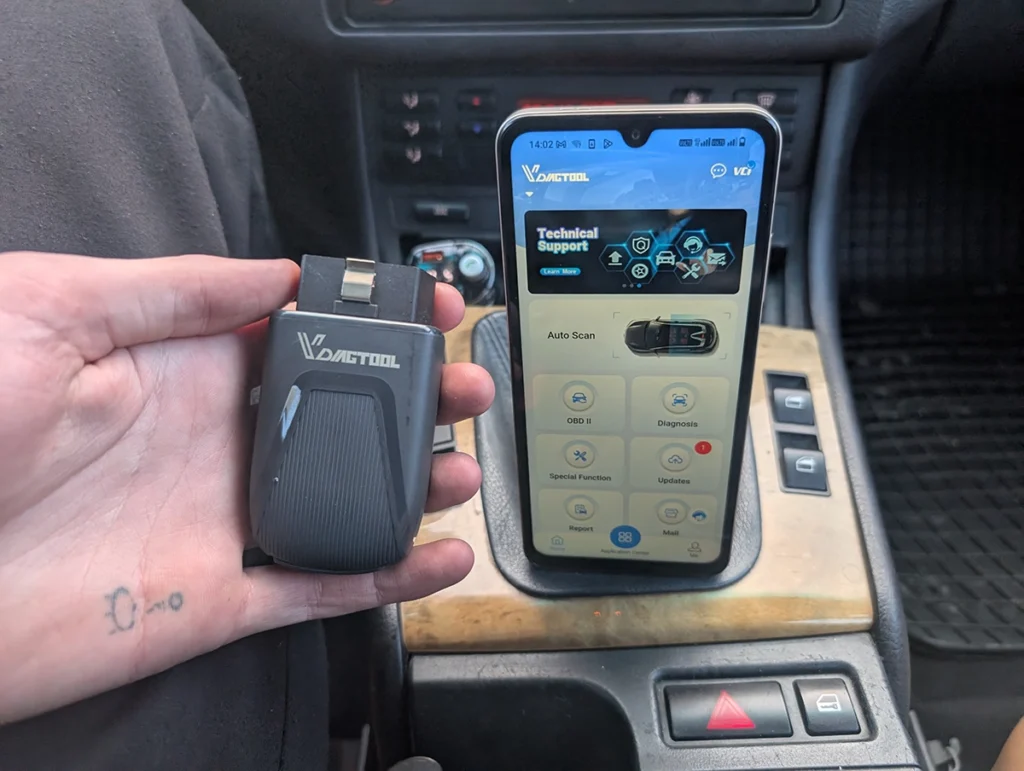
The Vdiagtool D200 is a budget standalone scanner that does full-system diagnostics, bidirectional tests and a deep list of service resets. Here’s the thing worth knowing up front: it runs the same software as the XTool A30M, one of my favourite scanners, so the service resets work as well as they do on the Xtool. It doesn’t do coding, but it has one trick the A30M can’t match. Read on for what it does, where it stops, and why it’s basically an Xtool wearing a different badge.
I earn from qualifying purchases and sometimes get tools for free (full disclosure). It never affects my scoring.
What This Tool Actually Is
Vdiagtool D200
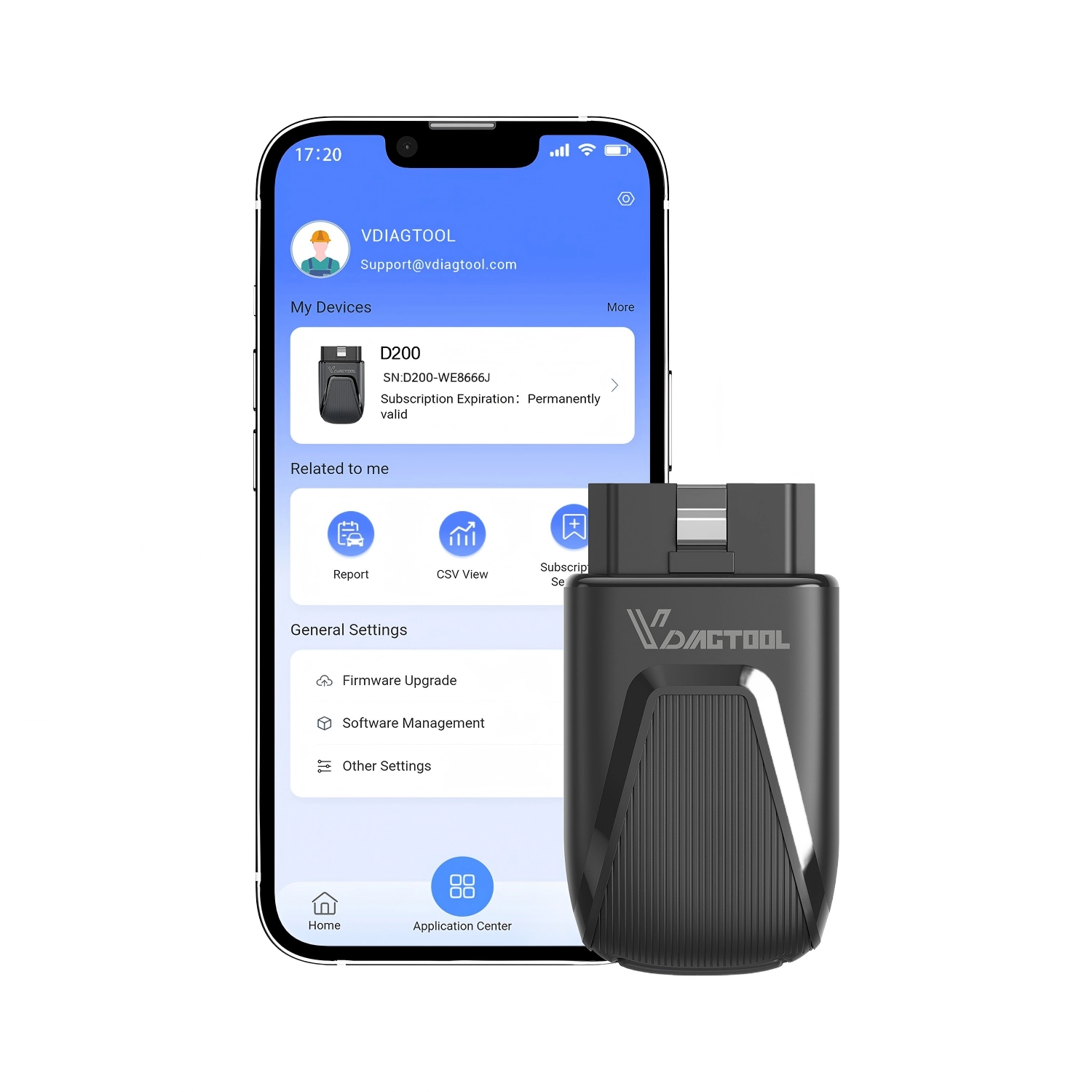
The Vdiagtool D200 is budget standalone handheld scanner from vdiagtool with full-system access and basic service resets.

- Standalone no-phone-needed
- Full-system scanning
- Affordable price
- Option to expand to "49" service resets
- Option to expand to ECU programming
- No coding
Service functions (22+)
Scores
Specs
| Tool type | Standalone device |
| User level | Professional |
| Vehicle focus | All makes |
| Free updates | Lifetime |
| Subscription | Not required |
Real-world procedures tested with this tool
What it’s actually good at
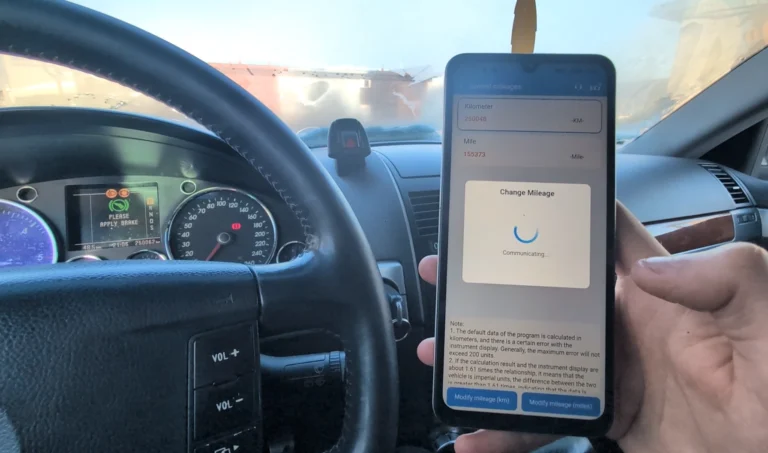
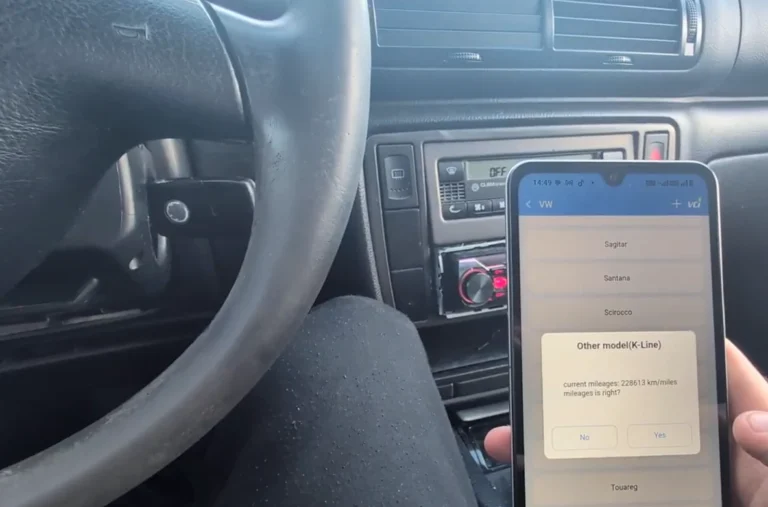
Service resets are where this scanner punches above its price, and that’s the Xtool software talking. The menus, the layout, the behaviour are clearly the same as my XTool A30M, and Xtool’s resets have always worked better than most. On my VW Touareg I ran the cluster function and changed the mileage off the EEPROM straight from a phone-style tool, which is impressive for something this cheap.
The everyday diagnostics are solid too. It auto-detected the Touareg, ran a full scan across the car in about six minutes, and found 40 fault codes. While it’s still scanning you can already drop into modules and start reading.
Inside any module you read and clear codes individually, view control-unit info, watch live data, check freeze frame where it exists, and run actuator tests. The live data is genuinely good for the money: pick several parameters and watch them as four separate graphs, or overlay them on one 2D graph to spot correlations.
It also builds PDF diagnostic reports with your details for used-car checks, and it ships with free lifetime updates, so you pay once.
Where it falls short
No coding. That’s the main gap, and it’s the same gap the A30M has. You can diagnose, reset and run bidirectional tests all day, but you can’t recode a module to unlock hidden features. If that’s what you’re after, this isn’t the tool.
The clear-all behaviour is also worth understanding so it doesn’t worry you: I cleared 40 codes down to six, and those six were static faults whose conditions were still present, so they came straight back. That’s normal ECU behaviour, not a tool fault, but new users panic over it.
Past that, it’s a budget tool and feels like one next to a pricier tablet. For the diagnostics and resets it’s built for, though, there’s little to complain about.
Who should buy this
Yes, buy it if:
- You want Xtool-quality service resets and full-system diagnostics in a cheaper standalone body
- You don’t need coding and would rather save the money
- You like that, unlike the A30M, you can later add the ECU programming addon to this one
No, look elsewhere if:
- You want coding to unlock hidden features, you need a different tool like the Thinkdiag2
- You’d rather buy the original Xtool A30M for the same software with the bigger brand behind it
- You want the cheapest full-system option, a Mucar BT200 Max costs around half and still covers the basics
Vdiagtool D200
 Thinkdiag2
Vdiagtool D200
Thinkdiag2
Vdiagtool D200
 XTool A30M
Vdiagtool D200
XTool A30M
Vdiagtool D200
 Mucar BT200 Max
Still deciding rather than chasing a D200 deal? I line up the budget full-system scanners I’ve tested in my [best bidirectional OBD2 scanners] roundup. The short version: the D200 is solid Xtool-grade value, but the roundup shows where the A30M, a coding tool, or a cheaper Mucar fits better.
Final word
The Vdiagtool D200 is a budget standalone scanner running the same Xtool software as the A30M, which means strong full-system diagnostics and service resets that actually work, plus free lifetime updates. It skips coding like the A30M does, but unlike the A30M it can take an ECU programming addon later. If you want Xtool reset quality in a cheaper body and don’t need to unlock features, it’s an easy budget recommendation.
Most popular OBD2 guides







I'm Juraj Lukacko and I work as an auto electrician. On this site I share what I learn from real work on real cars, to help you pick the right tools for diagnostics, programming and tuning and get the job done.
More about me →