
Published: August 12, 2026 · Last updated: October 29, 2026
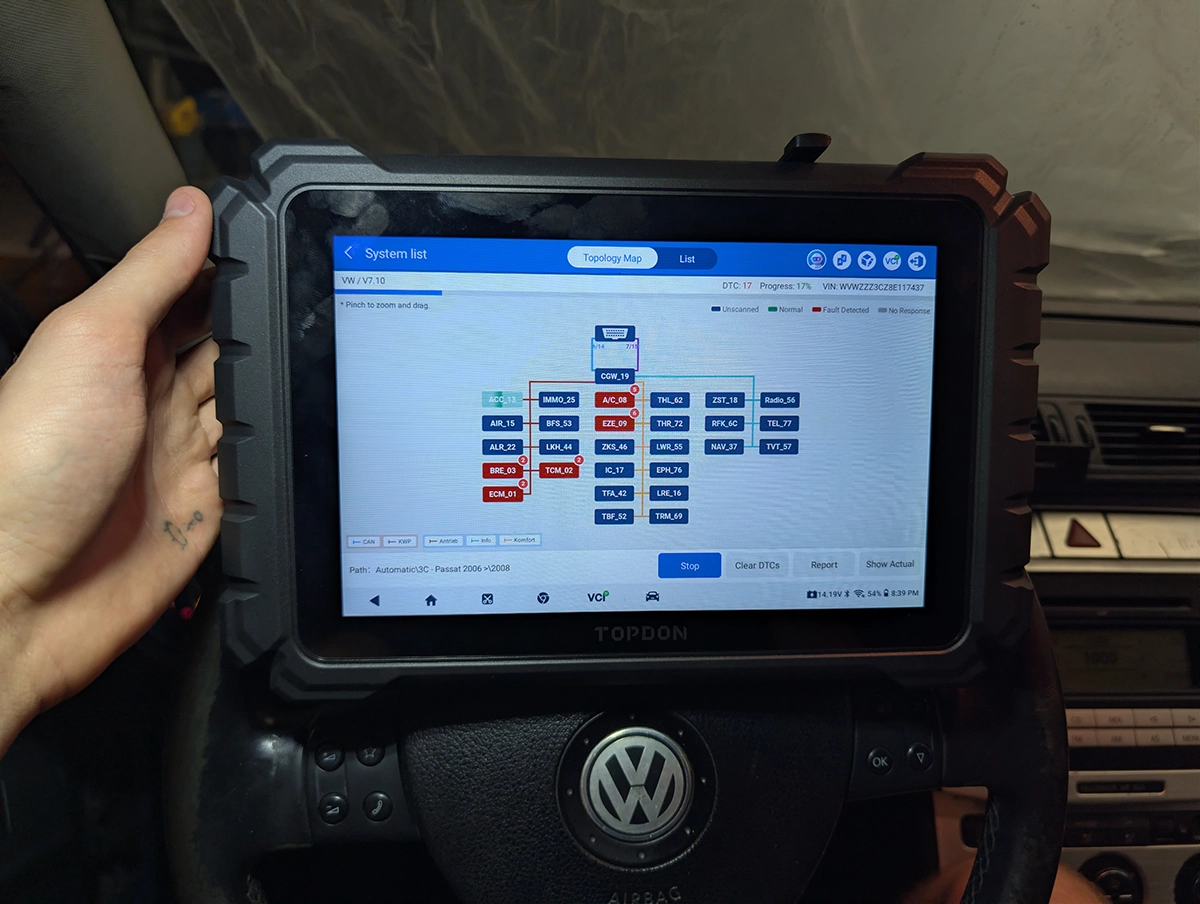
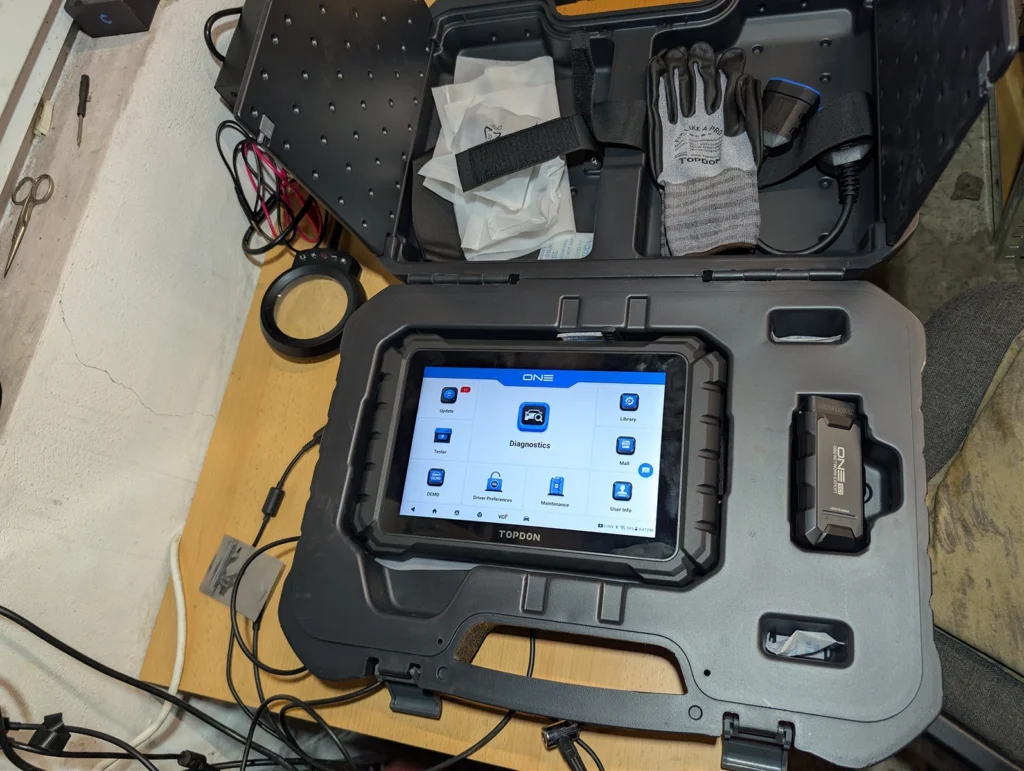
The Topdon ONE is an $800 tablet scanner that feels genuinely well built, heavy in a good way, and looks like it runs on the same underlying software as most of the Chinese "Launch style" tablets on the market right now. It's strong on live data, has a proper module topology map, and its VAG long coding helper is one of the better ones I've used. The one thing that gives me pause is the update policy, and I'll get into why.
I earn from qualifying purchases and sometimes get tools for free (full disclosure). It never affects my scoring.
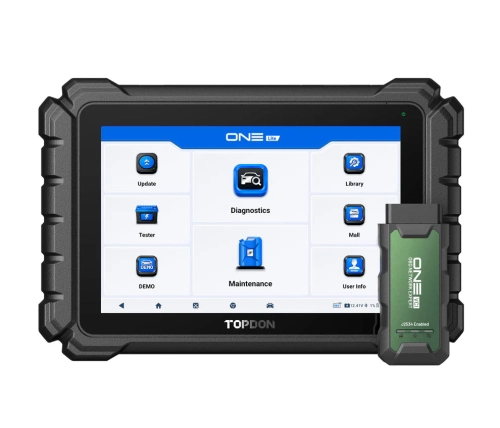
Topdon one
The Topdon one is topdon one lite is solid scanner for functionality including easy access to VAG coding but only 1 year of updates with expensive subscription..

- Tablet feels well made
- Has camera so you can inclue photos in diagnostic reports
- Great VAG coding
- Lot of service resets for EV
- Coding did not work on older BMWs (E70 and E61 tested)
- Expensive subscription
- Only 1-year of free updates
- Topology needs internet connection
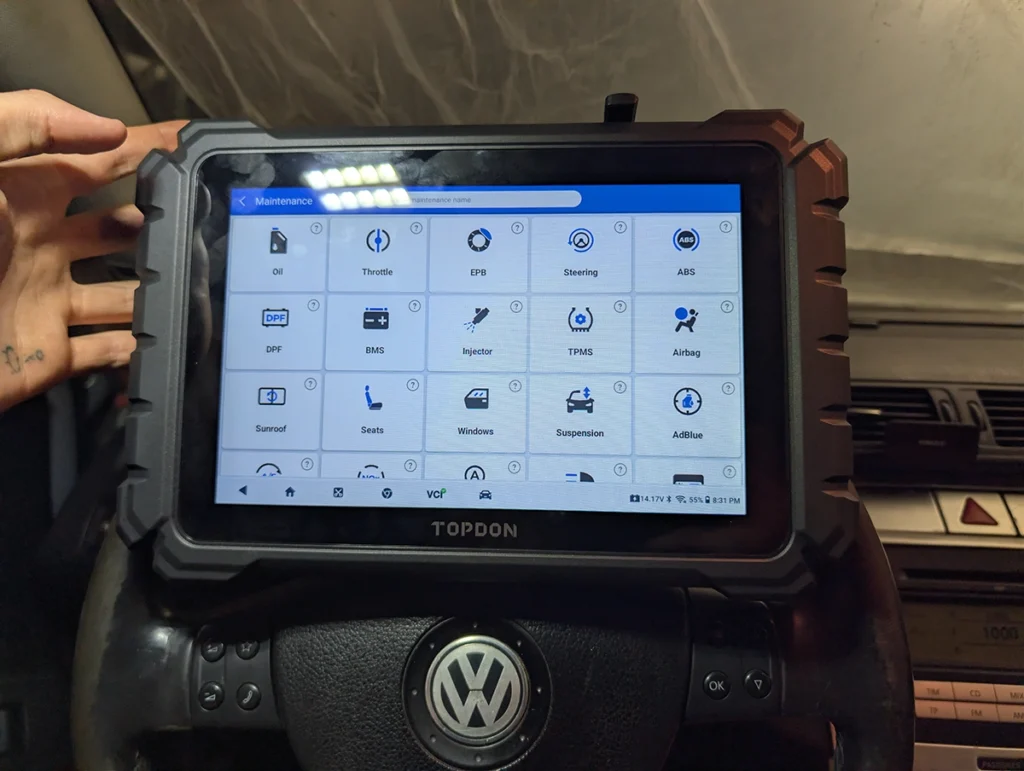
Service functions (30+)
Scores
Specs
| Tool type | Standalone device |
| User level | Professional |
| Vehicle focus | All makes |
| Free updates | 1 year |
| Update price | $299/yr |
| Subscription | Not required, but updates are paid ⚠ Paid updates can still lock some features |
| Locked features | OE-level Topology, ECU Coding Hidden Functions / Customization, TopFix AI, Gateway Unlock |
Support & resources
| Will this work for my car? | Open coverage check page ↗ |
| Hardware specs |
|
| Supported languages |               |

What it's actually good at
Live data graphing is where this tool feels genuinely premium. You can run up to 12 graphs at once, and pairing a reference value against the actual reading (rail pressure target versus real, for example) is clean and easy to read on the lift. The module topology map is also well done, smooth zoom and repositioning, a proper legend showing what each line represents.
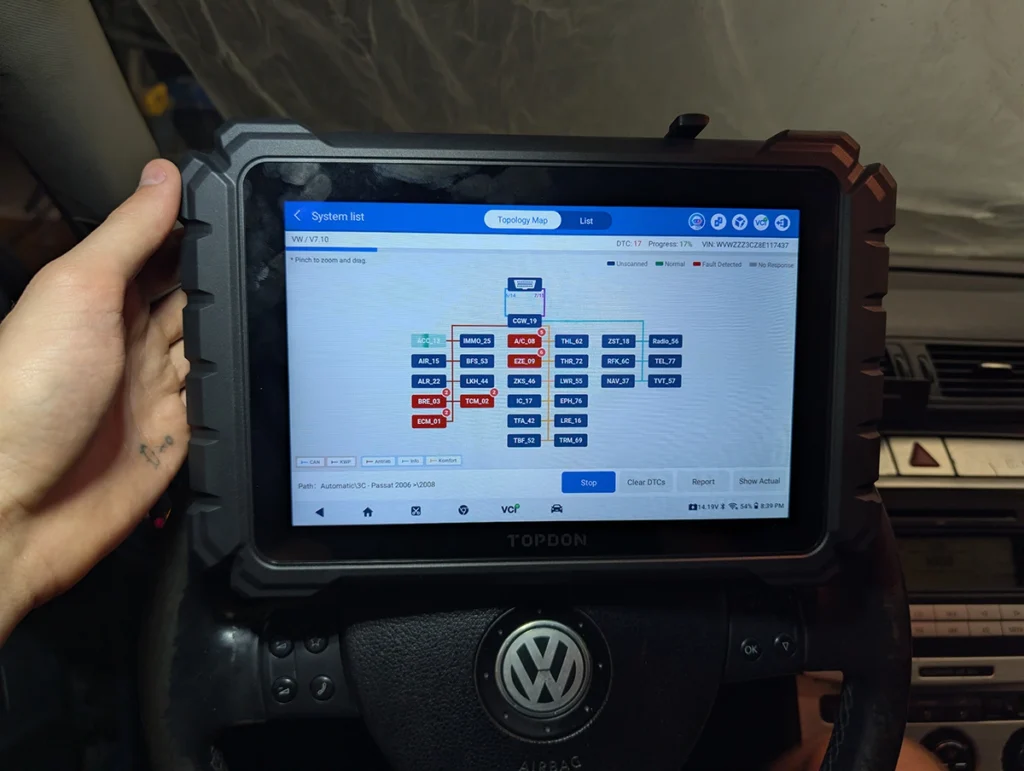
Gateway scan on VAG cars from 2006 onward pulls faults from every module in one pass, and the guided service reset functions are thorough. I ran a reset on a BKP 103kW engine variant and it walked me through every step clearly. There's also a decent list of EV specific service resets, more than I expected at this price.
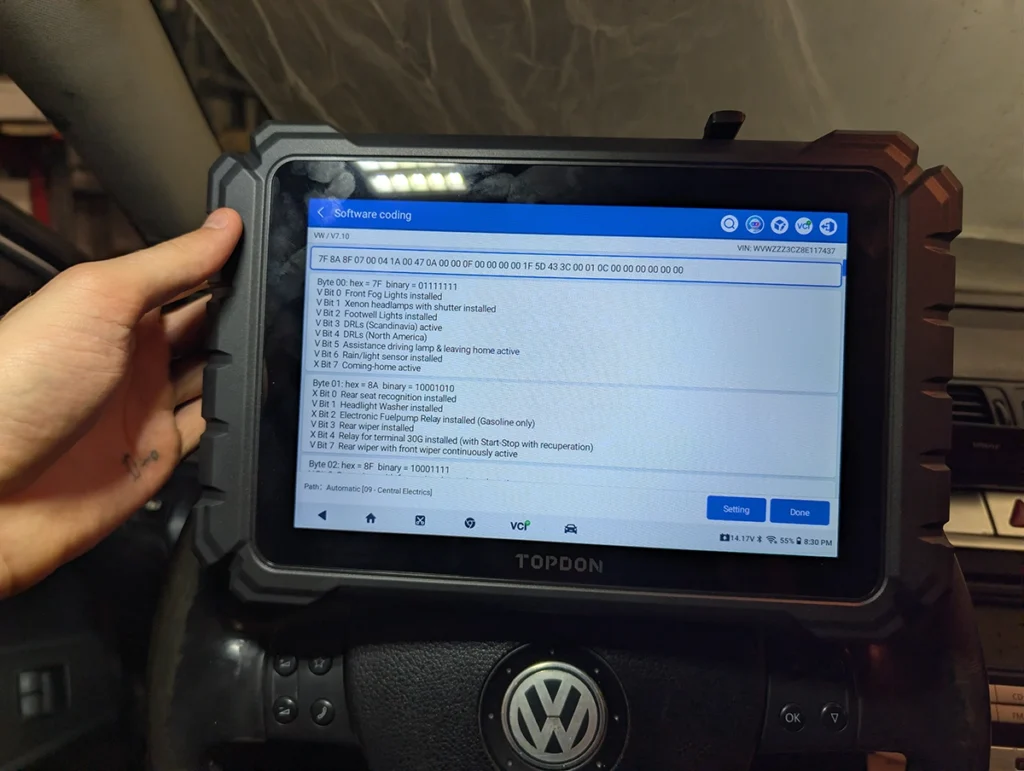
VAG long coding stood out the most. On my Passat B6 the driver preferences menu is laid out with icons and clear categories, and from the main diagnostics menu the same function shows up as a full long coding helper, byte by byte, with explanations for each value and an old value versus new value comparison before you save. I coded my cornering lights to trigger off the fog lights in under a minute. It's one of the better explained coding interfaces I've used in this price range.
Where it falls short
Coding isn't universal though. I tried a BMW E61 and an X5 and both came back "vehicle model does not support hidden features." I've had that on a couple of other similarly built Chinese tools too, but a Mucar 892BT and a Kingbolen K8 Pro I own both got coding working on the same cars, so it's not something you can assume across every tool in this style, worth checking your specific make before buying.
The built-in camera for reports is a nice touch but the photo quality is nothing special, usable, not great.
💡 Topology needs internet, every single time. The map itself is well built, but it won't load without an active connection. Fine in the workshop, dead weight anywhere without signal.
The update policy is the part I'd actually pause on. This tool ships with one year of free updates, then a paid annual subscription, tax excluded. At $800, most tools in this price range give two to three years free or lifetime updates outright. I also couldn't confirm whether internet-dependent features like topology keep working once that year runs out, Topdon didn't make that clear anywhere I looked. If you're buying this, email their support first and get a straight answer on what stops working and when.
Who should buy this
Yes, buy it if:
- ✓You want a well built tablet with strong live data graphing and a genuinely good topology view
- ✓VAG coding is a regular part of your work and you want an explained, byte-level coding helper
- ✓You're comfortable confirming the update terms with Topdon before you commit
No, look elsewhere if:
- ✕BMW coding matters to your work, this specific unit didn't support it on either car I tested
- ✕You need CSV export for live data logging
- ✕Predictable long-term update costs matter more to you than one strong feature
What I'd consider instead
Topdon one Mucar 892BTTopdon one
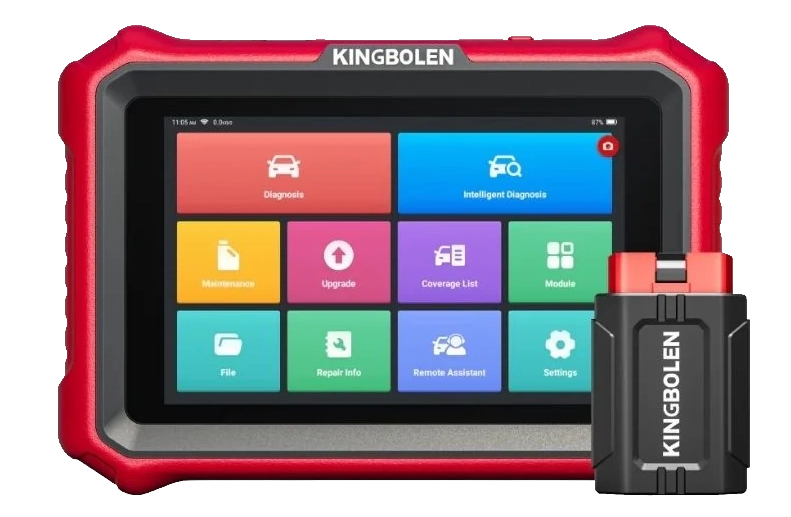 Kingbolen K8 Pro
Final word
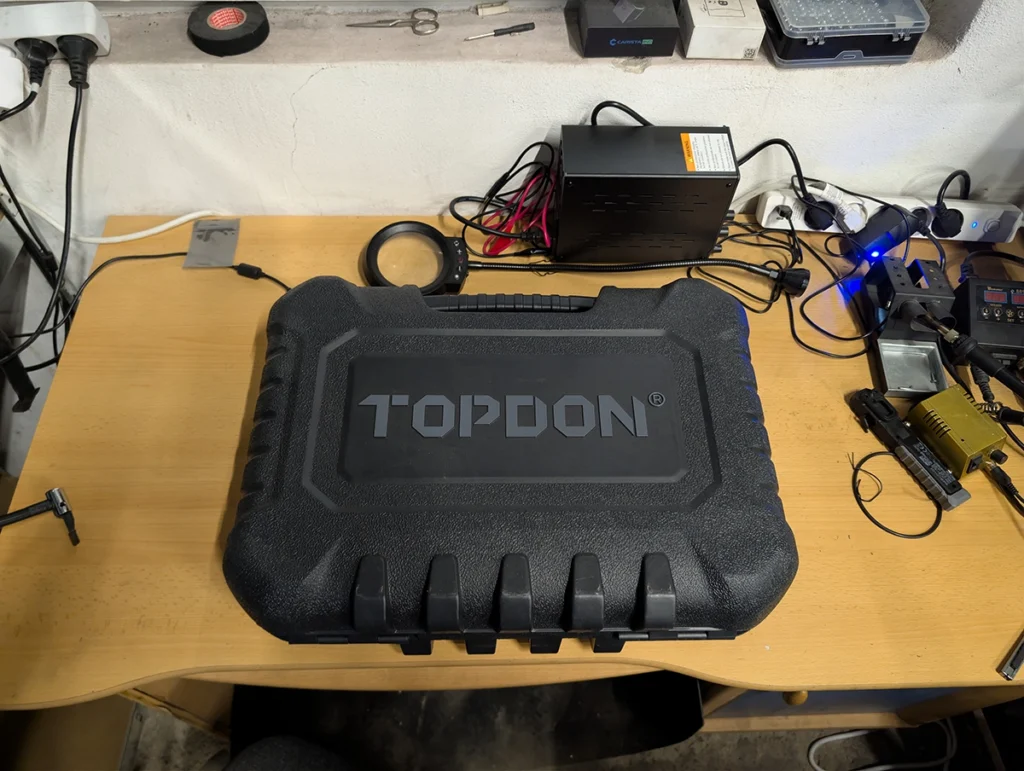
The Topdon ONE is a genuinely solid scanner. Build quality, live data, topology and VAG coding all held up well in testing. The update policy is what makes me hesitate to call it an easy buy, get clarity from Topdon on what happens after year one before you commit to it.

I'm Juraj Lukacko and I work as an auto electrician. On this site I share what I learn from real work on real cars, to help you pick the right tools for diagnostics, programming and tuning and get the job done.
More about me →