Published: November 23, 2026 · Last updated: November 23, 2026
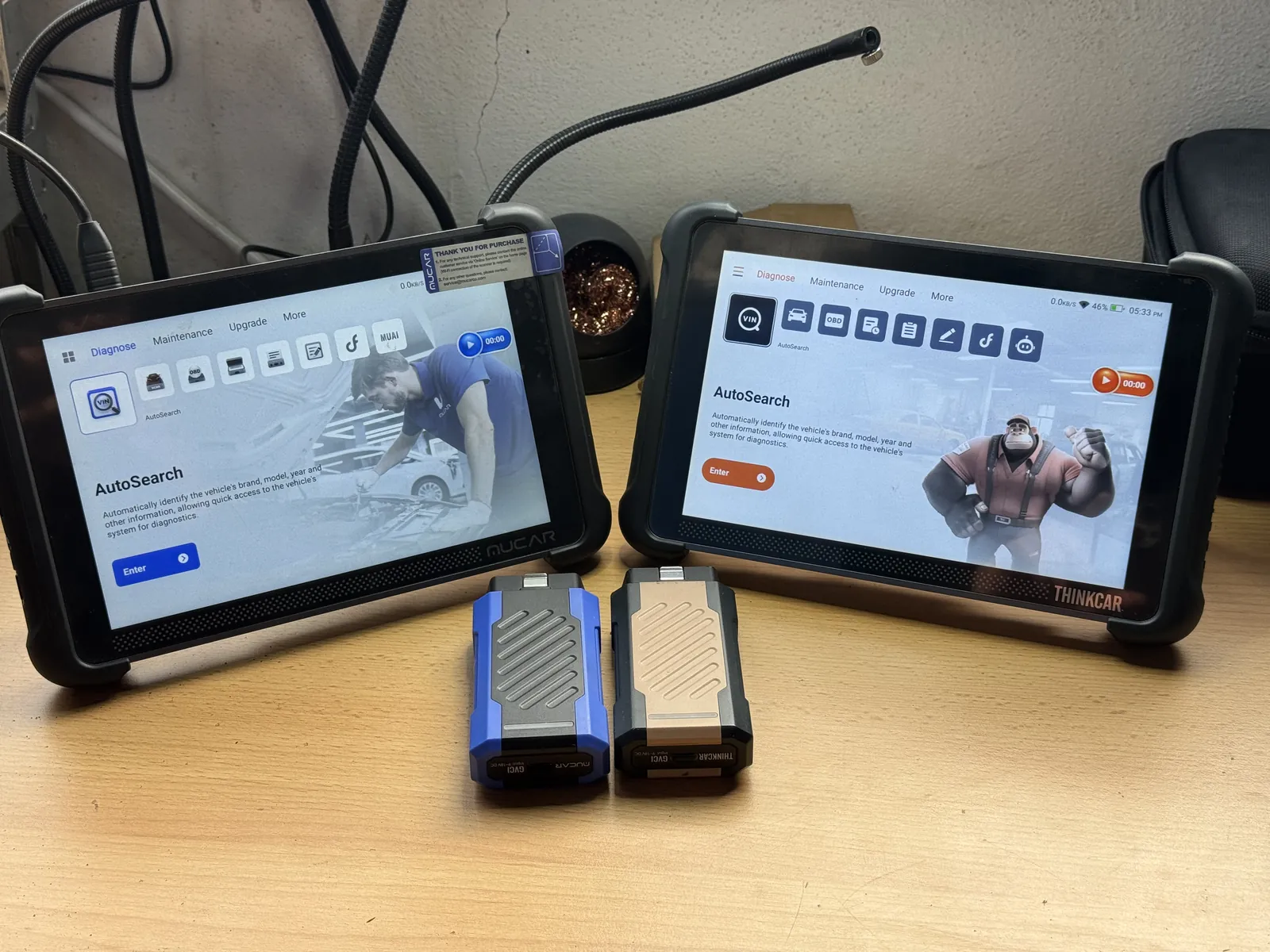
I get this question every week: what is the difference between the Mucar 892BT Pro and the Thinkcar Thinkscan 689BT Pro? I own both and use them side by side in my workshop, and the honest answer is short. I have not found a single real difference.
Same 8 inch tablet, same software, same function list, same price class. What changes is the badge, the colours and the name of the AI assistant. So this is not a page about which one is better. It is about which one is cheaper on the day you buy.
I earn from qualifying purchases and sometimes get tools for free (full disclosure). It never affects my scoring.
What is the same
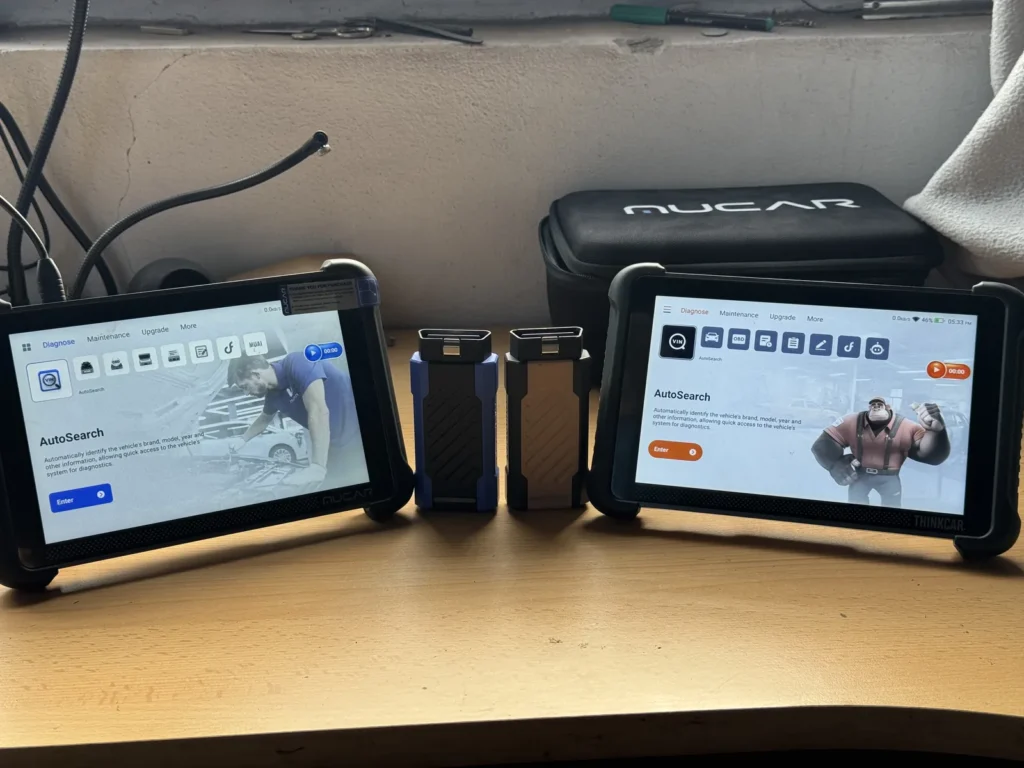
Everything that matters when you plug it into a car:
- full-system diagnostics, live data and bidirectional tests
- ECU coding and the same list of service resets
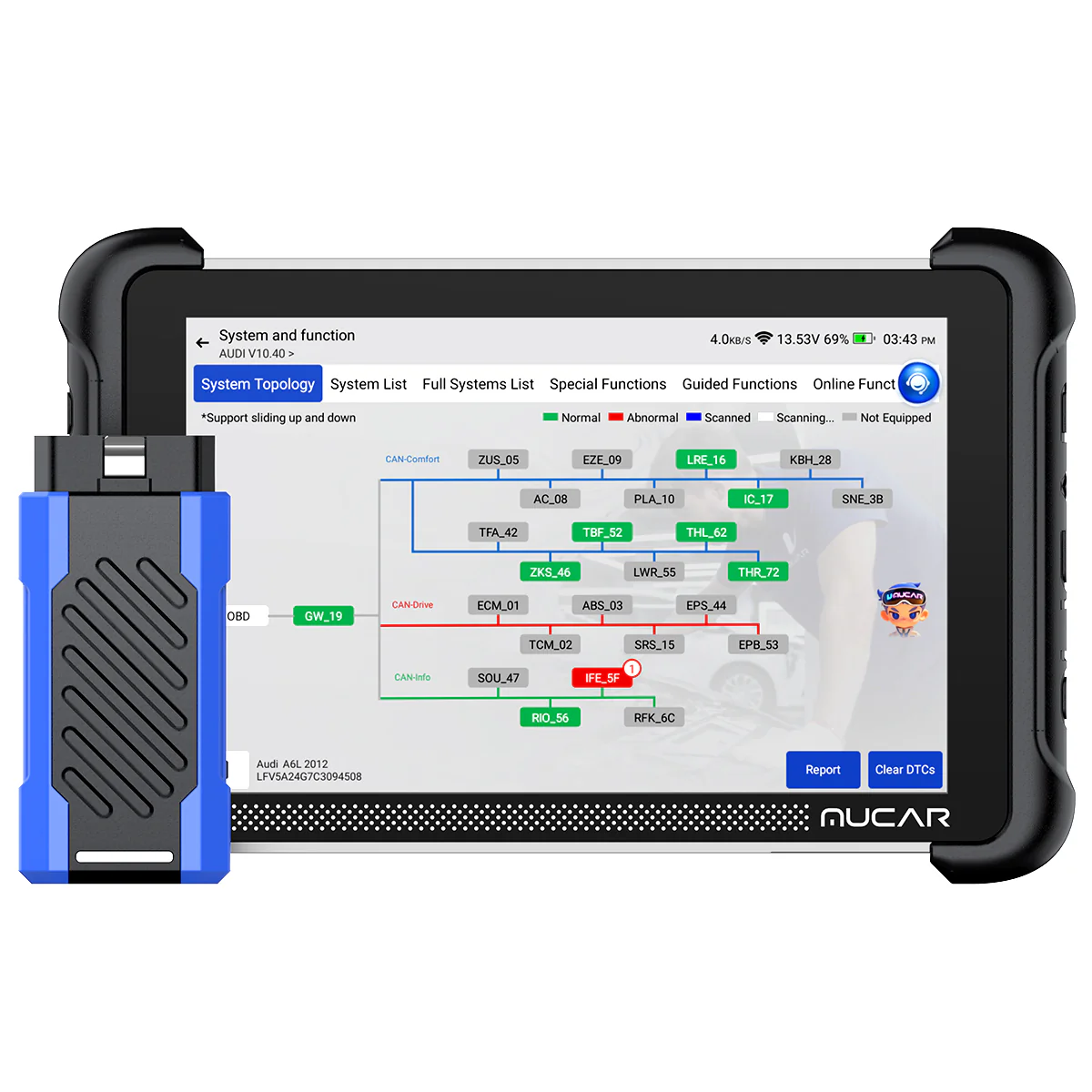
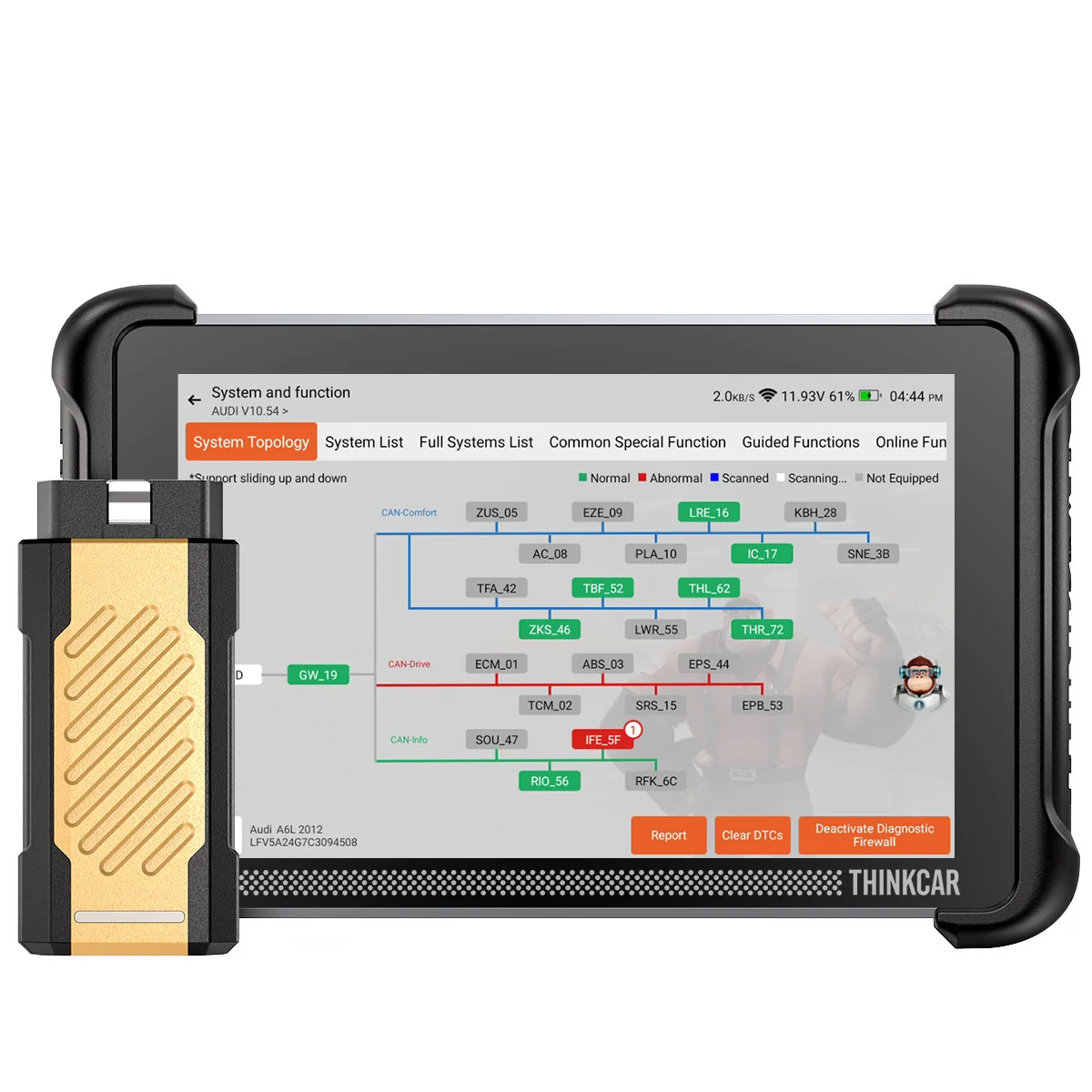
- topology scan and the J2534 capable Bluetooth dongle
- free lifetime updates, no subscription
- 8 inch screen, Android 10, 4 GB RAM and 64 GB storage
- the magnetic dongle holder on the back and the custom background image
- the same add-ons, an accessory made for one works on the other
The menus sit in the same place on both, so if you learn one you already know the other. In my own scoring the two get the same numbers in every category, because I could not find a place where one did more than the other.
What is different
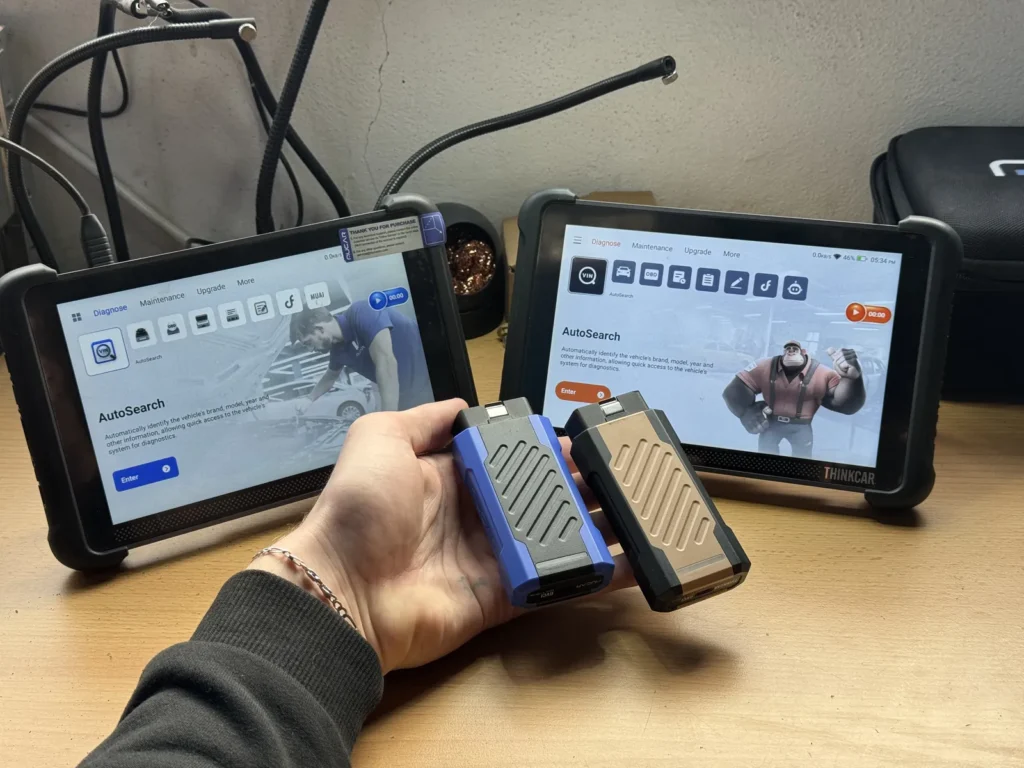
Only cosmetics:
- The badge. Mucar on one, Thinkcar on the other. Both come from the same company.
- The colours. Mucar uses blue on the dongle and in the menus, Thinkcar uses a champagne dongle and red and orange in the menus.
- The AI assistant. Mucar calls it MUAI, Thinkcar has the same assistant under its own name and icon.
- The default background picture. You can replace it with your own on both.
That is the whole list. If you find a function that one has and the other does not, tell me and I will add it here.
Where both fall short
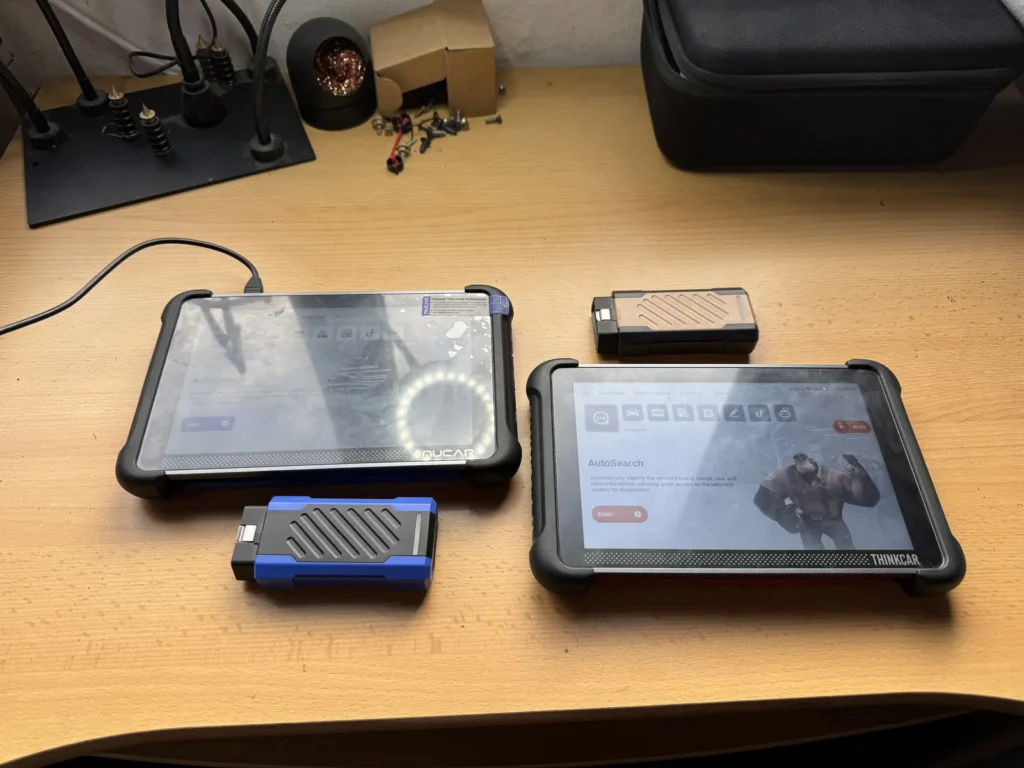
Because they are the same tool, they share the same limits. Odometer correction covers only around ten brands. Key programming needs the TKEY add-on and often a PIN that cannot be read through the OBD port. Some advanced resets need an internet connection. And topology is more of a luxury than a need.
Do you need the Pro at all?
The Pro versions add two things to the standard Mucar 892BT and Thinkscan 689BT: topology and J2534. The daily work, diagnostics, coding and service resets, is the same on the standard tablets, and they cost a good deal less. If you will never open OEM software on a laptop and you can live without the network map, buy the standard one. The same rule applies there: the 892BT and the 689BT are also the same scanner.
Which one should you buy?
The cheaper one. Open both links, compare the price with shipping to your country and take whichever costs less that day.
There is nothing else to weigh. Even the add-ons are shared: accessories sold for one brand work on the other, so you do not lock yourself into Mucar or Thinkcar with this choice.
Final word
Mucar 892BT Pro and Thinkscan 689BT Pro are one scanner sold under two names. I use both and I reach for whichever is closer. Do not pay more for either badge.

I'm Juraj Lukacko and I work as an auto electrician. On this site I share what I learn from real work on real cars, to help you pick the right tools for diagnostics, programming and tuning and get the job done.
More about me →