

Published: March 19, 2026 · Last updated: March 19, 2026
Steering angle sensor (SAS) calibration is a common diagnostic procedure required after repairs, alignment, or steering system work.
This page contains real step-by-step procedures for different vehicles using OBD2 diagnostic tools.
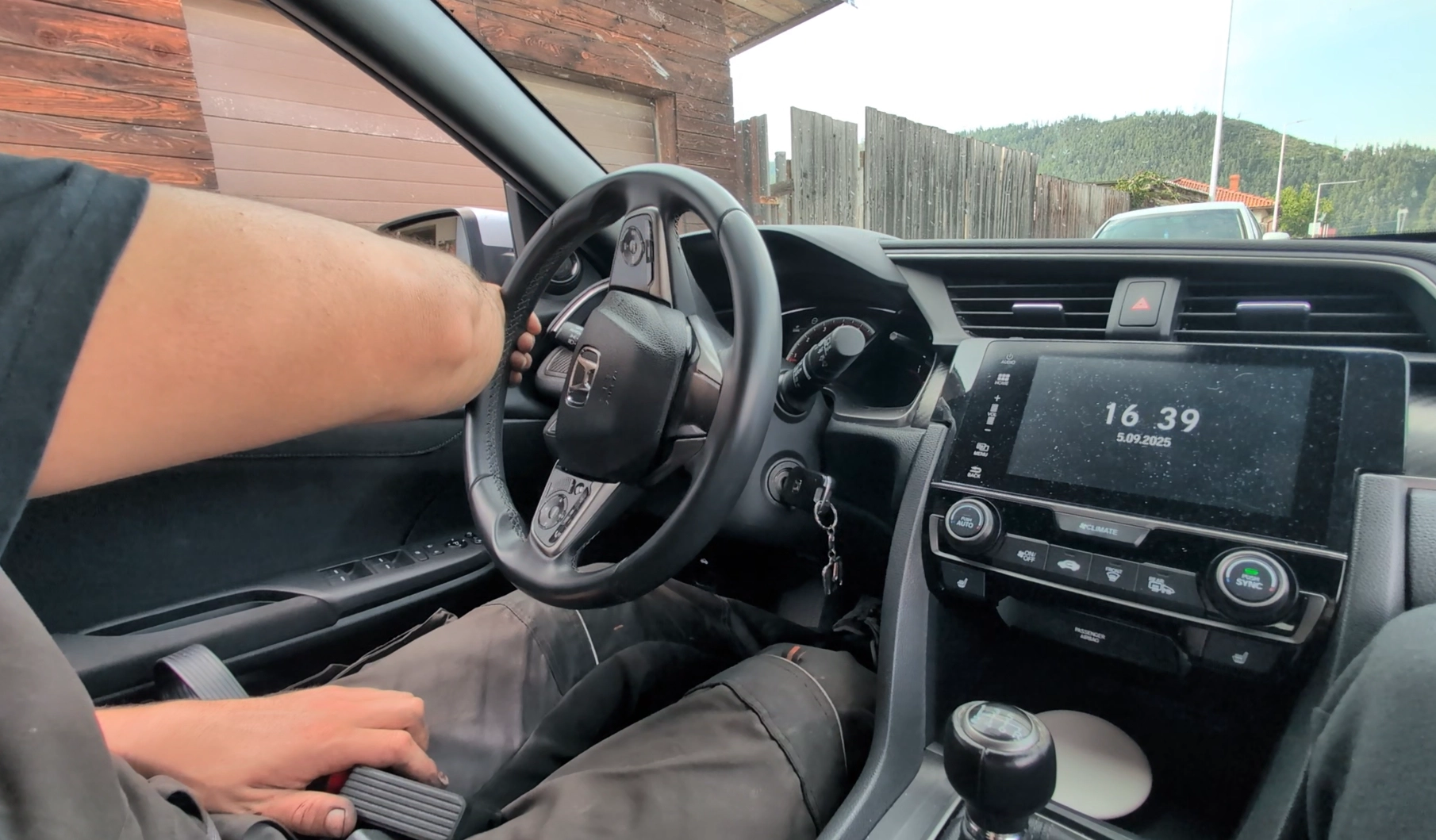
I tested these procedures using various scanners in real conditions. Some cars allow quick calibration through a simple reset, while others require specific steering movements or additional conditions.
What is SAS calibration?
The steering angle sensor measures the position of the steering wheel and sends data to systems like ABS, ESP, and ADAS.
If the sensor is not calibrated correctly, the car may detect incorrect steering input.
- ABS / ESP warning lights
- Traction control disabled
- Lane assist or ADAS malfunction
- Incorrect steering behavior
When is SAS reset required?
- After wheel alignment
- After steering wheel removal
- After replacing EPS, ABS, or steering components
- After battery disconnect (on some vehicles)
- After accident repair
How SAS calibration works
Most vehicles require the steering wheel to be centered and then turned in specific directions while the diagnostic tool performs calibration.
Some systems perform automatic learning, while others require manual steering input.
SAS calibration procedures by vehicle
Recommended tools for SAS calibration
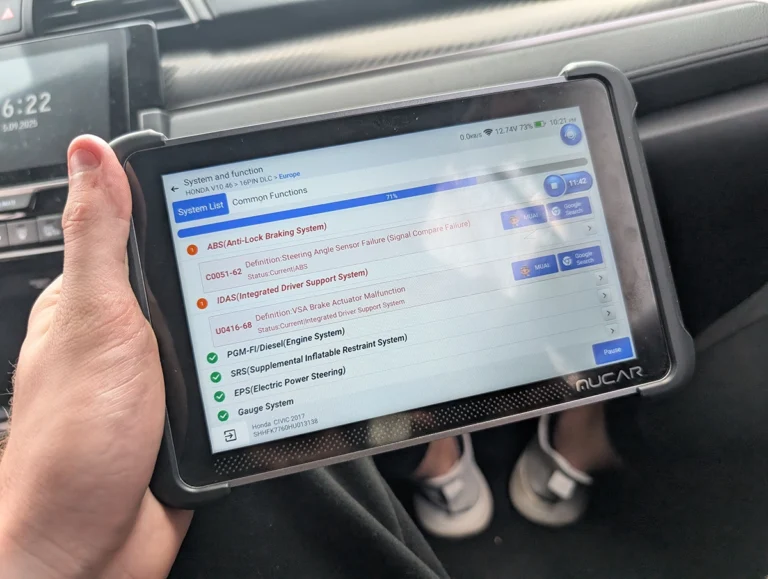
Basic scanners may not support SAS calibration. You need a tool with service functions or bi-directional control.
Important notes
Before performing SAS calibration, always ensure there are no other active faults in ABS or EPS systems.
Calibration may fail if the steering wheel is not perfectly centered or if battery voltage is too low.
Legal & safety notice
This procedure modifies vehicle system settings through control modules.
Incorrect use may result in warning lights or system malfunction.
Always follow proper safety procedures.
Hi, I am Juraj Lukacko. I got frustrated by unhelpful and scammy mechanics, so I decided to learn everything about car diagnostics myself. I test dozens of new car diagnostic tools every month along with learning new strategies to fix and customize cars.
