
Published: October 12, 2026 · Last updated: October 12, 2026
The Thinkscan 689BT Pro is the tablet I grab for most daily work in my shop. Diagnostics, used car checks, coding and service resets on almost any brand, with the easiest interface of all the scan tools I have. For DIYers and general mechanics, it’s my top pick. But if you bought it for key programming or odometer work, you’d be disappointed, and I’ll show you exactly where it stops.
I earn from qualifying purchases and sometimes get tools for free (full disclosure). It never affects my scoring.
Thinkscan 689BT Pro
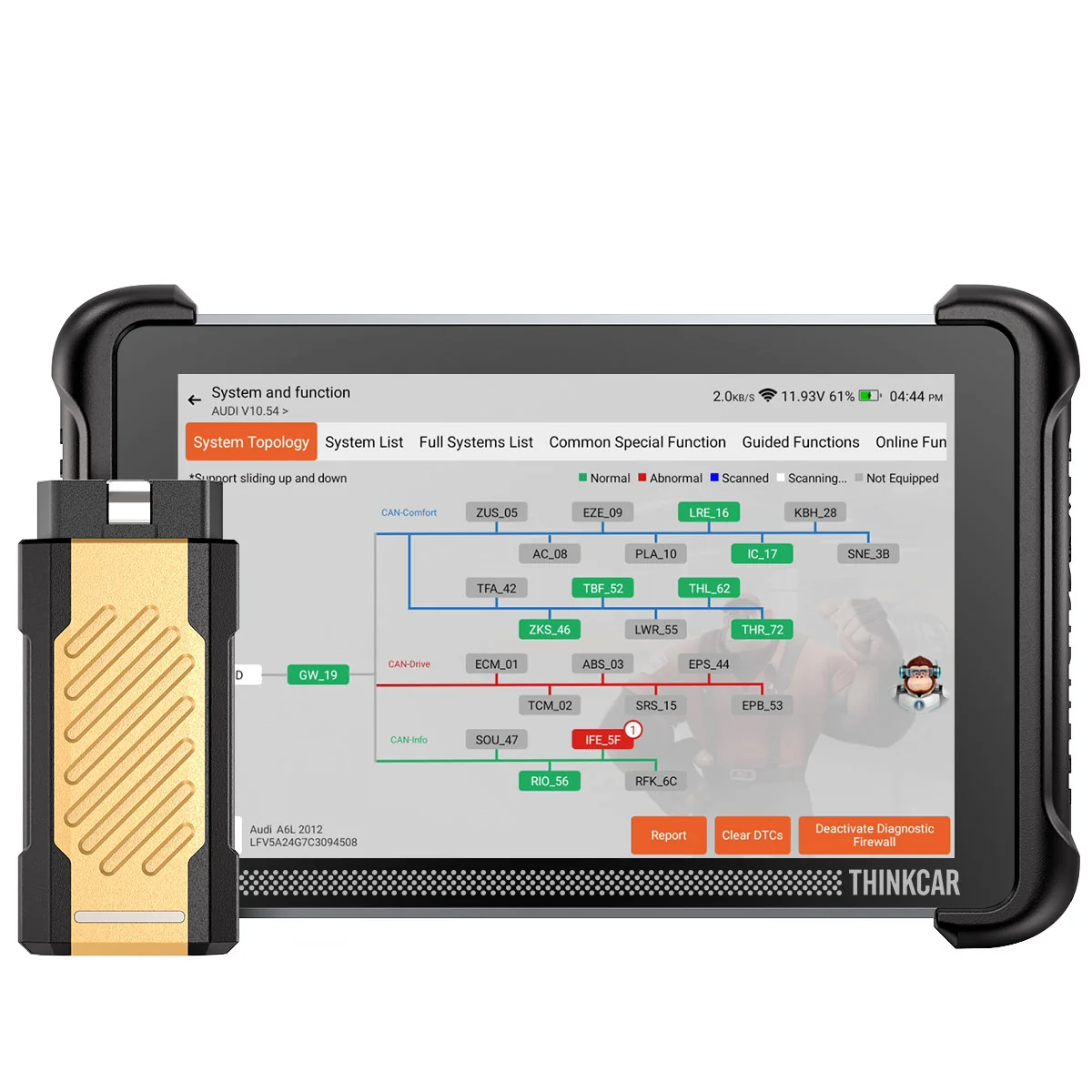
The Thinkscan 689BT Pro is my personal favourite go-to scanner for diagnosing, checking used cars. service resets or even coding new features. Topology feature is also nice to have..

- Best coding interface I've used
- Good coding support for variety of brands
- Choose to scan only the modules you need
- Records any live data values with CSV export straight to email
- Easiest UX of all my scan tools
- Small and light so easy to carry
- Magnetic dongle holder on the back
- Topology scan
- J2534 programming
- Free lifetime updates
- Custom background image
- Odometer correction supports only around 10 brands
- Key programming needs TKEY add-on and often a PIN that can't be read through OBD
- High speed scan can be less stable than smart scan
- Advanced resets require internet connection
- Topology is more of a luxury so standard 689BT saves money
Service functions (35+)
Scores
Specs
| Tool type | Standalone device |
| User level | Professional |
| Vehicle focus | All makes |
| Free updates | Lifetime |
| Subscription | Not required |
Support & resources
| Hardware specs |
|
| Supported languages |                            |
What it’s actually good at
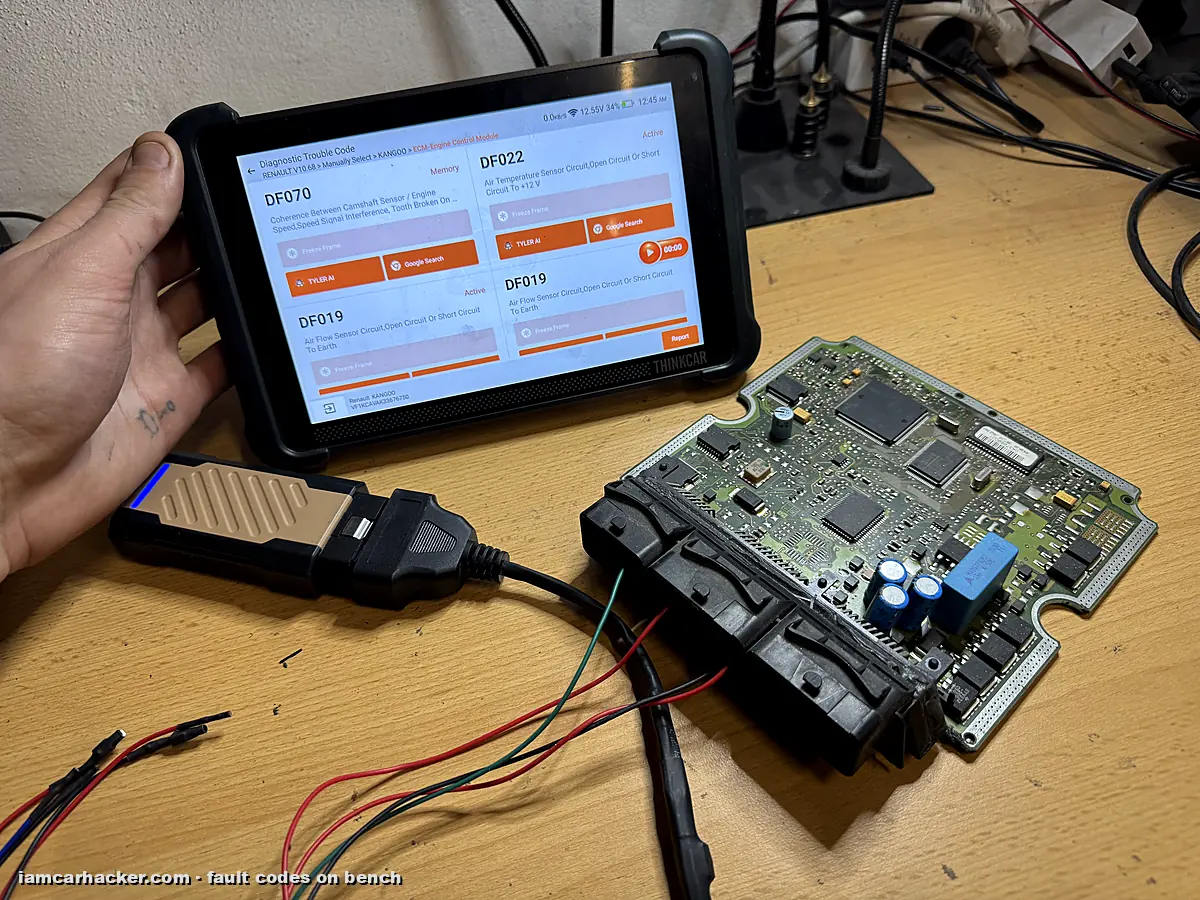
Coding is where it beats most tablets I’ve used. On my BMW E61 it scanned every module, then put all the coding options into one menu. I went into the radio module and could change settings with a few taps, no coding knowledge needed. On VAG cars you get a long coding helper that feels like a dedicated VAG tool. The difference is that the same tablet also codes BMW, Toyota and Renault.
Scanning is faster than on most tools too. Besides the full scan, you can pick just the modules you care about (engine, airbag, ABS) and scan only those. On older cars I skip modules I know aren’t fitted, so the tool doesn’t waste time retrying them.
The live data is the real reason I love it for diagnostics. You can record any values you want and export the log as CSV straight to email.
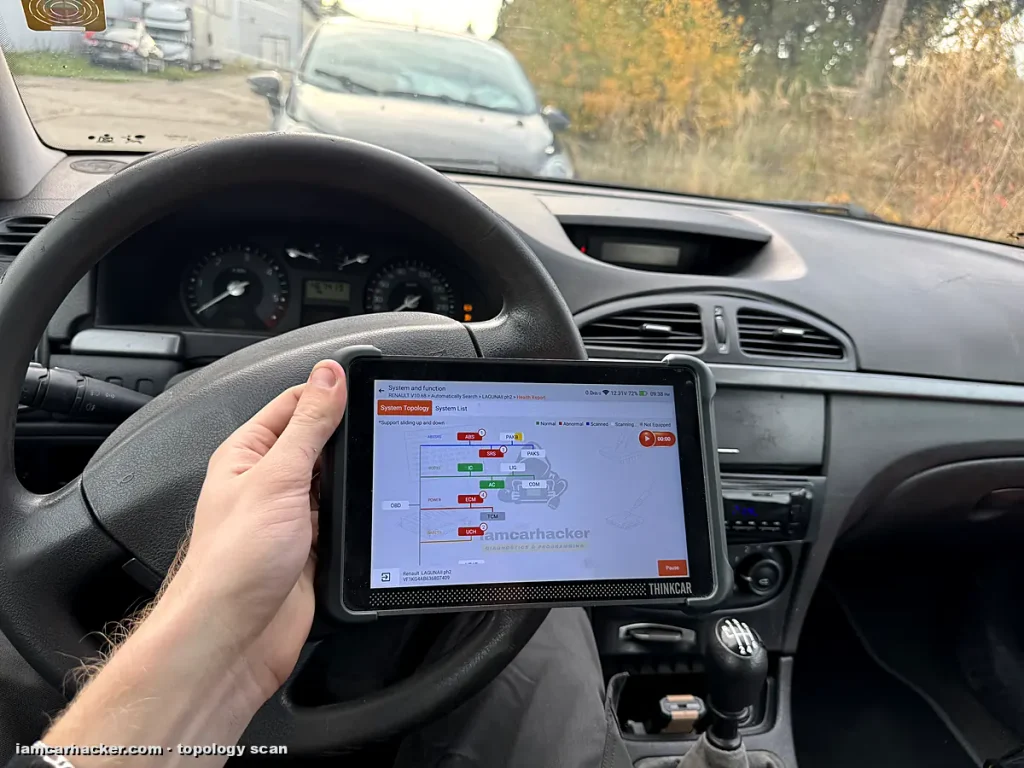
🔧 How I diagnosed my 300 euro Laguna. The turbo wasn’t working and the car had zero power. I recorded a drive log with EGR, turbo, RPM, speed and injector data, then had AI analyze it. It pointed straight at the EGR valve. I blocked the EGR with a metal plate and the car drives a lot better. A second log confirmed the EGR, but also showed not everything is fixed yet.
Basic service work is easy as well. After writing a new ECU file to that Laguna, I recoded the injectors and VIN with the 689BT Pro.
Where it falls short
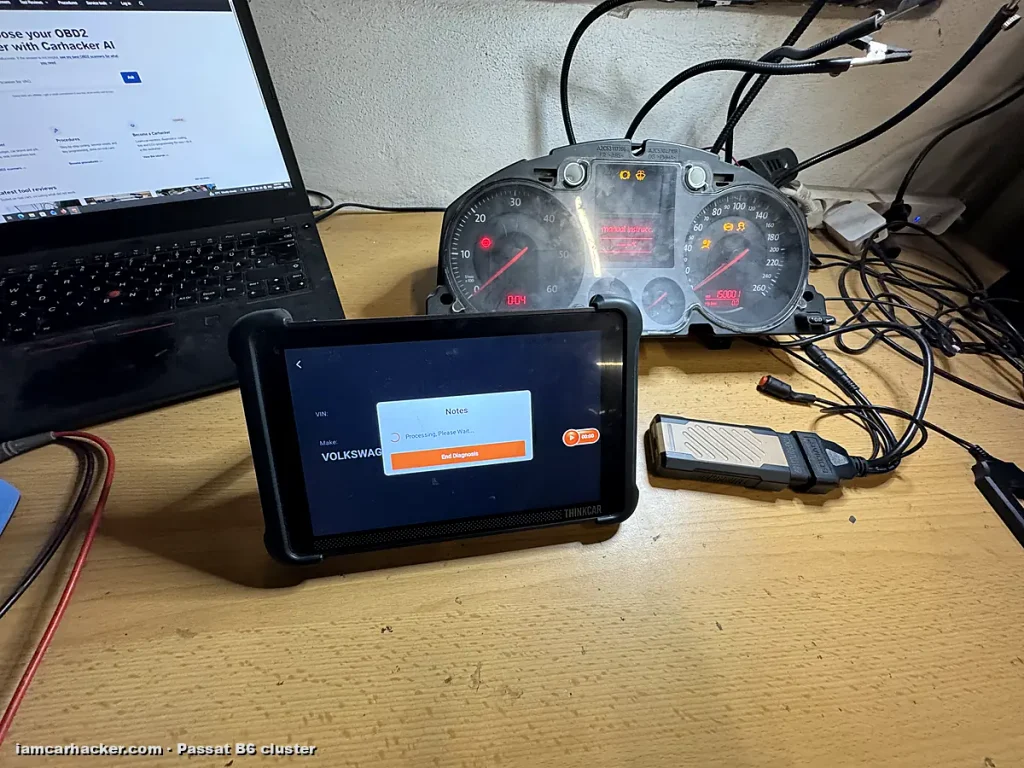
Advanced functions are where every scan tool in this price range hits a wall. The odometer function on the 689BT Pro covers only around ten brands. On my VW Passat B6 cluster it supports only the older immobilizer generation, so it was a no go. None of my scan tools could change mileage on this cluster, including ones around $3,000, except Xtool.
Key programming is the same story. With the TKEY programmer I read the chip in my Skoda Fabia key and generated the right transponder on a super chip. Then key matching needed the cluster PIN, and the scanner couldn’t read it through OBD.
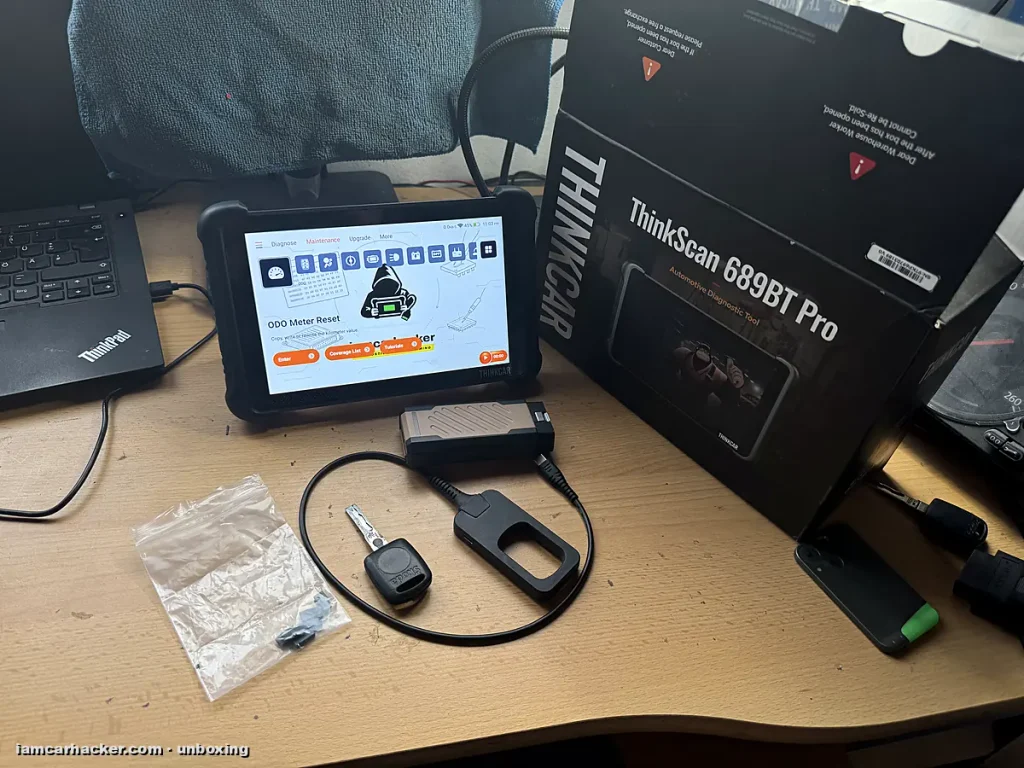
⚠️ A key programmer doesn’t mean you can make keys. I had to read the cluster EEPROM with a different tool and get the PIN from a calculator. Login worked, but key matching still failed. Most key jobs need immobilizer data you can’t get through OBD.
Airbag crash data is mostly not repairable with any scanner either. And more advanced resets require the tablet to be online.
Who should buy this
Yes, buy it if:
- You’re a DIYer or general mechanic who wants diagnostics, coding, used car checks and service resets on many brands
- You want to diagnose through live data and drive logs
- You want one easy tablet you can carry to every car
No, look elsewhere if:
- Your main goal is key programming, odometer correction or airbag reset
- You don’t need topology and J2534, and want to save money
Thinkscan 689BT Pro
 Thinkscan 689 BT
Thinkscan 689BT Pro
Thinkscan 689 BT
Thinkscan 689BT Pro
 XTool D8s
Thinkscan 689BT Pro
XTool D8s
Thinkscan 689BT Pro
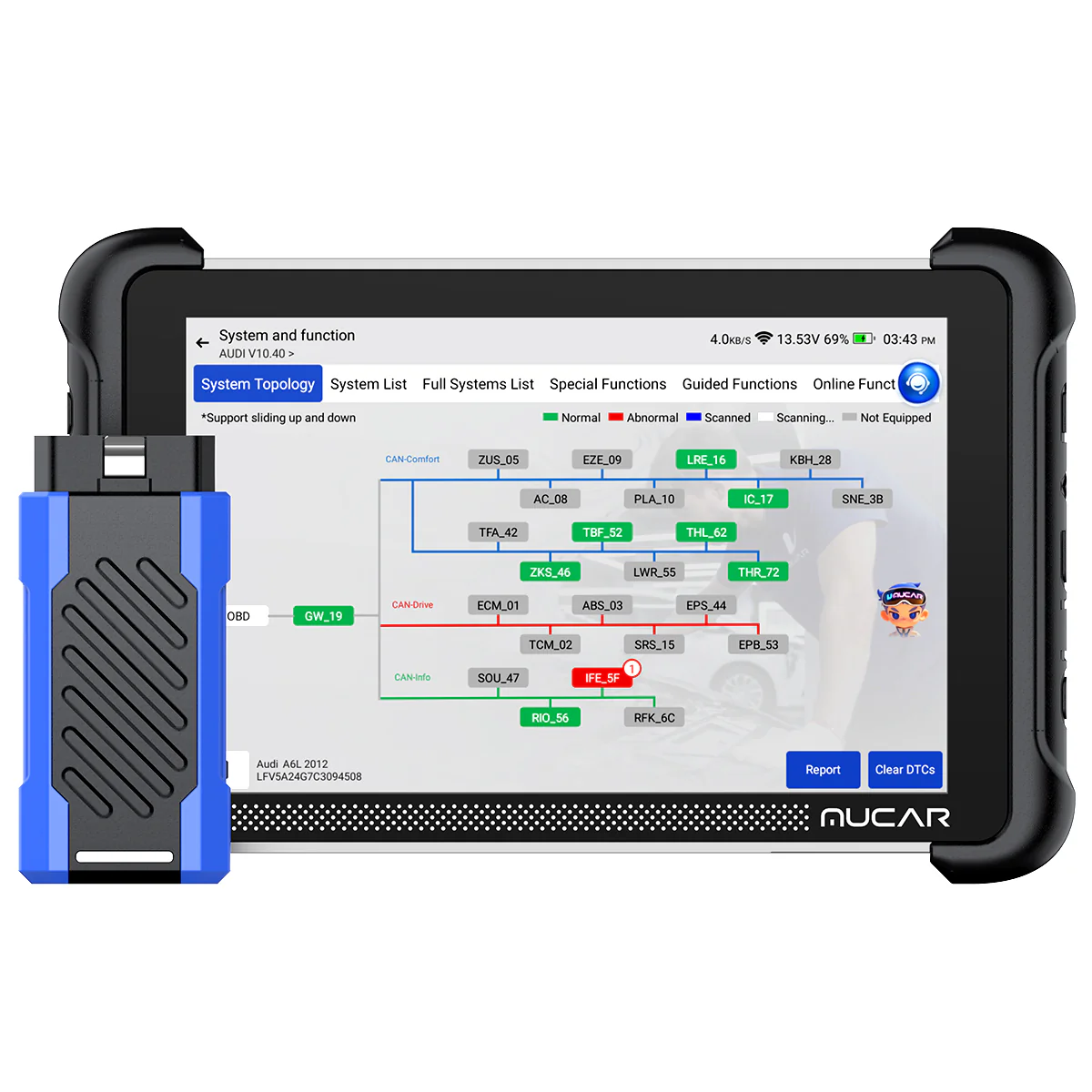 Mucar 892BT Pro
Final word
I’ve tested a lot of scan tools, and the Thinkcar and Mucar tablets are the ones I actually use for basic and light work in my shop. Small, fast, easy. The 689BT Pro won’t do everything, no scan tool will. But for most people who aren’t planning key or odometer work, it’s the one I’d buy.

I'm Juraj Lukacko and I work as an auto electrician. On this site I share what I learn from real work on real cars, to help you pick the right tools for diagnostics, programming and tuning and get the job done.
More about me →