
Published: August 27, 2026 · Last updated: October 29, 2026
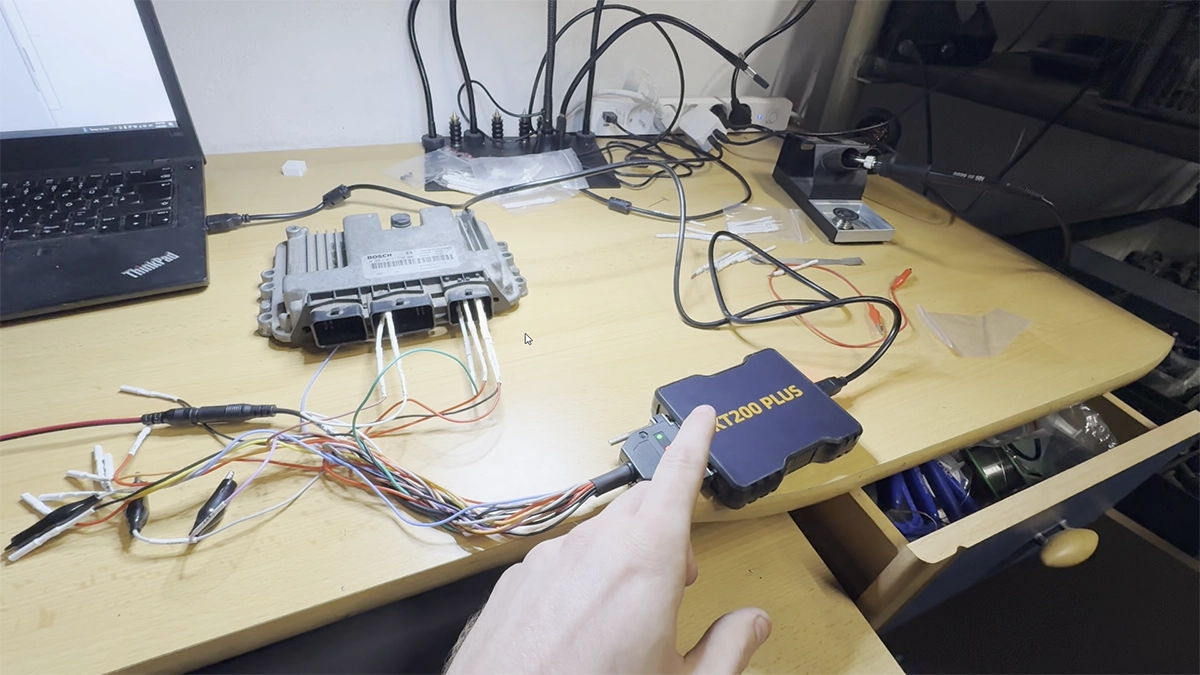
I bought the KT200 Plus to add ECU programming to what I already do with the OBD scanners. First thing I tried was reading an EDC16C3. It didn't connect at all.
Turned out I didn't have a J2534 driver installed, the KT200 Plus runs on top of it instead of its own proprietary interface. I messaged the seller, they sent me the driver package, and once that was in place the connection worked fine.
I earn from qualifying purchases and sometimes get tools for free (full disclosure). It never affects my scoring.
KT200 Plus
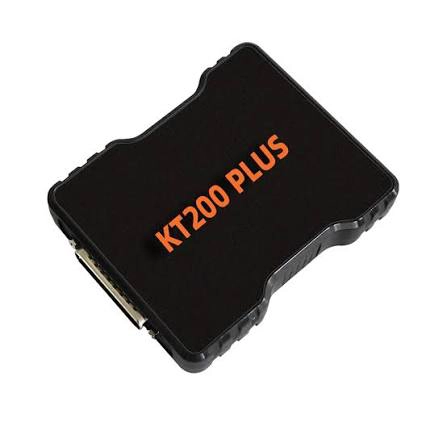
The KT200 Plus is ecu programmer for reading, writing and cloning ECU flash and EEPROM over OBD and on the bench, with a built in DTC on/off function.

- DTC off worked when I tested it
- IMMO off is advertised but does not look built into the software
Scores
Specs
| Tool type | Standalone device |
| User level | Professional |
| Vehicle focus | All makes |
| Free updates | 1 year |
| Update price | $119/yr |
| Subscription | Required ($119/yr) |
| Locked features | device ID activation required, tied to dongle/hardware |
Support & resources
| Will this work for my car? | Open coverage check page ↗ |
| Supported languages |   |
First real read: EDC16C3
Once the driver was sorted, I read the EDC16C3 without issues. The software has a built in DTC manager, which surprised me since I expected to need a separate tool for that part.
This is one ECU on one car. I'm not calling coverage or reliability yet, that comes after I've run more reads across different platforms.

I'm Juraj Lukacko and I work as an auto electrician. On this site I share what I learn from real work on real cars, to help you pick the right tools for diagnostics, programming and tuning and get the job done.
More about me →