
Mucar DriverScan Review: Real Actuator Tests, but Watch the Subscription

Published: October 2, 2024 · Last updated: June 4, 2026
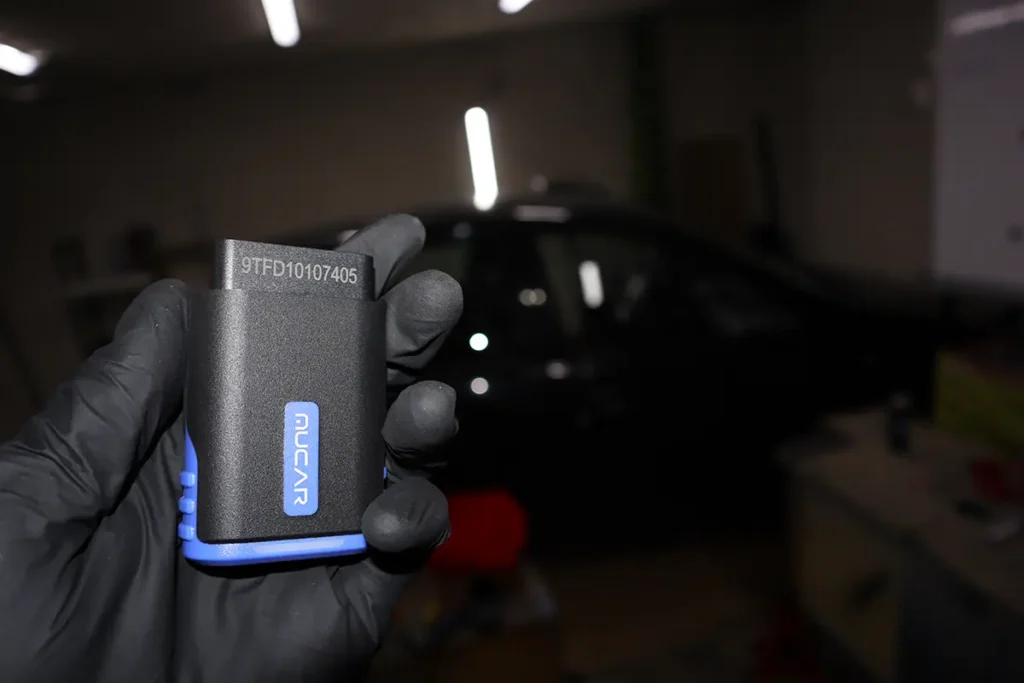
The Mucar DriverScan is a Bluetooth full-system scanner with real bidirectional tests and service resets, running the same software family as the ThinkDiag2 but at a lower price. I tested it on a Toyota Corolla, a Fiat Punto, a Renault Kangoo and an older VW. The pitch is simple: ThinkDiag2-style full-system access and actuator tests, minus ECU coding, for less money. It works well, but the subscription and a few app quirks shape who it’s for. Read on.
I earn from qualifying purchases and sometimes get tools for free (full disclosure). It never affects my scoring.
What This Tool Actually Is

Mucar Driverscan
The Mucar Driverscan is full-system bluetooth scanner designed for everyday drivers with real actuator tests.

- Full-system phone-based scanner with real actuator tests
- Designed for everyday drivers as the name suggests
- Good mix of resets and diagnostics
- No ECU coding
- Software platform shares same quirks as other Thinkcar/Mucar apps
Service functions (15+)
Scores
Specs
| Tool type | Standalone device |
| User level | Intermediate |
| Vehicle focus | All makes |
| Free updates | 1 year |
| Subscription | Required ($60/yr) |
| Locked features | everything except global obd |
Support & resources
| Will this work for my car? | Open coverage check page ↗ |
What it’s actually good at
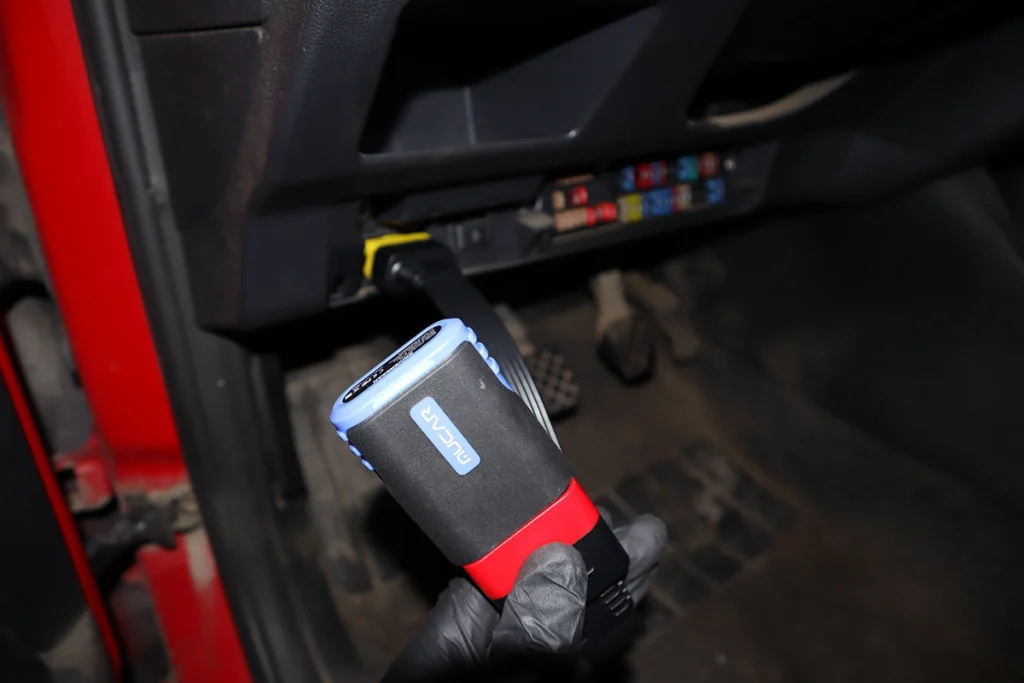
It’s fast, and the full-system scanning is the highlight. On the Toyota Corolla a full scan took 33 seconds and detected 33 modules, roughly a module a second, which is very quick for a Bluetooth adapter. You get a clean PDF report at the end, and vehicle coverage is strong: across the Kangoo, Punto, Corolla and a VW it connected without the coverage gaps cheaper tools hit. Thinkcar’s software is genuinely good on coverage.
Bidirectional tests work across every module, and there are a lot of them. Engine, ABS, SRS and body control all responded, the body module alone offered around 30 different tests (door locks, radiator fan, wipers, washer relay, lights), with a monitoring option so you can watch the data while you run a test. That’s real actuator control on a phone-based adapter, plus a solid list of service resets for everyday jobs.
Live data is clean too: tidy layout, working graphs, no freezing. As a fast, well-covered full-system phone scanner with real bidirectional, it does the core job well.
Where it falls short
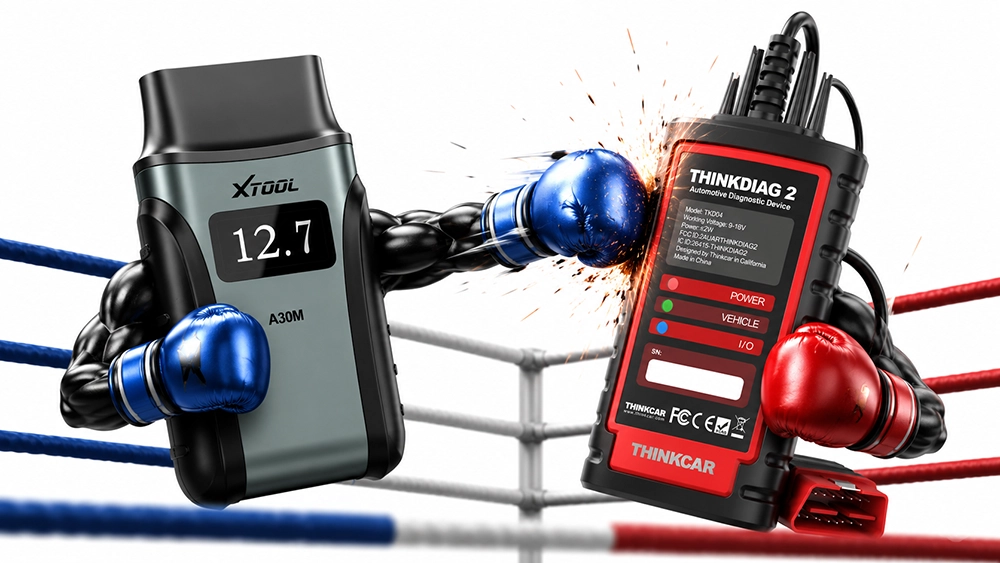
It needs a subscription, and that’s the main catch. Beyond global OBD the features are locked behind a yearly fee, which matters a lot when similar tools like the XTool A30D give you full-system and bidirectional with no subscription and lifetime updates. The DriverScan is cheaper than the ThinkDiag2, but “cheaper than its sibling” isn’t the same as good value against the wider field.
No ECU coding. This is the deliberate trade versus the ThinkDiag2, you can diagnose, test and reset, but you can’t unlock hidden features. If coding matters, this isn’t the one.
It also shares the usual Thinkcar/Mucar app quirks. Bidirectional reaction is a touch slow (a door lock took about 2 seconds where the ThinkDiag2 is near-instant), the AI analysis just repeats generic advice and isn’t useful in real diagnostics, and auto-VIN failed on some older models. None are dealbreakers, but you feel them.
Who should buy this
Yes, buy it if:
- You want fast full-system scanning and real bidirectional on your phone, and don’t need coding
- You like the Thinkcar/Mucar software and want it cheaper than the ThinkDiag2
- You’re fine with a subscription for that feature set
No, look elsewhere if:
- You don’t want a subscription, the XTool A30D does similar with lifetime updates and no fee
- You want ECU coding, the ThinkDiag2 keeps it
- You want the snappiest bidirectional response, this lags its pricier sibling slightly
Mucar Driverscan
 Thinkdiag2
Mucar Driverscan
Thinkdiag2
Mucar Driverscan
 XTool A30D
Mucar Driverscan
XTool A30D
Mucar Driverscan
 Mucar BT200 Max
Still deciding rather than chasing a DriverScan deal? I line up the full-system Bluetooth scanners I’ve tested in my [best bidirectional OBD2 scanners] roundup. The short version: the DriverScan is a fast, well-covered phone scanner, but the roundup shows why a no-subscription tool like the A30D often wins on value.

Final word
The Mucar DriverScan is a fast, well-covered full-system phone scanner with real bidirectional tests, running ThinkDiag2-grade software for less, with ECU coding removed to hit the price. The catches are a subscription and the usual app quirks (slightly slow bidirectional, unhelpful AI), especially next to the XTool A30D which does similar with no fee and lifetime updates. If you want the Thinkcar software cheaper and don’t need coding, it’s a solid pick. If value or coding matters most, look at the alternatives.
Most popular OBD2 guides









Responses