
How to activate US-style turn signals for Volkswagen Golf MK5
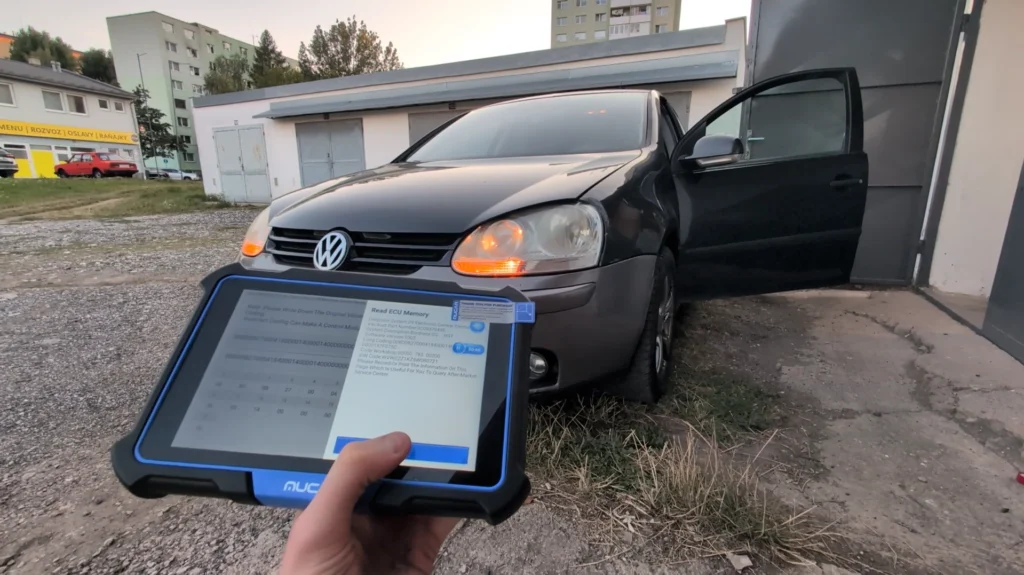
This is complete step-by-step procedure for activating US-style turn signals (parking lights in indicators) on VW Golf MK5 using coding in Central Electronics module.
Affiliate Disclosure: iamcarhacker.com is an Amazon and other affiliate programs Associate. As an Amazon Associate, I earn from qualifying purchases. Full Affiliate disclosure.
Technical overview
| Item | Details |
|---|---|
| Vehicle | VW Golf MK5 (platform PQ35) |
| Applicable models | Golf V, Jetta, Touran, Audi A3, Octavia II, other PQ35 cars with compatible Central Electronics module |
| System | Central Electronics (Module 09) |
| Difficulty | Easy–Medium |
| Time required | ~3–5 minutes |
| Prerequisites | Compatible diagnostic tool with long coding support |
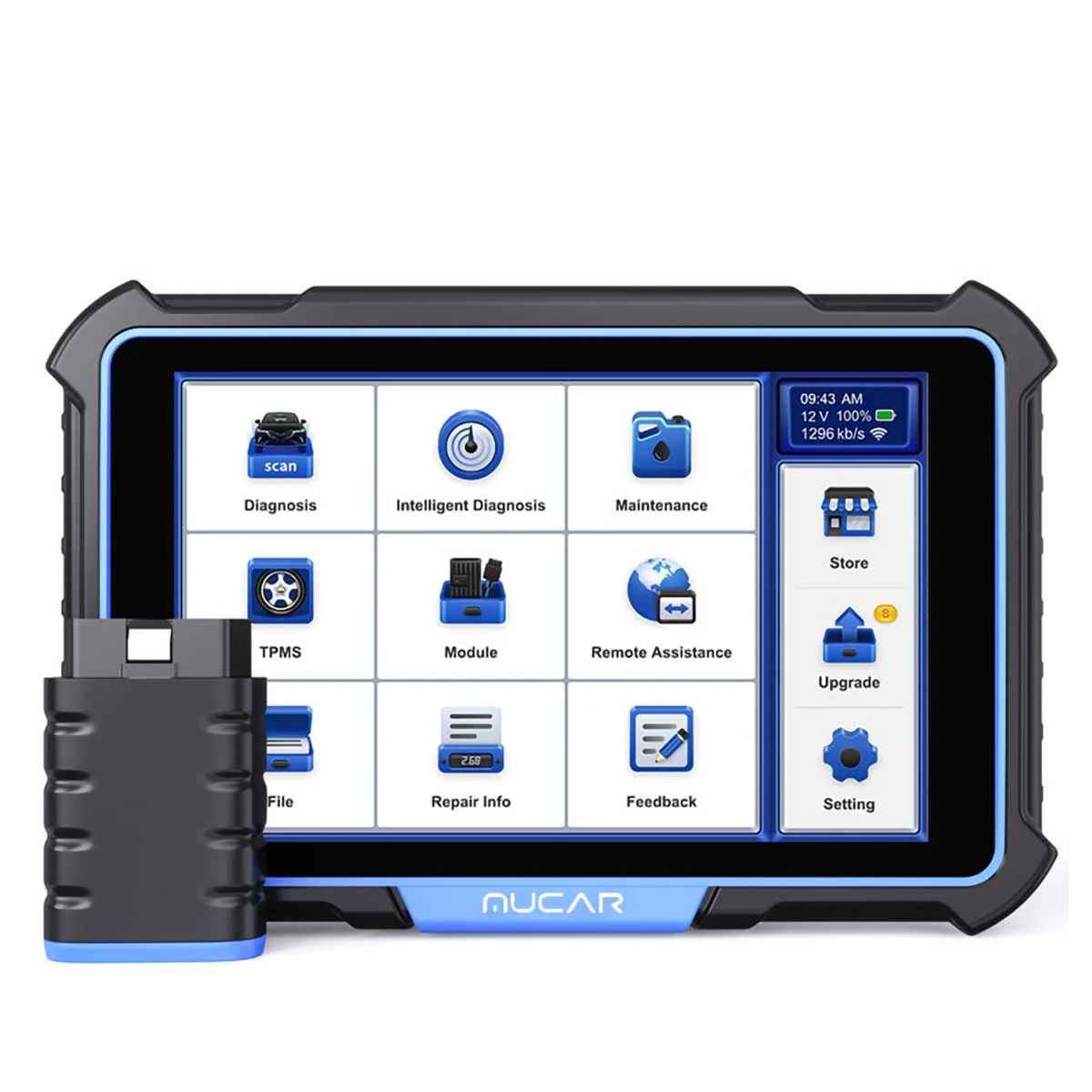
Used tool
How to code US-style turn signals step-by-step
1. Connect diagnostic tool
- Ignition ON
- Connect to vehicle
- Enter control units
2. Open module
Go to:
09 – Central Electronics
3. Enter coding
Open:
Long Coding
4. Navigate to byte
Go to:
Byte 7
This byte controls parking light behavior in turn signals.
5. Set brightness value
Value determines how bright the indicator glows when used as parking light.
Example from video:
- Hex value: 40 → about 25% brightness
✅ Brightness table
| Brightness | Hex value |
|---|---|
| 0% (disabled) | 00 |
| 10% | 19 |
| 20% | 33 |
| 30% | 4C |
| 40% | 66 |
| 50% | 80 |
| 60% | 99 |
| 70% | B3 |
| 80% | CC |
| 90% | E6 |
| 100% | FF |
✔ Recommended values
- 30–40% → OEM-style look
- 50%+ → very bright, may look aftermarket
- >70% → often too bright for daily use
6. Save coding
- Confirm coding
- Exit module
- Cycle ignition
7. Test
- Turn on parking lights
- Indicators should glow dimly
- Turn signal should still flash normally
Video: How to code permanent turn signals and adjust brightness for Golf MK5
This video shows how to code permanent turn signals and adjust brightness for Golf MK5
Additional Information & Compatibility Notes
Before using or purchasing any diagnostic tool for this procedure, always verify compatibility with your exact vehicle model, year and system configuration. Supported functions may vary depending on software version, hardware revision and regional limitations.
Alternative tools
Related guides & background information
Legal & safety notice
This modification may not be road-legal in all countries.
Always check local regulations before enabling US-style lighting.
Incorrect coding may cause lighting malfunctions or error messages.
Always save original coding before making changes.

Responses