
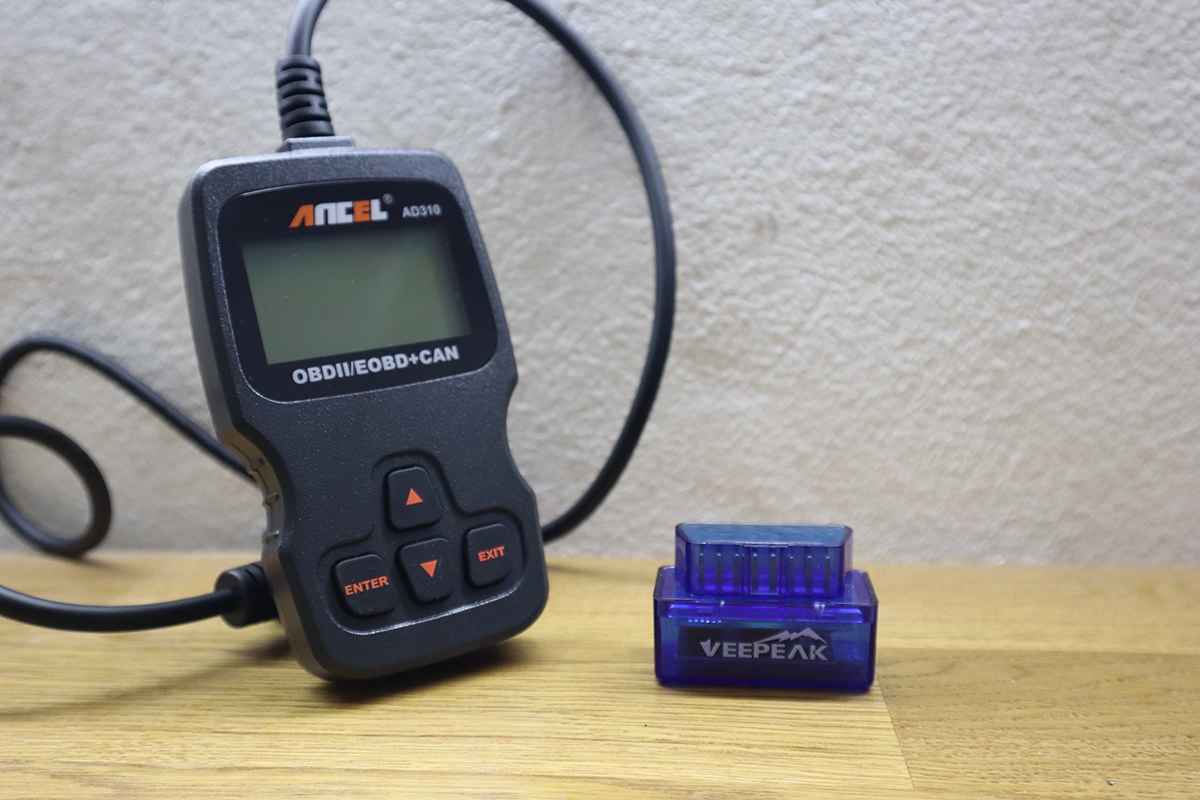
If you’re just getting started with OBD2 scanners, this section will help you understand the basics without confusion.
You’ll learn how scanners work, what they can actually do, and how to use them in real-world diagnostics.
These guides are designed to give you practical knowledge you can apply immediately when checking or diagnosing a car.
What is an OBD2 port?
The OBD (On-Board Diagnostics) port is a 16-pin connector that allows you to connect an OBD scanner to your car. This connection lets you communicate…
OBD2 Engine live data explained
If you are just a general car owner or starting hobby mechanic, you might feel confused after looking at the engine live data on your…
Bank 1 vs Bank 2: Locate them on any vehicle
When dealing with your car’s engine data, the terms Bank 1 and Bank 2 can be confusing. Here’s a quick guide to help you out.…
OBD2 readiness monitors explained
I/M Readiness (Inspection/Maintenance Readiness) indicates if your vehicle’s emissions control system has completed self-tests. It’s a basic feature accessible on most OBD2 scan tools, showing…
Fuel trims explained | STFT, LTFT (%)
Here are the fuel trims explained in very simple language to help you understand what these readings tell and how can you use them to…
How to read car fault codes
Check how to read car fault codes as a beginner and find out why is your check engine or other dashboard light illuminated. There is…
What is freeze frame in OBD2
Freeze frame data is a set of information your car’s computer saves when it detects a problem. Imagine it as your car taking a selfie…
What Is OBD2? (Explained With a Real Bench Setup)
Most articles explain OBD2 in theory. I’ll show you how it actually works using a real engine wiring harness I pulled out of a car…
What is global OBD?
When it comes to all functionality of OBD2 scanners, the global OBD is that mandatory part that must work on every car with an OBD2 system and…
How to connect OBD2 scanner to car
A scanner is connected to the car via the OBD-II port. That’s a 16-pin connector located close to the steering wheel. Usually, it is under…
What is data logging on OBD2 scanner?
Data Logging is the process of recording various vehicle parameters while you drive. It captures real-time data from different sensors, allowing you to review how…
