
XTOOL D7 TESTED | Honest Review

Last Updated on February 4, 2026 by Juraj
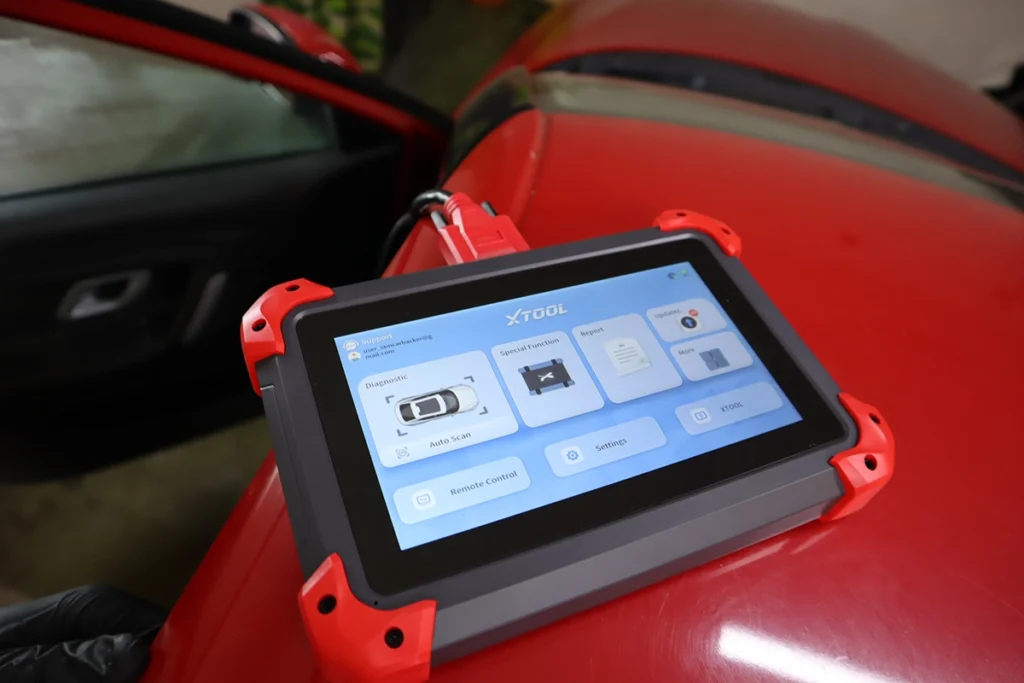
I tested the XTOOL D7 on an older Skoda Fabia and pushed it through full-system scan, live data, bidirectional tests, basic ECU coding and service functions to see if this cheap tablet can replace more expensive shop tools.
Affiliate Disclosure: iamcarhacker.com is an Amazon and other affiliate programs Associate. As an Amazon Associate, I earn from qualifying purchases. Full Affiliate disclosure.
Sponsored Warning: I got this product for free to make a review. Despite that, I provide an honest review based on personal testing and share my truthful opinion of the product. Read more in sponsor policy.

XTool D7
XTOOL D7 is a full-system tablet scanner with a wired connection (tablet → OBD cable). You get full-system scan, bidirectional tests, live data graphs and recording, plus partial ECU coding and around 35+ service functions depending on car and region.
Compared to Bluetooth-only tools, D7 is more stable. The cable powers the tablet while you work, so battery actually goes up during a long session. Interface is simple, typical XTOOL: Diagnostics, Special Functions, Update, Settings. No subscription pop-ups in my testing.
Find the best price
What This Tool Actually Is
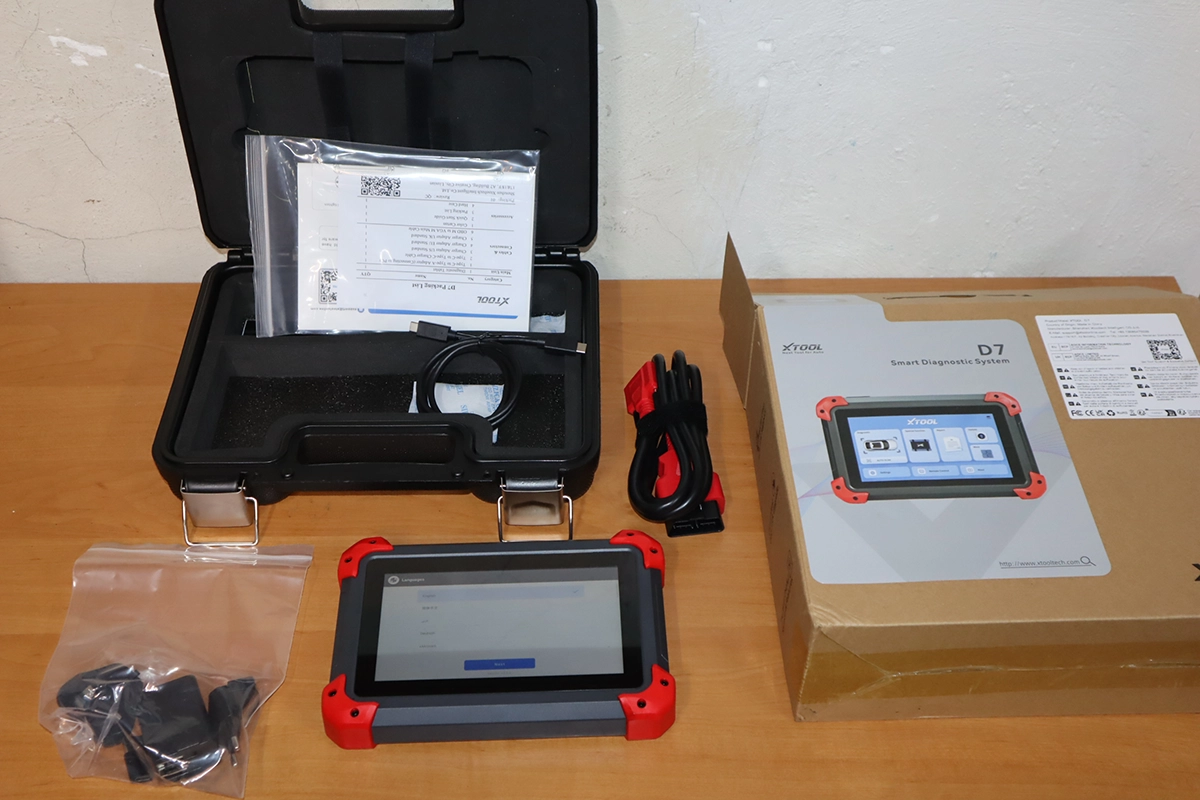
XTOOL D7 is a mid-range full-system tablet scanner.
Hardware: tablet with its own software, wired cable to OBD.
Software: full-system diagnostics, bidirectional tests, partial ECU coding, and 20+ service functions.
It fits into my “Bi-directional Scan Tools (Tablet Style)” bucket: standalone devices with full-system access, active tests and resets, no phone required.
It’s meant for DIY mechanics and small workshops who want something more serious than Bluetooth dongles but don’t want to spend K7 / Autel money.
Test Results on Real Cars

I tested it on real cars.
Cars used:
- Škoda Fabia 2007 (older VAG, K-line protocol – main test car)
Full-system scan:
- Auto scan found all modules present on the car
- 4 faulty modules, 30+ good modules
- You can open a DTC list that shows every code from every module at once
- You can generate a diagnostic report, fill in vehicle/customer/shop info and export a nice PDF for printing or email
Per-module diagnostics:
- From the module list you hit “Diagnosis” to enter any ECU
- Inside each module you get:
- System Information (part number, coding, protocol, etc.)
- Read DTC / Clear DTC
- Live Data (full list + custom list + graphs)
- Freeze Frame
- Actuation Test (bidirectional)
- Adaptation / Basic Settings / Security Access / Coding on VAG
Live data on instrument cluster:
- Custom list lets you pick your own PIDs
- My Fabia cluster had 66+ parameters available
- Graphs worked for RPM and vehicle speed
- Multi-graph view is there, you can pause, scroll back and inspect
- Recorded data can be saved as CSV for later analysis, same style as I teach in my OBD fundamentals.
Freeze frame:
- For stored codes, D7 shows snapshot data at the time the fault set
- Behavior matches standard freeze frame logic from OBD Module 8.
Bidirectional tests (actuation):
- On this older VAG, each module has an actuation test sequence
- Example in instrument cluster:
- RPM gauge sweep
- Speedometer sweep
- Warning lights test
- Buzzer / gong tests
- On most newer cars, you should see individual test items (fan, pump, lights, etc.) as long as the ECU supports them.
Coding / adaptations on VAG:
- Engine and body modules exposed adaptation and coding menus
- Example: changed comfort turn signal flash from 3 blinks to 5 and back
- Coding screen shows value tables and notes that “coded value is the sum of individual choices” – classic long-coding logic
- Basic settings and security access also exist, but you must know channel numbers / logic from service info or the web
Everything worked without crashes. Only auto-VIN detection did not work on this older K-line Fabia (normal).
Manufacturer Specs vs Real Testing
| Area | Manufacturer Claim | What I Saw in Testing |
|---|---|---|
| Full-system scan | Full-system on many brands | Confirmed on Škoda Fabia with many modules listed |
| Bidirectional tests | Active tests supported | Actuation sequence worked on cluster; expected menu-style on newer cars |
| ECU coding | Partial ECU coding on supported cars | VAG adaptation/coding worked on Fabia; coding depth moderate |
| Service functions | 20+ special functions | Around 30+ visible in menu; not all supported on older Fabia |
| Updates | No paid subscription in specs | Update menu let me select brand and function updates; no subscription prompts in my testing |
| Live data | Graphs and recording | Custom lists, multi-graphs and CSV export all worked fine |
| Stability | Workshop-grade tablet | No app crashes, only auto-VIN failed on this older K-line car |
Hardware / Software / Plans / Internet Dependency

Hardware:
- Standalone tablet, no phone or PC needed
- Wired OBD cable (proprietary VCI built into the cable)
- Cable powers the tablet; battery level went up during my session
- Fewer points of failure than Bluetooth: no pairing issues, no wireless dropouts
Software behavior:
- Home screen: Diagnostics / Special Function / Update / Settings
- Interface is simple and predictable if you used any XTOOL tablet before
- Vehicle selection: by brand → region → model → year; auto-VIN works better on CAN cars (not on my Fabia)
Plans / updates:
- Specs say lifetime updates for D7.
- In testing I saw normal update screen with brand packages and special functions; no subscription paywall shown
- So long-term cost looks like one-time purchase
Internet / cloud:
- You need Wi-Fi for software updates
- Basic scan, coding and service resets run offline as long as software is installed
- No cloud-only coding in my testing; it behaves like a normal tablet scanner
Coding risks:
- Same rules as any coding-capable tool:
- Use stable power (charger/booster)
- Don’t randomly toggle options you don’t understand
- Wrong coding can brick modules
Supported Service Resets
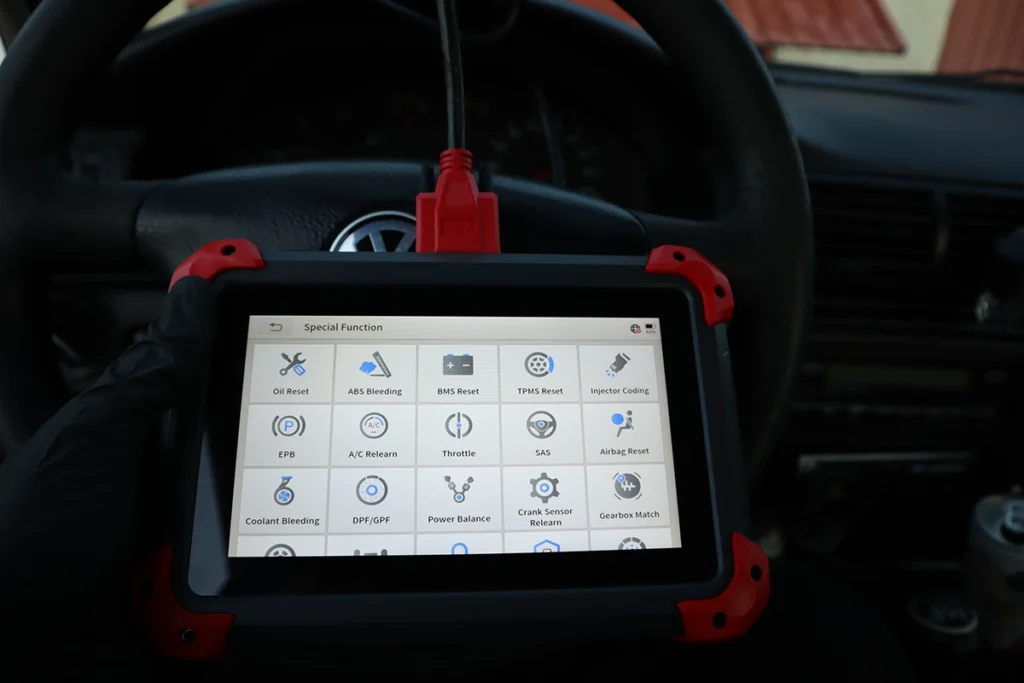
Special Function menu:
- About 30–36 service functions listed (5 per row, 6–7 rows)
- Includes core items like oil reset, ABS bleeding, injector coding, EPB, throttle body adaptation, steering angle reset, and more
Important:
- Not every function works on every car
- On my Fabia, many advanced tests and resets simply said not supported or did nothing
- Same as any scanner: the car’s ECU must support a procedure before any tool can run it
For modern cars that support these procedures, D7 should cover the usual service jobs you expect from a mid-range tablet.
Supported Languages
Settings menu shows multiple languages.
Exact list depends on your region package, but there are many European choices plus English.
From experience:
- English texts are the clearest
- Other languages are usable but some descriptions are short or literal
- For serious diagnostics or coding, I still recommend English + checking explanations online when needed
Comparison Section
vs iCarsoft CR Max+
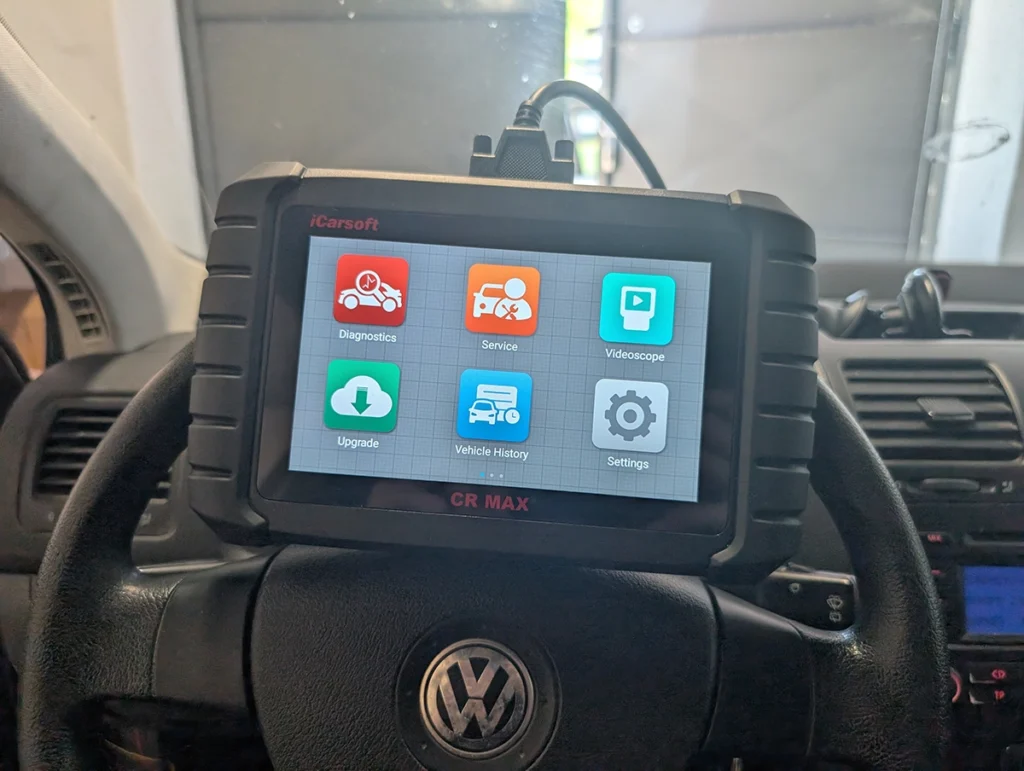
iCarsoft CR Max+ is a big improvement over the older CR Max.
It now has free lifetime updates, full-system diagnostics, and on VAG cars it supports ECU coding. Coding depth on CR Max+ can be better than XTOOL D7 on some VW/Audi/Škoda/SEAT models. So if your main focus is VAG coding, CR Max+ actually performs very well.
Where CR Max+ still struggles is service resets and active tests. XTOOL D7 usually runs these procedures more smoothly. D7 also gives you better live data handling, better graphing, and easier CSV exporting.
So D7 is more comfortable for diagnostics and servicing, while CR Max+ is stronger for VAG coding.
| Tool | Summary |
|---|---|
| XTOOL D7 | Better for service resets, active tests, live data, and general diagnostics. More stable for everyday workshop tasks. |
| iCarsoft CR Max+ | Free lifetime updates, full-system scan, and stronger VAG ECU coding. Coding depth often beats D7 on VAG brands. |
Pick CR Max+ if your priority is VAG coding.
Pick XTOOL D7 if your priority is service work, live data, and smooth daily diagnostics.
If you want proper active tests and coding, D7 is the better choice.
vs Thinkcar ThinkScan 689BT

ThinkScan 689BT is a tablet with Bluetooth VCI, full-system, service resets and ECU coding, with free lifetime updates on the unit I tested. It is wireless, while D7 is wired.
689BT strengths from my testing:
- Bluetooth VCI and magnetic dock
- Full-system and bidirectional tests
- Coding and online coding menus across brands
- Lifetime updates (per the product variant I had)
D7 strengths:
- Solid wired connection
- No Bluetooth pairing issues
- XTOOL live data, graphing and CSV export ecosystem
- Very similar or slightly higher service reset count in the menu
| Tool | Summary |
|---|---|
| XTOOL D7 | Wired tablet, full-system, bi-di, partial coding, 20+ service modes, lifetime updates. |
| ThinkScan 689BT | Tablet with Bluetooth VCI, full-system, service resets and ECU coding, lifetime updates on your tested unit (bundle details can vary). |
Pick D7 if you prefer:
- No Bluetooth
- Constant charging while working
- XTOOL ecosystem and wired stability
Pick 689BT if you prefer:
- Wireless dongle
- Working around the car without cable drag
- Thinkcar ecosystem and online-coding-style workflows
vs Kingbolen K7
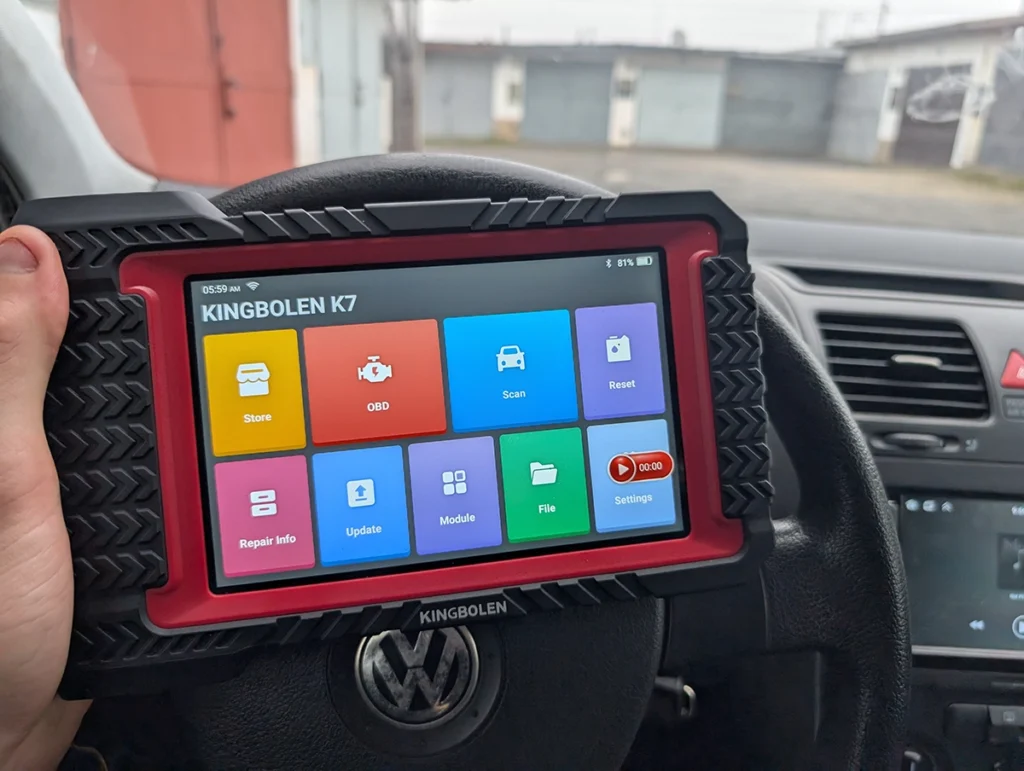
Kingbolen K7 is a more advanced tablet with:
- Wireless Bluetooth VCI
- Full-system diagnostics
- Strong ECU coding (especially VAG)
- Around 28 service reset functions
- Lifetime updates
- Very fast scan speed and nice interface
Compared to D7:
- K7 is closer to “semi-pro” level with deeper coding and active tests confirmed on multiple cars
- K7 is more expensive but gives stronger VAG coding and long coding support
- D7 sits a bit lower: still full-system + coding, but with moderate coding depth and no fancy extras like topology maps
| Tool | Summary |
|---|---|
| XTOOL D7 | Mid-range full-system, bi-di, partial coding, wired, lifetime updates; good value entry into pro space. |
| Kingbolen K7 | Higher-end tablet with stronger coding, very fast scans, 28 service resets, wireless VCI, lifetime updates. |
If you’re a DIY user stepping into professional diagnostics, D7 is a smart cheaper option.
If you run a shop or want the strongest coding and active tests, K7 is worth the extra money.
Final Verdict
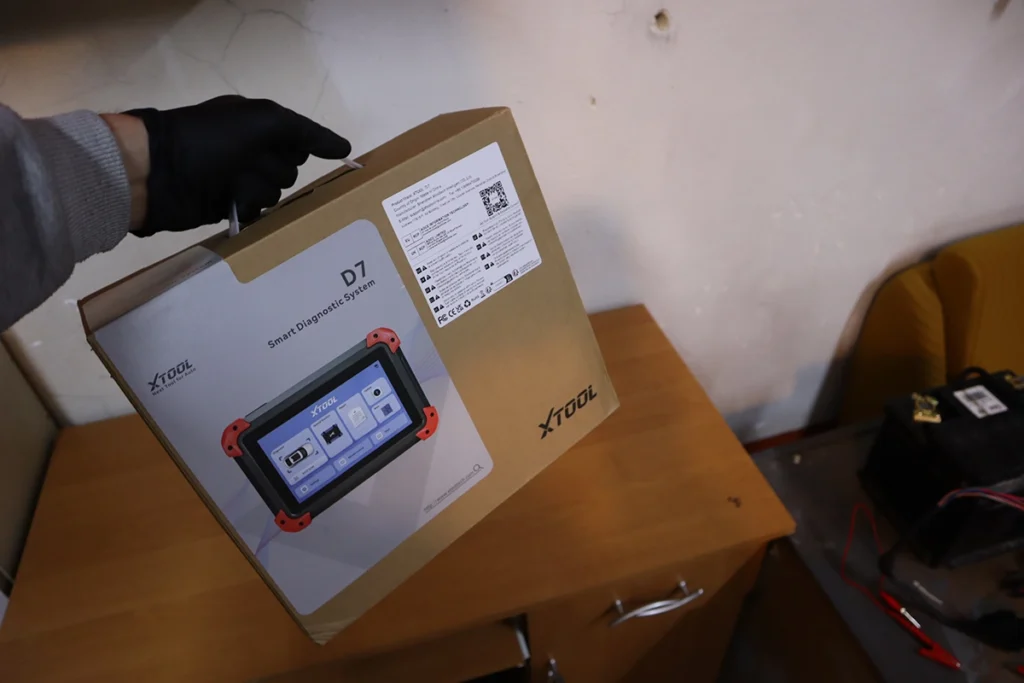
XTOOL D7 is one of the best-value wired tablets in the mid-range right now. Full-system scan, real bidirectional tests, live data graphs, CSV export, a long list of service functions and partial ECU coding – all in one unit with no subscription in my testing.
Buy it if you want a reliable wired tablet that just works every time you plug in.
Skip it if you need very deep coding or heavy IMMO work – tools like Kingbolen K7, VCDS or OEM software are still better there.
How to save money:
- Check for official XTOOL deals and your 10% coupon
- One-time purchase with lifetime updates means the tool pays off over years
- Remember: plans and unlocks (if any in the future) are always activated in the user dashboard, not randomly in the app
And always respect this: even with a solid scanner like D7, no tool is magic. Advanced functions depend on both the scanner and the car. Wrong coding or interrupted service resets can still damage modules.
Features support check
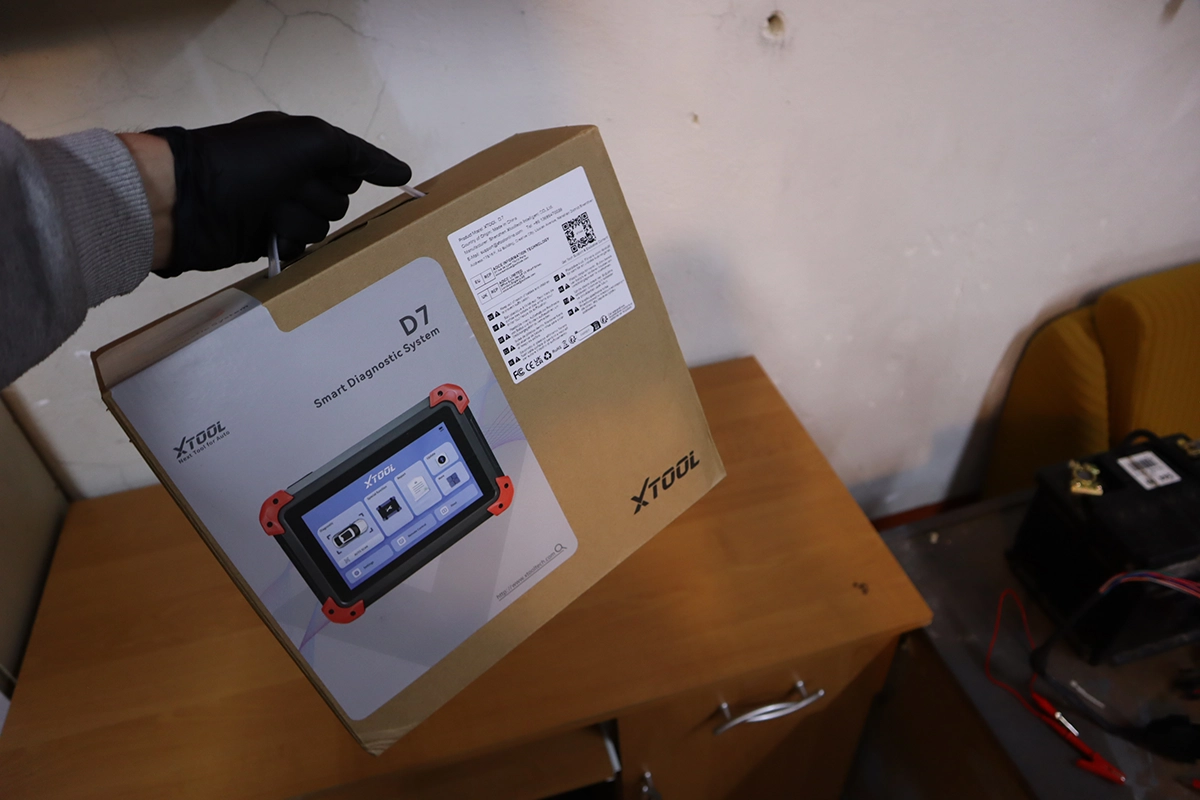
Cannot say anything bad, for one of the cheapest scan tools you are getting literally everything you will need as a DIY mechanic or semi-professional. In one device. For model/feature support ask here:
Most popular OBD2 guides









Responses