
Mucar TP90 TPMS tool | Owner’s Review


Last Updated on December 6, 2025 by Juraj
Mucar TP90 is one of the most affordable tools I could find to help me deal with TPMS light issues. While it costs the same as a better engine code reader, it can capture frequencies from car keys and TPMS sensors which helped me solve my problem. By the way, it even works as an engine code reader!
Affiliate Disclosure: iamcarhacker.com is an Amazon and other affiliate programs Associate. As an Amazon Associate, I earn from qualifying purchases. Full Affiliate disclosure.

Mucar TP90 TPMS
TP90 is a multifunctional tool that works as an engine code reader, a TPMS service tool, and even captures car key frequency!
It is not perfect but can be a good choice for starting a tire shop or DIY tire service considering its price.
Who tested product & wrote this review?

Tester & Editor for this review: Juraj Lukacko
Hello, I am Juraj (Yuri) and I tested this product to help you decide if it is something you would want to buy, and if yes, show you how to use it.
I make honest reviews based on personal testing in my own garage and If I see the product is bad, I will make it very clear in review.
Read more about how I do reviews on Iamcarhacker.com in my review policy.
I solved the TPMS light

I got it to fix the TPMS light for my friend’s Corolla. Each Tire Pressure Monitoring System sensor has a unique ID number so your TPMS module now, which wheel is transmitting data and if it is even a sensor from your car.
When you change wheels or sensors, there is a difference between the ID numbers on your sensors and the ID numbers in your TPMS module causing your TPMS system not to work and the TPMS light ON.
First I read TPMS sensor IDs
I put TP90 close to the TPMS sensor and hit the signal button.

Continue to get ID from all 4 wheels, or even all 5 if you have a spare as well.

I had trouble writing IDs to my control module
I tried all options but I had a hard time writing sensor IDs to the control module. The tool should be able to do it, it even can do a comparison of IDs by OBD & signal.
It means, that after finding TPMS IDs from the signal, you can plug it into the OBD2 port.

And compare sensor IDs from signal & OBD to see if they match. Here is a photo after fixing the problem:

Sensor’s match but I had to use another tool for writing IDs in my TPMS control module. However, I think that is the problem with this particular car, as it should work just with TP90 without using other tools.
For writing IDs, I used Mucar V07.
Conclusion: Testing Mucar TP90
Considering the price I still recommend it even though I had some problems writing sensor numbers but this is how it goes in OBD-II scanners.
Some scanners will simply not work correctly for certain models or option combinations.
But for the money I spend, I got a great tool to at least find out sensor ID numbers without me having to remove tires to read these IDs on sensors directly.

I got it from Aliexpress, the price was the cheapest there. Recommend to buy it here:
How to update Mucar TP90
There is a memory card adapter included with a tool that you can use to update with their client.
Download update client HERE.

Will TP90 work for my car?
Check out the TPMS vehicle coverage inquiry HERE (think car official website).
Popular OBD2 guides
See all guides
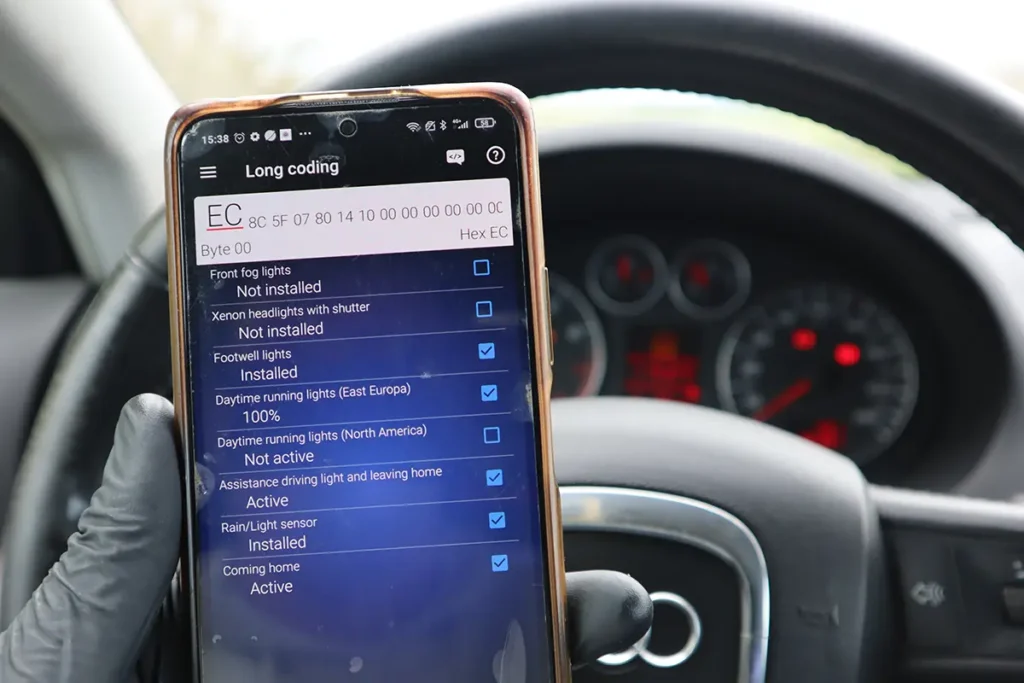
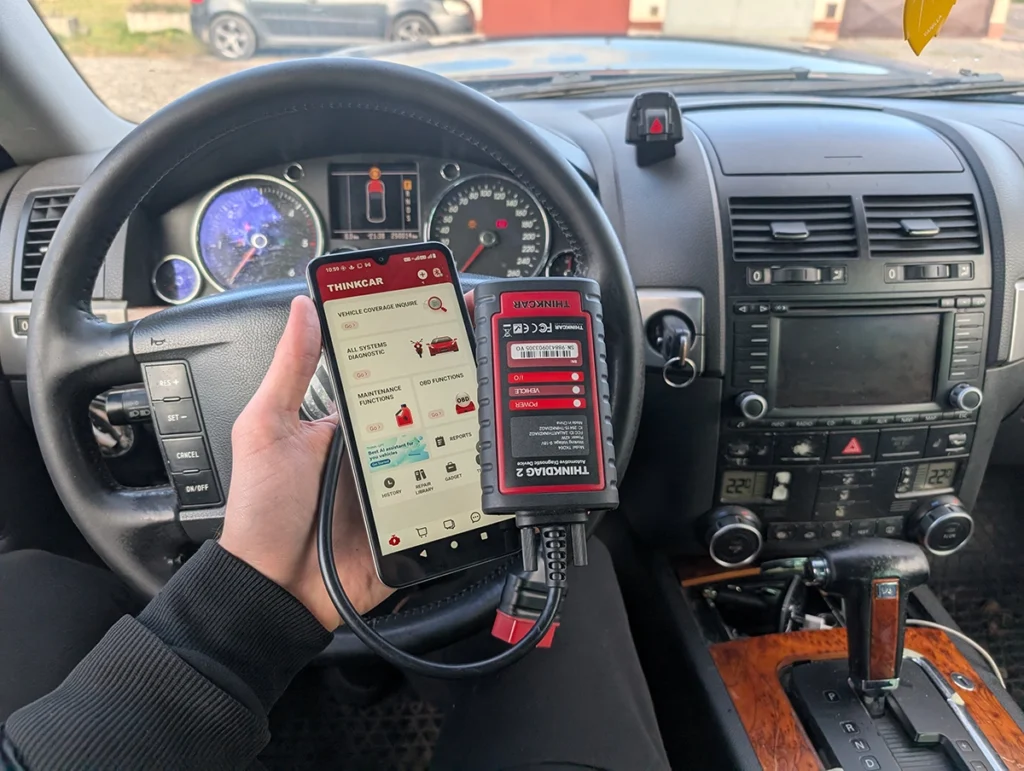
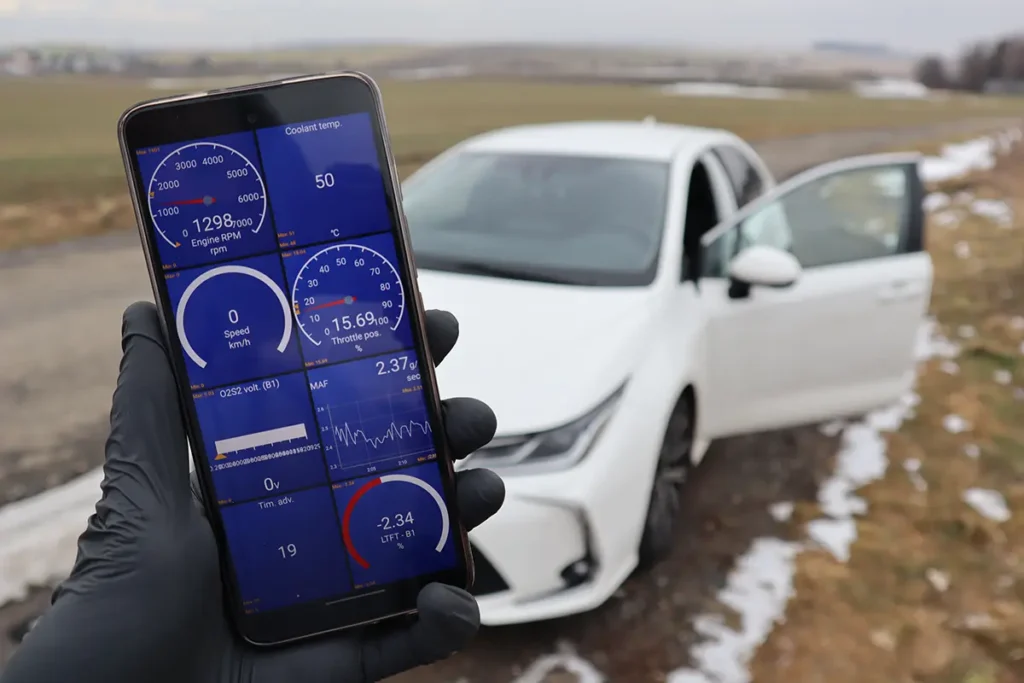
Best OBD2 scanners in 2025
I constantly test new OBD-II scanners to give you the best options possible. Here is a full list of the best tools in all categories currently.


Расскажите, пожалуйста, подробнее о процессе обновления прошивки Mucar TP90.
My TP90 didn’t worked at all when I first started it and I couldnt get update software to work. So I messaged seller on Aliexpress and he has send me new software which I copied to memory card and inserted into TP90. After that it worked fine.